



Katana (KAT) wallet
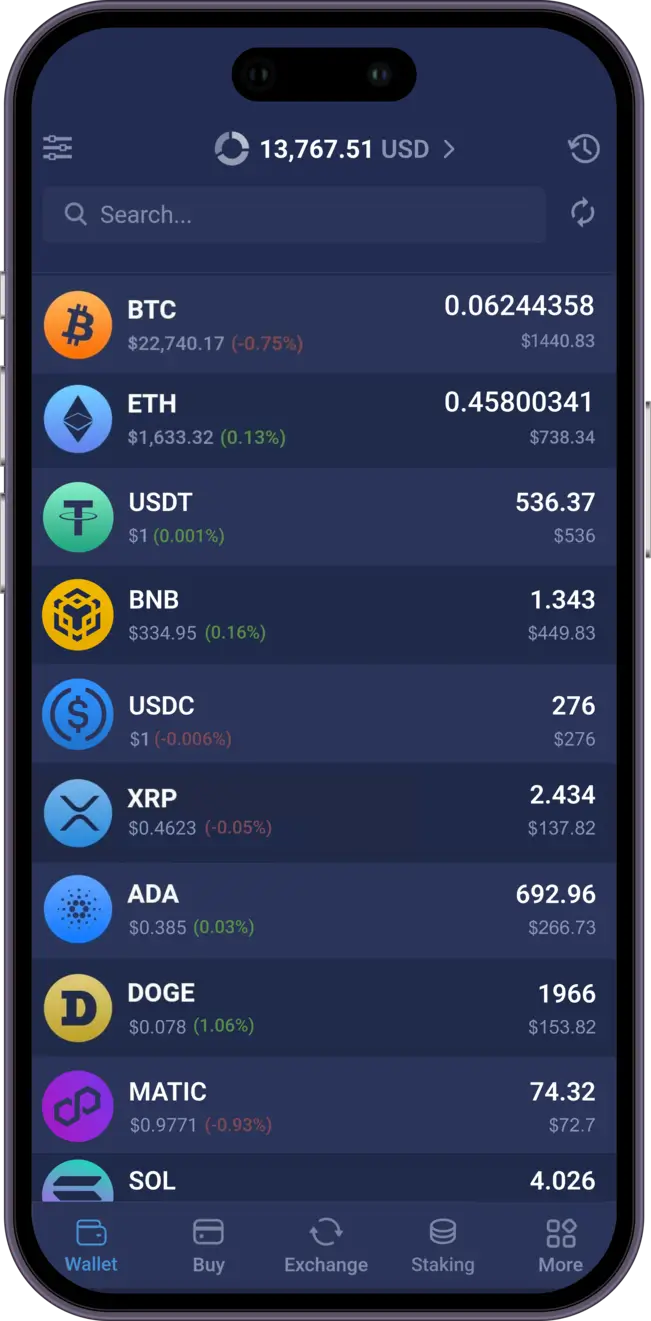
Manage your Katana, Ethereum, XRP, Litecoin, XLM and over 1000 other coins and tokens.
 Download Katana Wallet

Trusted by 15,000,000 users worldwide



What Our Customers Say
Rated 4.9 out of 5 stars from 27,424 happy customers!
![[object Object]](/images/reviews/review_1.webp)

![[object Object]](/images/reviews/review_2.webp)
![[object Object]](/images/reviews/review_3.webp)
![[object Object]](/images/reviews/review_4.webp)
![[object Object]](/images/reviews/review_5.webp)
![[object Object]](/images/reviews/no-avatar.webp)
Why Choose Atomic Katana wallet

Private
No registration and KYC required to use the app. We don't track your data
Secured
Your private keys are encrypted and never leave your device. Only you have control over your funds

24/7 Online Support
Fast support for your needs. Live chat and email support for customers from all over the globe.
Download Atomic Wallet

Windows

MacOS

Ubuntu

Debian

Fedora
Windows support update
Atomic Wallet Desktop supports Windows 10 and 11 only. Windows 7 and 8 are no longer supported.



Setting up Atomic Wallet
Download and install
In order to enjoy the functionality of the Atomic Wallet, one first needs to go through a simple process of creating a wallet.
- Download the installation file for your operating system from the official website and install the app. If you’re setting up a mobile wallet, the process is even simpler, since you’ll be installing via a marketplace automatically. If you need more specific instructions regarding a certain platform, check out our installation guide!
- After that’s done, run Atomic wallet, click ’Create Wallet,’ set up a strong password, and click Set Password. Make sure it is a unique and secure password that you don’t use for anything else.
- You will now see a 12-word seed phrase that can be used to restore access to the wallet. Be sure to keep it in a safe and secret place! Then click ’Open Wallet.’
- That’s pretty much it! You can now use the Atomic wallet. Find your wallet address and you can deposit the funds right away.
You can find a step-by-step guide on creating a wallet in Atomic and if you encounter any difficulties with any of the steps, feel free to contact our customer support by filling out this form.


