


Anonymous Bitcoin Wallet
Create a self-custody Bitcoin wallet without registration. This free, private Bitcoin wallet needs no ID verification and works on your phone and computer.
 Download Anonymous Bitcoin Wallet


Trusted by 15,000,000 users worldwide



What Our Customers Say
Rated 4.9 out of 5 stars from 27,424 happy customers!





Why Choose Atomic as Your Anonymous Bitcoin Wallet

Private
No registration and KYC required to use the app. We don't track your data

Secured
Your private keys are encrypted and never leave your device. Only you have control over your funds

24/7 Online Support
Fast support for your needs. Live chat and email support for customers from all over the globe.
Download Atomic Wallet

Windows

MacOS

Ubuntu

Debian

Fedora
Windows support update
Atomic Wallet Desktop supports Windows 10 and 11 only. Windows 7 and 8 are no longer supported.


What Is an Anonymous Bitcoin Wallet?
An anonymous BTC wallet lets you manage Bitcoin without submitting identity documents to create the wallet.
Create a Bitcoin Wallet Without Registration
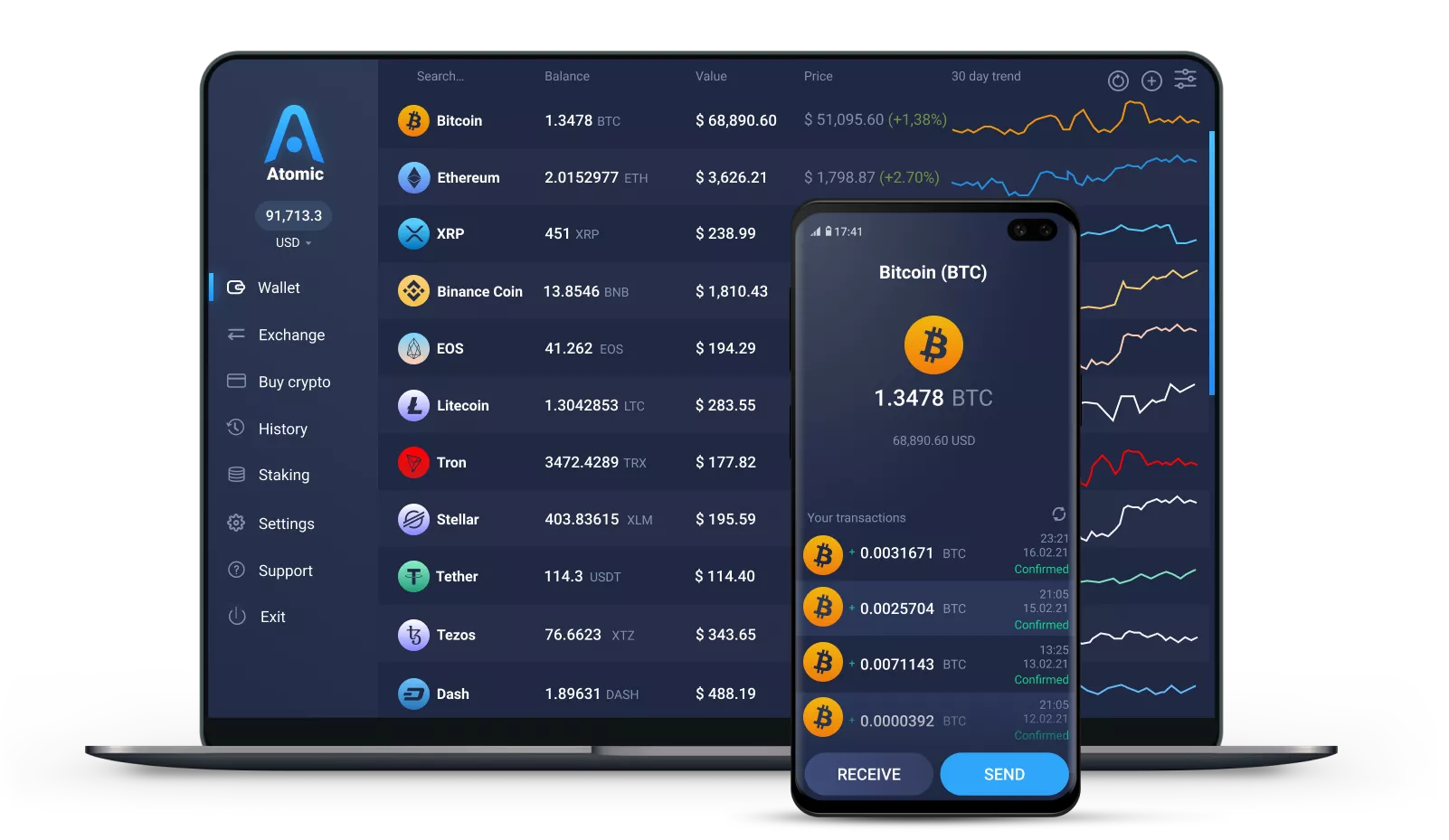
Atomic is a private Bitcoin wallet for storing, sending and receiving BTC. You can get started without uploading a passport, driver’s license or other identity document.
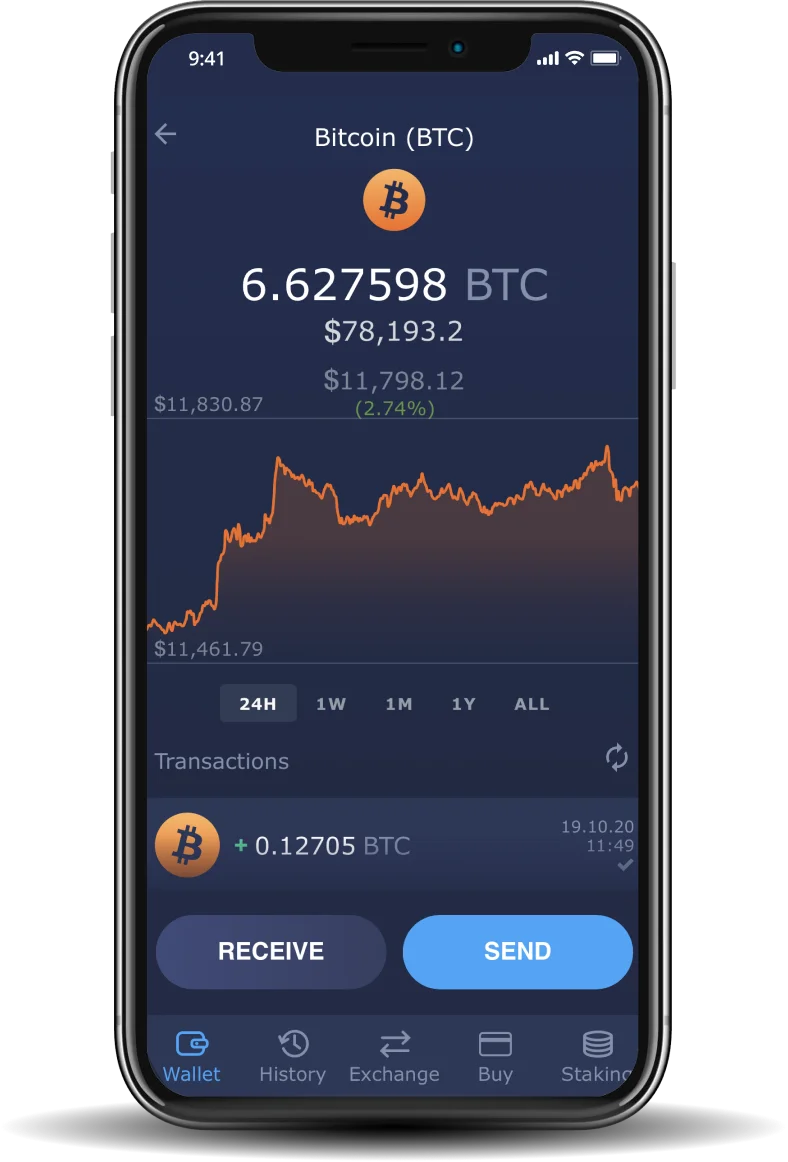
The app creates your wallet on your device, where you protect access with a password. Once setup is complete, you can view your BTC balance, check transaction history, share a receiving address and send Bitcoin from the app.
Atomic also works as a wallet for other supported assets. You can manage Bitcoin and supported coins and tokens in one anonymous crypto wallet, without creating separate accounts for each asset.
This applies to basic wallet use. Integrated purchase and swap providers may have their own verification requirements.
How Private Is a Self-Custody Bitcoin Wallet?
When choosing a wallet, check how it protects access to your funds and what information remains visible when you transact.
Private Keys Stay on Your Device
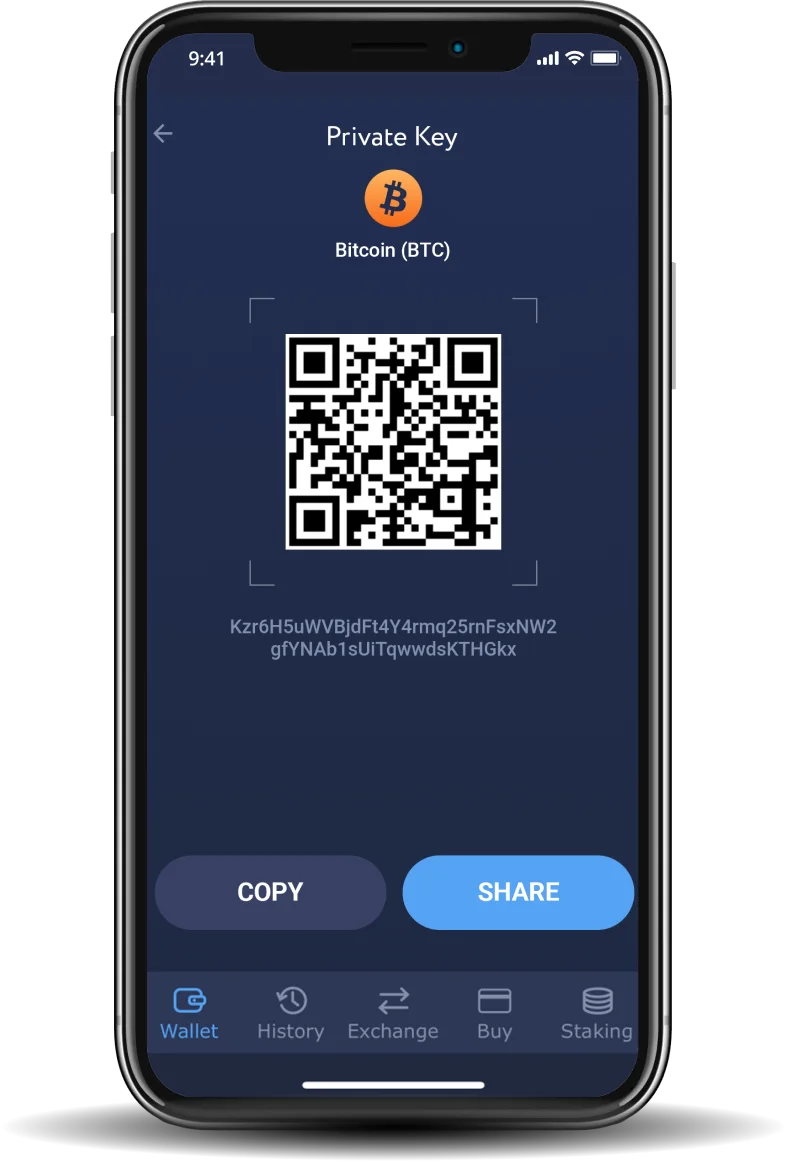
In a non-custodial Bitcoin wallet, your private keys authorize outgoing payments. Atomic encrypts and stores those keys on your device. Your password protects local access, while your 12-word backup phrase allows you to restore the wallet on a compatible device.
An encrypted Bitcoin wallet protects key storage. Keep your device secure and your backup phrase offline: anyone who obtains the phrase may be able to access your funds.
Is Bitcoin Anonymous or Untraceable?
Bitcoin is pseudonymous. Addresses appear instead of names, but addresses, amounts and transfers are recorded publicly. Encryption on your device does not hide those blockchain records.
For additional transaction privacy controls, compare the features available in dedicated wallets. Our guide to the best anonymous Bitcoin wallets explains the different approaches and their limitations.
How to Set Up an Anonymous Bitcoin Wallet
Follow these steps to create an anonymous Bitcoin wallet in Atomic:
- Download Atomic Wallet: Choose a supported version from the official download page.
- Create a new wallet: Follow the setup prompts and choose a strong, unique password.
- Save your backup phrase: Write down the 12 words in the correct order and store them offline. Never share them.
- Find your Bitcoin address: Select BTC, open Receive and copy your address or use the QR code.
- Receive Bitcoin: On the sending platform, select the Bitcoin network and double-check the destination address before confirming.
Free Anonymous Bitcoin Wallet With Only Network Fees
Downloading Atomic and creating a wallet cost nothing.
Sending BTC requires a Bitcoin network fee. Atomic does not add a separate fee for ordinary sending or receiving. Purchases, swaps and withdrawals through other providers may involve additional charges, so review the transaction details before confirming.
Can I create a Bitcoin wallet without ID verification?
Yes. Atomic lets you create a Bitcoin wallet without registration or identity documents. You can receive, store and send BTC using its basic wallet features.
Do I need an email or phone number to create a wallet?
No. Atomic does not ask for an email address or phone number when you create a wallet.
Can I swap Bitcoin for Monero in Atomic?
Atomic supports BTC-to-XMR exchanges through integrated providers when the pair is available. Review the quote, fees and provider requirements before confirming.
How do I recover my Bitcoin wallet?
Install Atomic on a compatible device and restore your wallet using your 12-word backup phrase. Keep the phrase offline and private: anyone with it can access your funds. Atomic cannot retrieve your backup phrase for you.


