



TRC20 Wallet
Manage your TRC20, Ethereum, XRP, Litecoin, XLM and over 1000 other coins and tokens.
 Download TRC20 Wallet

Trusted by 15,000,000 users worldwide



What Our Customers Say
Rated 4.9 out of 5 stars from 27,424 happy customers!
![[object Object]](/images/reviews/review_1.webp)

![[object Object]](/images/reviews/review_2.webp)
![[object Object]](/images/reviews/review_3.webp)
![[object Object]](/images/reviews/review_4.webp)
![[object Object]](/images/reviews/review_5.webp)
![[object Object]](/images/reviews/no-avatar.webp)
Why Choose Atomic TRC20 wallet

Private
No registration and KYC required to use the app. We don't track your data

Secured
Your private keys are encrypted and never leave your device. Only you have control over your funds

24/7 Online Support
Fast support for your needs. Live chat and email support for customers from all over the globe.
Download Atomic Wallet

Windows

MacOS

Ubuntu

Debian

Fedora
Windows support update
Atomic Wallet Desktop supports Windows 10 and 11 only. Windows 7 and 8 are no longer supported.



TRC20 Wallet
Atomic Wallet supports TRON-based TRC20 tokens and allows users to manage them in a simple non-custodial interface. For many users, the main question is not only how to store TRC20 tokens, but also how TRC20 compares with ERC20 and which network is better for transfers.
This page explains the key differences between TRC20 and ERC20, how to send tokens using the right network, and what to consider when choosing the best option for your transaction.
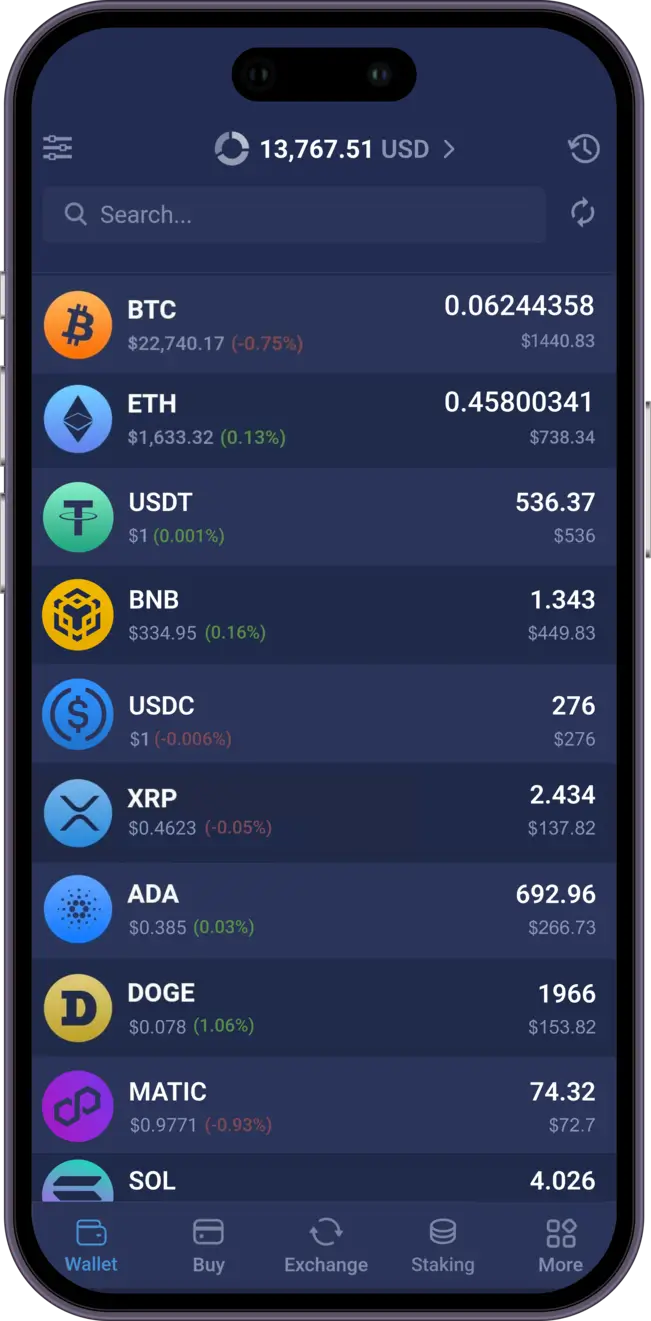
Atomic Wallet supports ANY Tron TRC20 tokens. Manage the built-in ones or add any custom by sending it to your Atomic Wallet ETH address. Neat and simple! Furthermore, you are able to manage most top blockchains besides ETH: Bitcoin, Ripple, Litecoin, EOS, TRON and many more!
More than Just a Crypto Wallet:
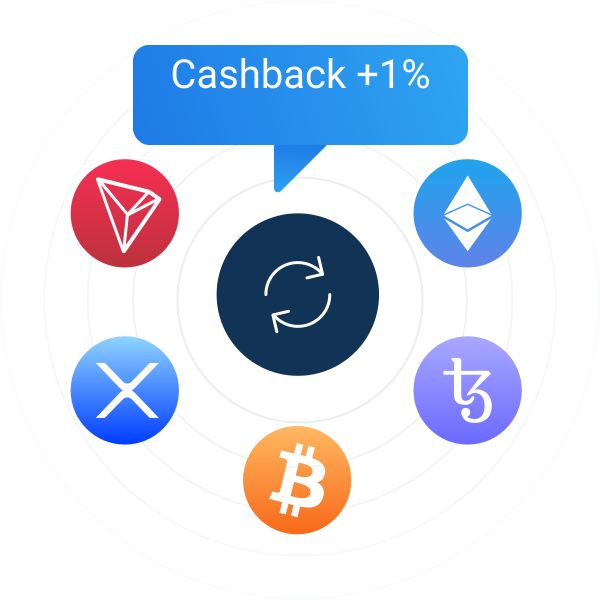
- Built-in swap is available for 60+ pairs with small fees and no KYC.
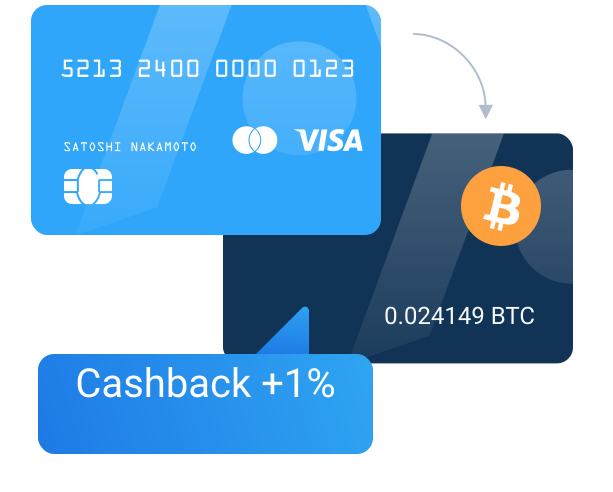
- Buy top 5 Cryptos right in the app: BNB, BTC, ETH, XRP, LTC, BCH
- Receive a cash back!
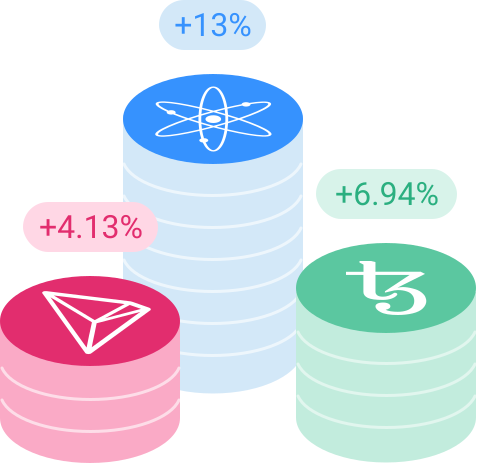
- Store many coins in a secure way!
The most reliable and impeccable option for storing assets now is a crypto wallet. Only in this way investors and users can save their money without fear of malicious actions.
Atomic Wallet is the best cryptocurrency wallet that supports all popular currencies. The advantages of the Atomic Wallet are now undeniable because it offers a high level of security.
Private keys always remain on the user side.
All your private keys are encrypted and never leave your device! Atomic is decentralized and you can be anonymous at any time.
You can use Atomic Wallet for a reliable storage option, which has developed its own management standard, as well as technical documentation for the development of the ecosystem.
Simple interface convenient for anyone.
Atomic Wallet interface is smooth and available for everyone. You’re able to switch the network fee, set up the amount to send in USD or switch the balance to your local currency, swap or purchase crypto right in the interface.
All Ethereum tokens supported: you can add any ERC20 tokens in Atomic Wallet and manage them without a hassle.
Thus, users can add absolutely any ERC-20 token, participate in the ICO and/or simply store their favourite tokens, which previously could be managed only on the ETH wallet. You can make instant swap between ETH and BTC pairs as well.
Extra features: built-in cryptocurrency swap, buy-crypto feature.
Atomic Wallet is a multi-currency wallet that provides maximum convenience for users when it comes to managing crypto assets. All of these are in users ‘ wallets without having to go through the grueling process of sending tokens to various exchanges for storage. In addition, one of the main features of the Atomic Wallet is the ability of users to swap cryptocurrency. This makes the wallet a multifunctional and incredibly convenient mechanism for swapping crypto assets.
TRC20 vs ERC20: What Is the Difference?
Many users compare TRC20 and ERC20 before sending stablecoins or other tokens. Both are token standards, but they work on different blockchains and can lead to different transaction costs, speed, and wallet compatibility.
| Feature | TRC20 | ERC20 |
|---|---|---|
| Blockchain | TRON network | Ethereum network |
| Typical transfer speed | Usually faster for simple token transfers | Can vary depending on Ethereum network activity |
| Network fees | Often lower for common transfers | Can be higher during network congestion |
| Wallet compatibility | Requires TRON-compatible wallet support | Requires Ethereum-compatible wallet support |
| Best known for | Low-cost token transfers on TRON | Broad Ethereum ecosystem compatibility |
| Best for | Users prioritizing lower fees and faster transfers | Users interacting with Ethereum-based apps and assets |
For many users, TRC20 is attractive because transactions are often cheaper and faster than ERC20 transfers. ERC20, however, remains important because it is deeply integrated into the Ethereum ecosystem and widely supported by exchanges, DeFi protocols, and token projects.
Which Network Should You Choose?
Choosing between TRC20 and ERC20 depends on what you want to do with your assets. The right network is not always the cheapest one — it is the one that matches the wallet, exchange, or platform you are sending to.
Choose TRC20 if you want:
- Lower network fees for token transfers
- Fast movement of funds between wallets or exchanges
- A transfer on the TRON network
- A practical option for common stablecoin transfers
Choose ERC20 if you want:
- Compatibility with Ethereum-based wallets and platforms
- Access to Ethereum DeFi and token ecosystems
- Support for assets issued on Ethereum
- Integration with services that specifically require ERC20
In simple terms, TRC20 is often better for lower-cost transfers, while ERC20 is often better when you need Ethereum ecosystem compatibility. Always choose the network that exactly matches the receiving address and the receiving platform's supported deposit network.
How to Send TRC20 Tokens
Sending TRC20 tokens is simple, but the most important step is choosing the correct network. If the sender and receiver use different networks, the transfer may fail or funds may be difficult to recover.
-
Open your wallet and choose the token
Select the TRC20 token you want to send from your wallet balance.
-
Paste the recipient address
Carefully enter the receiving address exactly as provided by the wallet or exchange.
-
Confirm the network
Make sure the receiving side supports TRC20 on the TRON network. This is the key step.
-
Enter the amount
Choose how many tokens you want to send and review any applicable network fee.
-
Review and confirm
Double-check the address, token, and network before final confirmation.
The same logic applies to ERC20 transfers. Before sending, confirm that both sides support the same token standard and blockchain network.
Best Practices Before Sending Tokens
Before sending TRC20 or ERC20 tokens, always check the following:
- The recipient supports the same network you selected
- The wallet or exchange deposit page explicitly says TRC20 or ERC20
- You are not confusing token standard with token ticker
- You review the address carefully before confirming
- You send a small test transaction first when moving a large amount
These steps help reduce the risk of mistakes and make network selection easier, especially for users moving stablecoins or tokens between multiple exchanges and wallets.
Frequently Asked Questions
What is TRC20?
TRC20 is a token standard built on the TRON blockchain. It is commonly used for token transfers that benefit from relatively low fees and fast confirmation times.
What is ERC20?
ERC20 is a token standard built on Ethereum. It is widely used across the Ethereum ecosystem and is supported by many wallets, exchanges, and decentralized applications.
Is TRC20 better than ERC20?
TRC20 is often better for users who prioritize low fees and faster transfers. ERC20 is often better for users who need compatibility with Ethereum-based services. The better choice depends on the receiving platform and your intended use.
Which network is best for sending USDT?
Many users choose TRC20 for USDT transfers because of lower transfer costs. However, the best network is always the one supported by both the sending and receiving platforms.
Can I send TRC20 to an ERC20 address?
No. You should only send tokens using the exact network supported by the receiving address or deposit page. Sending through the wrong network can lead to loss of access to funds.


