Swap WCT with cashback
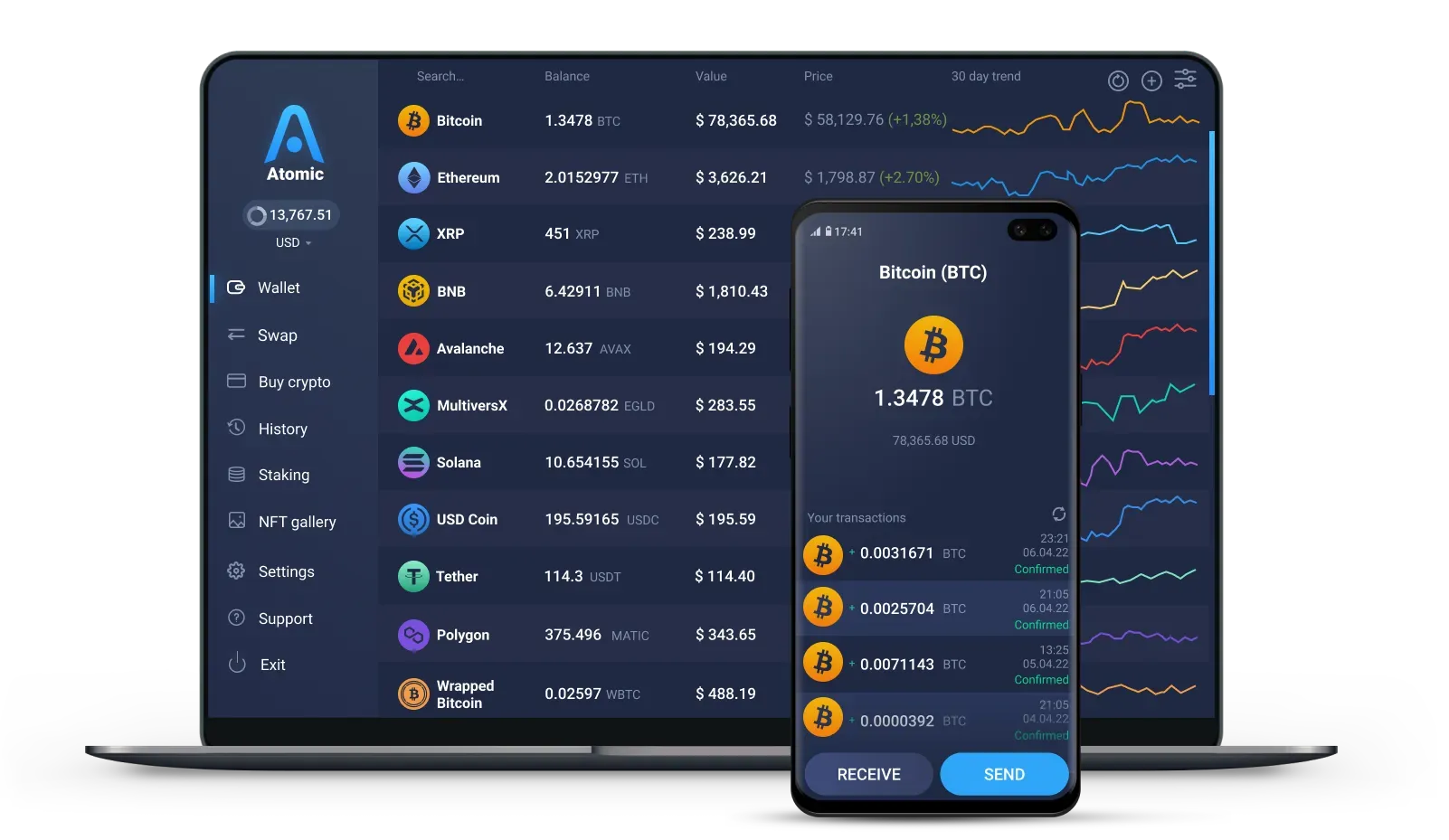
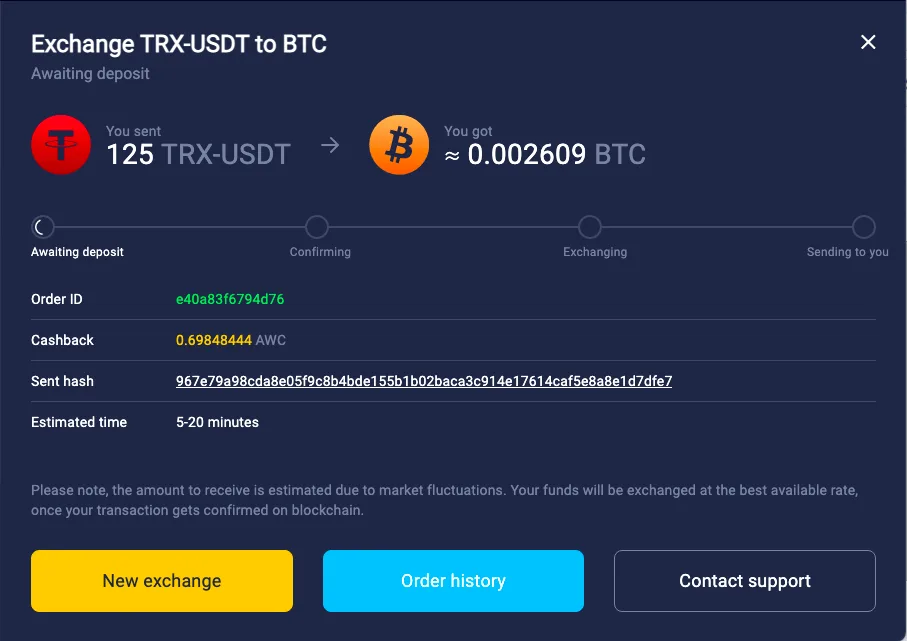
Exchange WCT for 1,000+ assets right in the wallet and get up to 1% cashback.
Exchange crypto


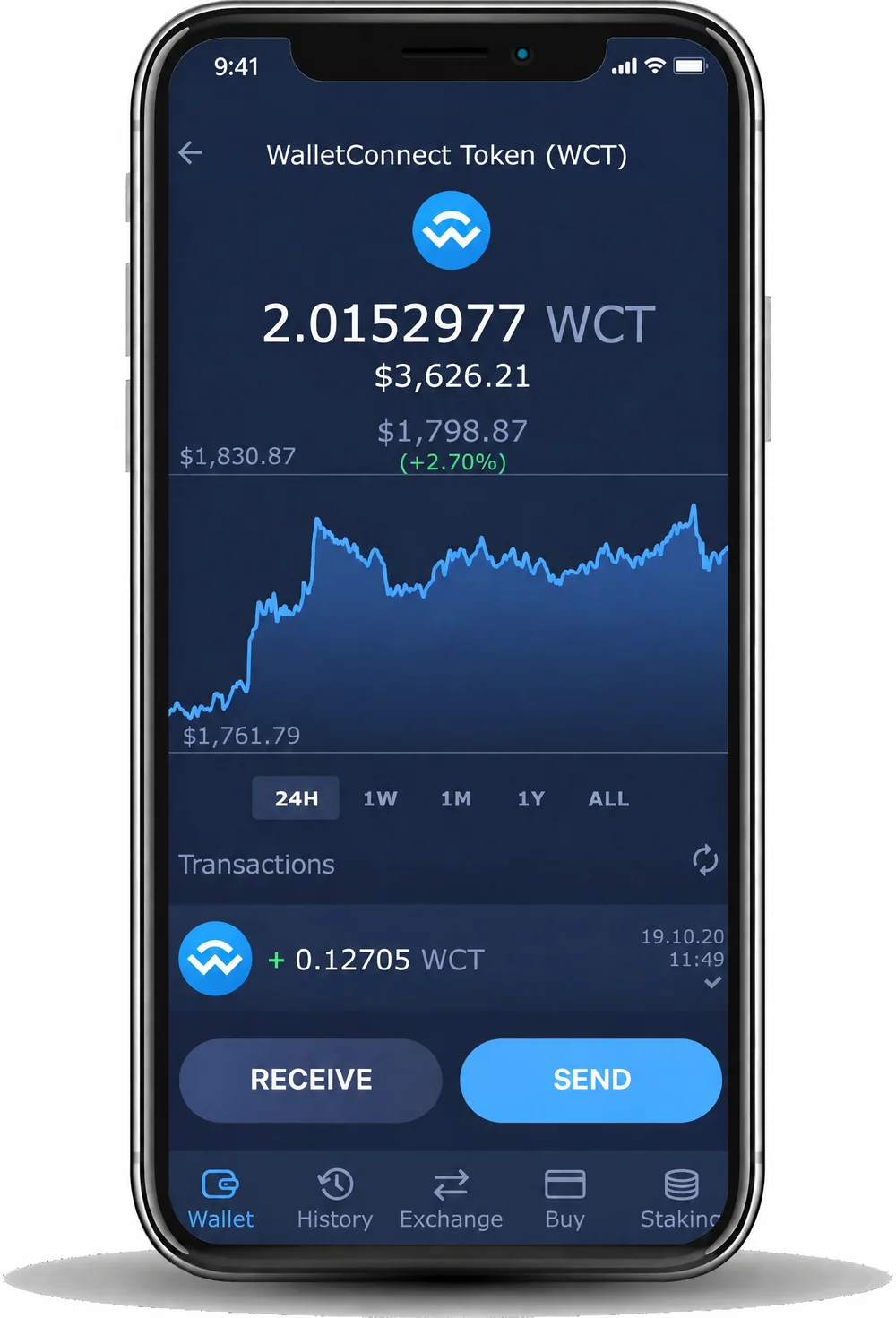
Keep WCT, the token of the WalletConnect Network, on Ethereum in a non-custodial wallet where you can send, receive and swap it.
Trusted by 15M+ users worldwide
 4.472.4K reviews

4.419K ratings
4.472.4K reviews
15M+users worldwide
1,000+coins and tokens
24/7live support




Exchange WCT for 1,000+ assets right in the wallet and get up to 1% cashback.
Exchange cryptoInstall the app on Windows, macOS, Linux, iPhone or Android, or add the Chrome extension.
Click Create Wallet and set a strong password. To use a wallet you already have, click Restore from Backup and enter its 12 words.
Write down the backup phrase and keep it offline. It is the only way to restore your wallet. Atomic Wallet does not store it.
Select WalletConnect Token from the list and click Receive to get your WCT address. You can also swap another coin to WCT.
Windows 10 and 11, macOS, and Linux for Ubuntu, Debian and Fedora.

Download the app from the App Store or Google Play, or install the APK on Android.
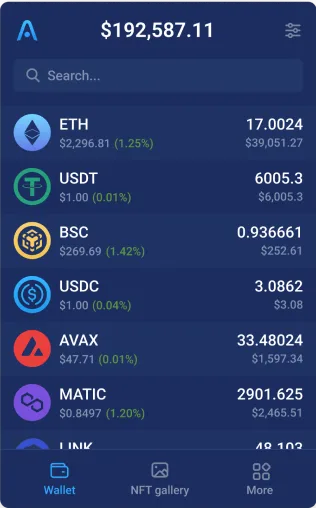
Use Atomic Wallet in your browser. Import your wallet with the same 12 words.

Keys are encrypted and stored on your phone or computer. Atomic Wallet never has access to them.

Write the 12 words down and keep them offline. They restore your wallet on any device. Never share them.

You create a wallet without an email, a phone number or an identity check.

Set a strong password when you create the wallet. You need it to open the wallet on your device.


WalletConnect connects wallets, apps and users through the WalletConnect Network. WCT is the token of this network.
Its payments product, WalletConnect Pay, charges merchants transaction fees. The fees go back into the network and fund rewards for wallets and users.
WCT has three jobs in the network: it is paid out as rewards, such as cashback, staking rewards and node operator rewards; it is staked for rewards and voting power; and it is used to vote on proposals and network changes.
Staking WCT sets a stake weight that depends on the amount and the lock time. Rewards are paid weekly in proportion to each staker's share of the total stake weight.
The initial supply of WCT is capped at 1 billion. It is split between the WalletConnect Foundation (27%), airdrops (18.5%), the team (18.5%), rewards (17.5%), previous backers (11.5%) and core development (7%). Team, backer and core development tokens unlock over 4 years with a 1-year cliff.
The initial token design has no inflation. WCT became transferable in April 2025.
WCT is an ERC-20 token on Ethereum Mainnet with the contract address 0xeF4461891DfB3AC8572cCf7C794664A8DD927945. The same address is used on Optimism and Base. On Solana, WCT has its own mint address, WCTk5xWdn5SYg56twGj32sUF3W4WFQ48ogezLBuYTBY, so check the network before you deposit.
As an ERC-20 token, WCT uses your Ethereum address and needs ETH for network fees.
Atomic Wallet keeps your private keys encrypted on your device, so your WCT stays under your control and not on an exchange account. To restore the wallet on a new phone or computer, you need its 12-word backup phrase. Keep it offline and never share it.
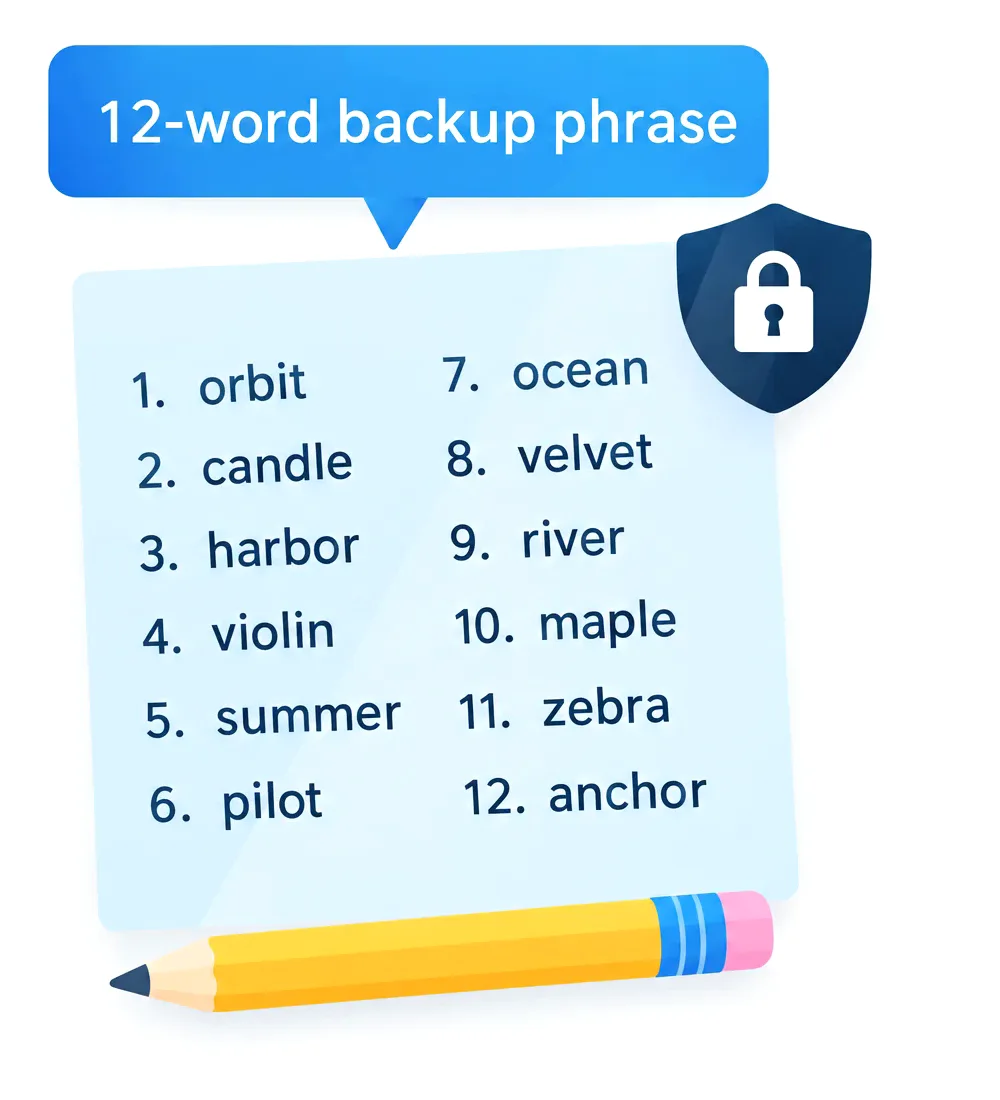
Install Atomic Wallet, create a new wallet and save the 12-word backup phrase. Find WCT in the asset list and click Receive to see your address.
In Atomic Wallet, WCT is an ERC-20 token on Ethereum. Choose Ethereum (ERC-20) when you withdraw WCT from an exchange to Atomic Wallet. WCT also exists on Optimism, Base and Solana, which are different networks.
Every transaction on Ethereum pays its network fee in ETH. The fee can't be paid in WCT, so keep a small amount of ETH next to your tokens.
The official WCT contract on Ethereum Mainnet is 0xeF4461891DfB3AC8572cCf7C794664A8DD927945.
WCT is used for rewards, staking and governance in the WalletConnect Network. Stakers get weekly rewards and voting power.
Yes. WCT can be swapped for other coins right in the app, and other coins can be swapped to WCT.

60% OFF fees on your first crypto purchase
Join 1,000,000 subscribers for a weekly newsletter on the biggest crypto news and Atomic updates.
We also have a YouTube channel with crypto video guides and news
Follow Atomic Wallet on social media for future giveaways and updates
These links were created just for you
Be the first to receive the latest project updates and crypto guides


 Debian
 Fedora