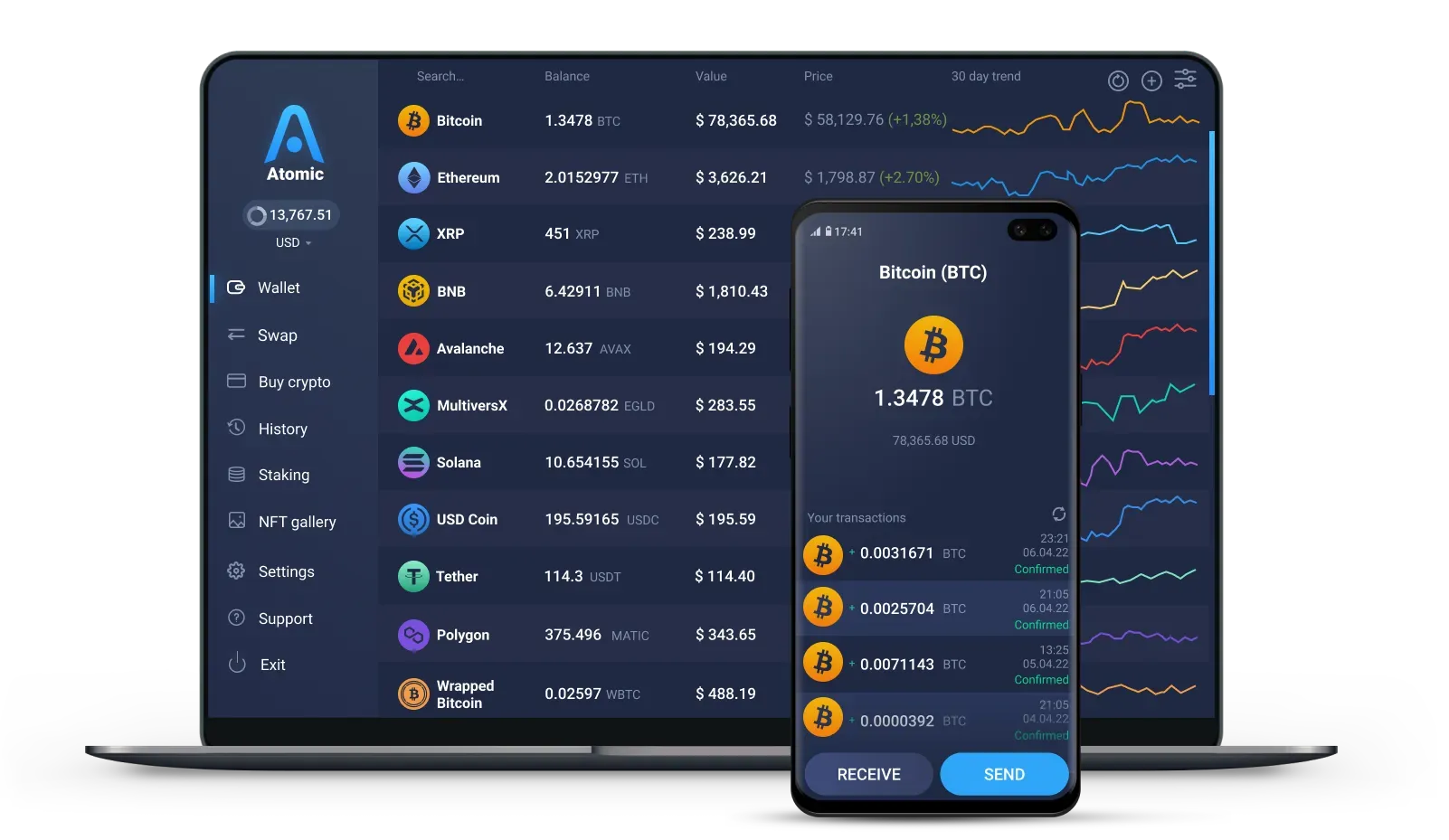
Swap C with cashback
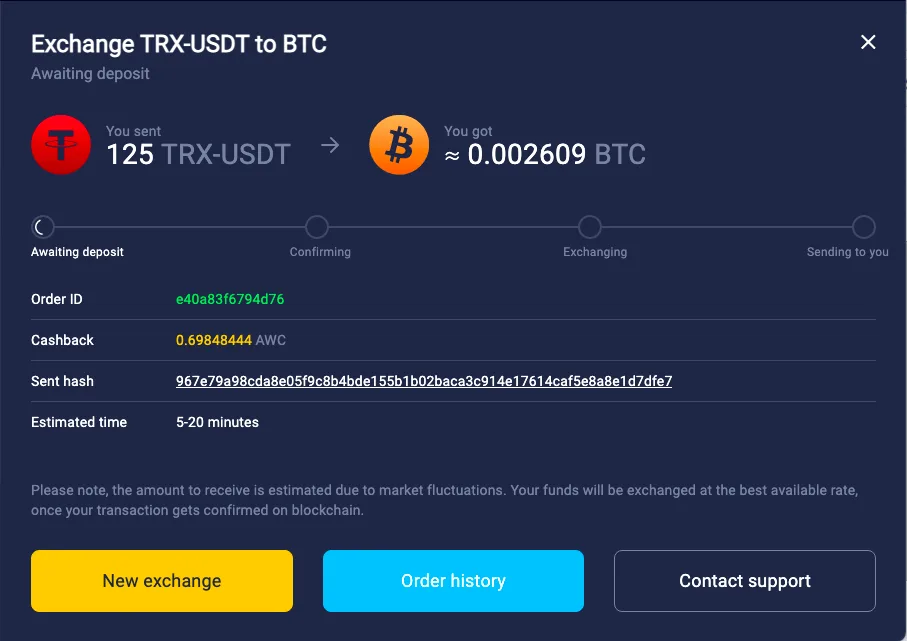
Exchange C for 1,000+ assets right in the wallet and get up to 1% cashback.
Exchange crypto


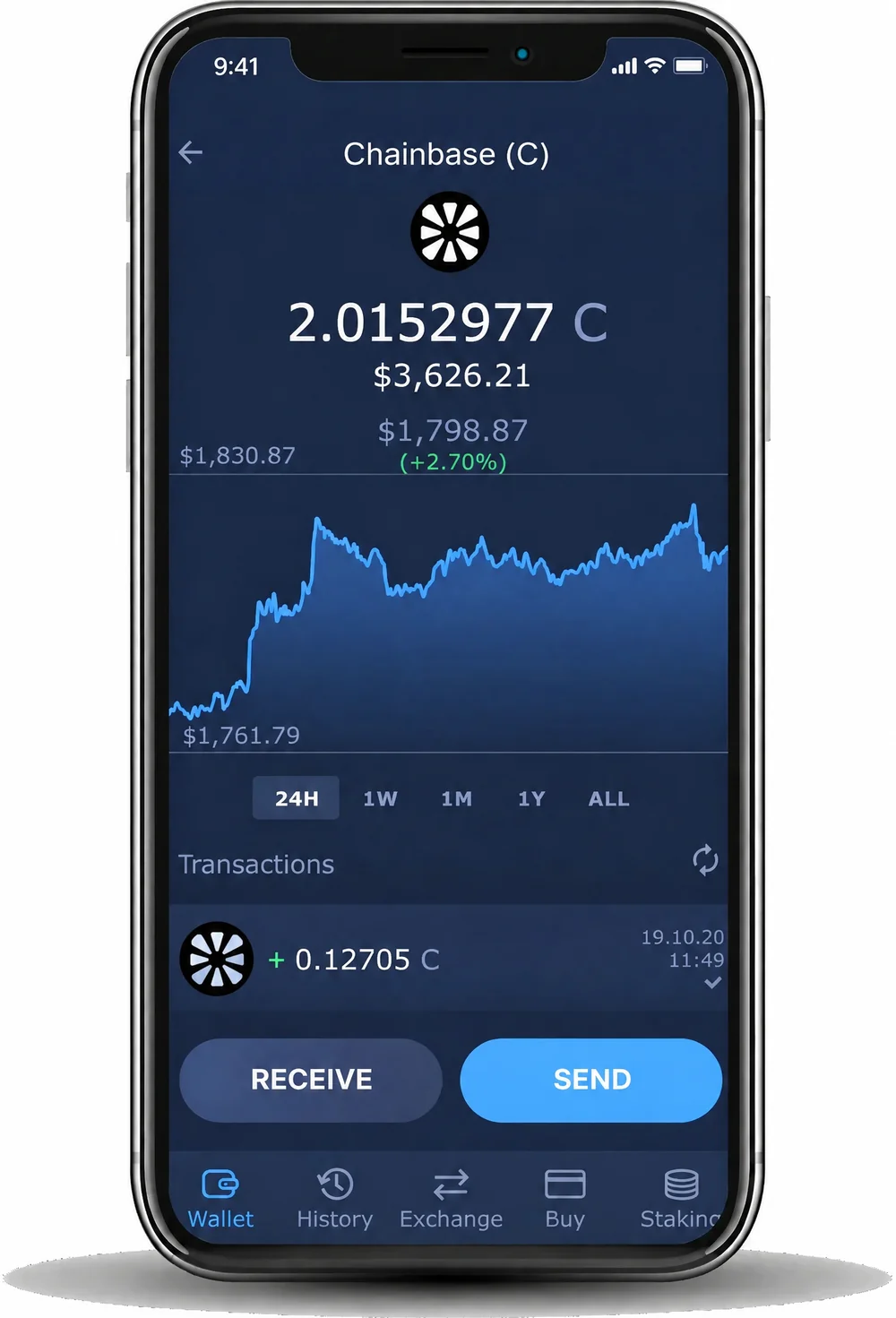
Store, send, receive and swap C, the token of the Chainbase data network, on BNB Smart Chain with a free non-custodial wallet.
Trusted by 15M+ users worldwide
 4.472.4K reviews

4.419K ratings
4.472.4K reviews
15M+users worldwide
1,000+coins and tokens
24/7live support




Exchange C for 1,000+ assets right in the wallet and get up to 1% cashback.
Exchange cryptoInstall the app on Windows, macOS, Linux, iPhone or Android, or add the Chrome extension.
Click Create Wallet and set a strong password. To use a wallet you already have, click Restore from Backup and enter its 12 words.
Write down the backup phrase and keep it offline. It is the only way to restore your wallet. Atomic Wallet does not store it.
Select Chainbase from the list and click Receive to get your C address. You can also swap another coin to C.
Windows 10 and 11, macOS, and Linux for Ubuntu, Debian and Fedora.

Download the app from the App Store or Google Play, or install the APK on Android.
Use Atomic Wallet in your browser. Import your wallet with the same 12 words.

Keys are encrypted and stored on your phone or computer. Atomic Wallet never has access to them.

Write the 12 words down and keep them offline. They restore your wallet on any device. Never share them.

You create a wallet without an email, a phone number or an identity check.

Set a strong password when you create the wallet. You need it to open the wallet on your device.
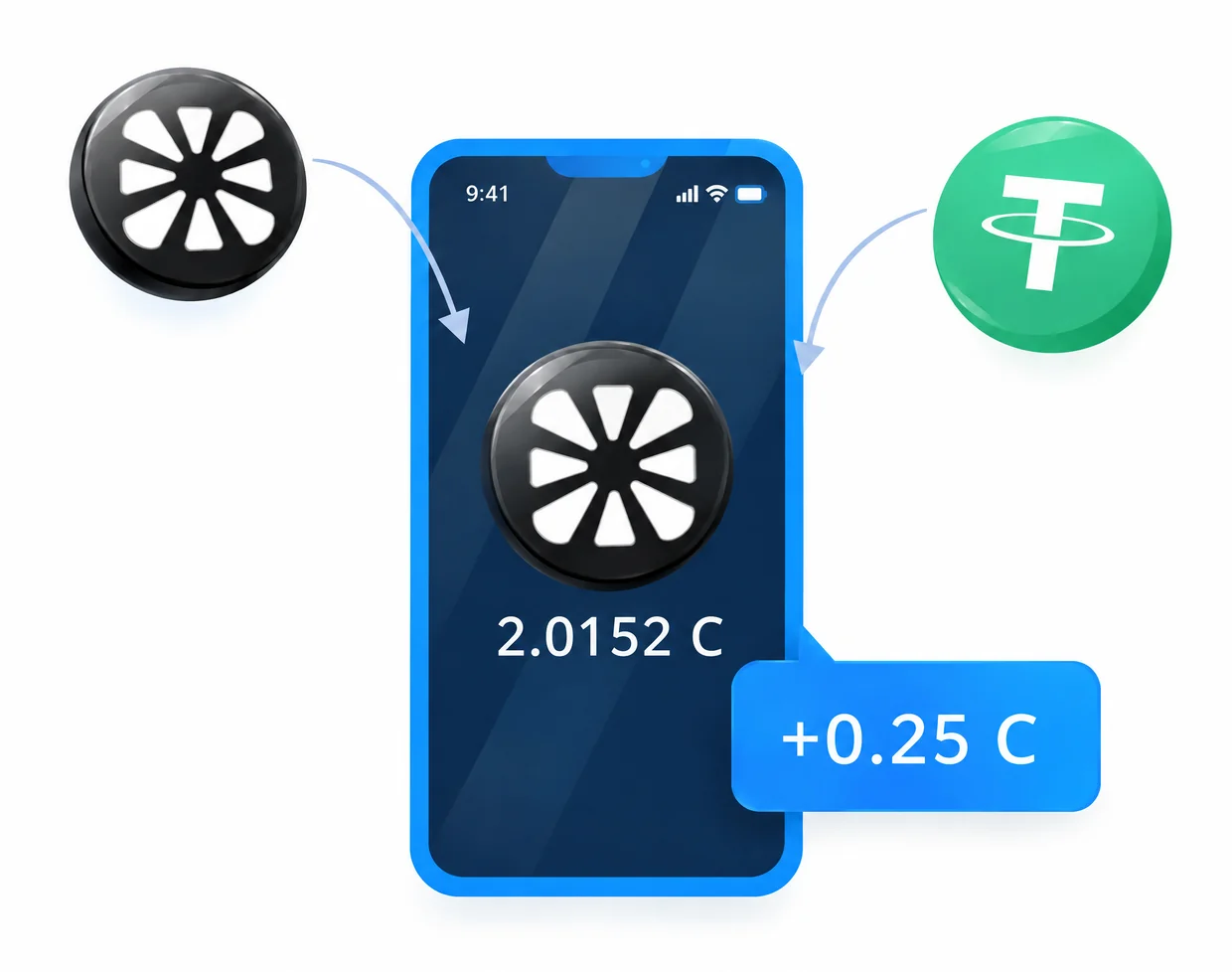


Chainbase is a data network that collects data from many blockchains and turns it into datasets that developers and AI apps can use. The project calls itself a hyperdata network. By August 2025 it had indexed more than 200 blockchains and processed over 500 billion data calls.
C pays for access to datasets and for running Manuscripts on the network. It is also staked to support and validate data processing, used to vote on governance proposals and paid out as rewards to the people who run and grow the network.
C debuted on Binance Alpha on July 14, 2025, and was then listed on Binance spot and other exchanges. The total supply is fixed at 1 billion C. 20 million of them, 2% of the supply, went to BNB holders through the Binance HODLer Airdrops program.
C launched mainly on Base, with liquidity on BNB Smart Chain, and the two versions are bridged through Stargate. Atomic Wallet holds the BEP-20 version, so choose BNB Smart Chain (BEP20) every time you withdraw C to your wallet.
The ticker C is short, and another token on BNB Smart Chain also uses it. Search for Chainbase by name when you look for the token on an exchange.
In Atomic Wallet only you hold the keys to your C: they are encrypted on your phone or computer. The 12-word backup phrase restores the wallet if you lose the device, so write it down and keep it in a safe place offline.
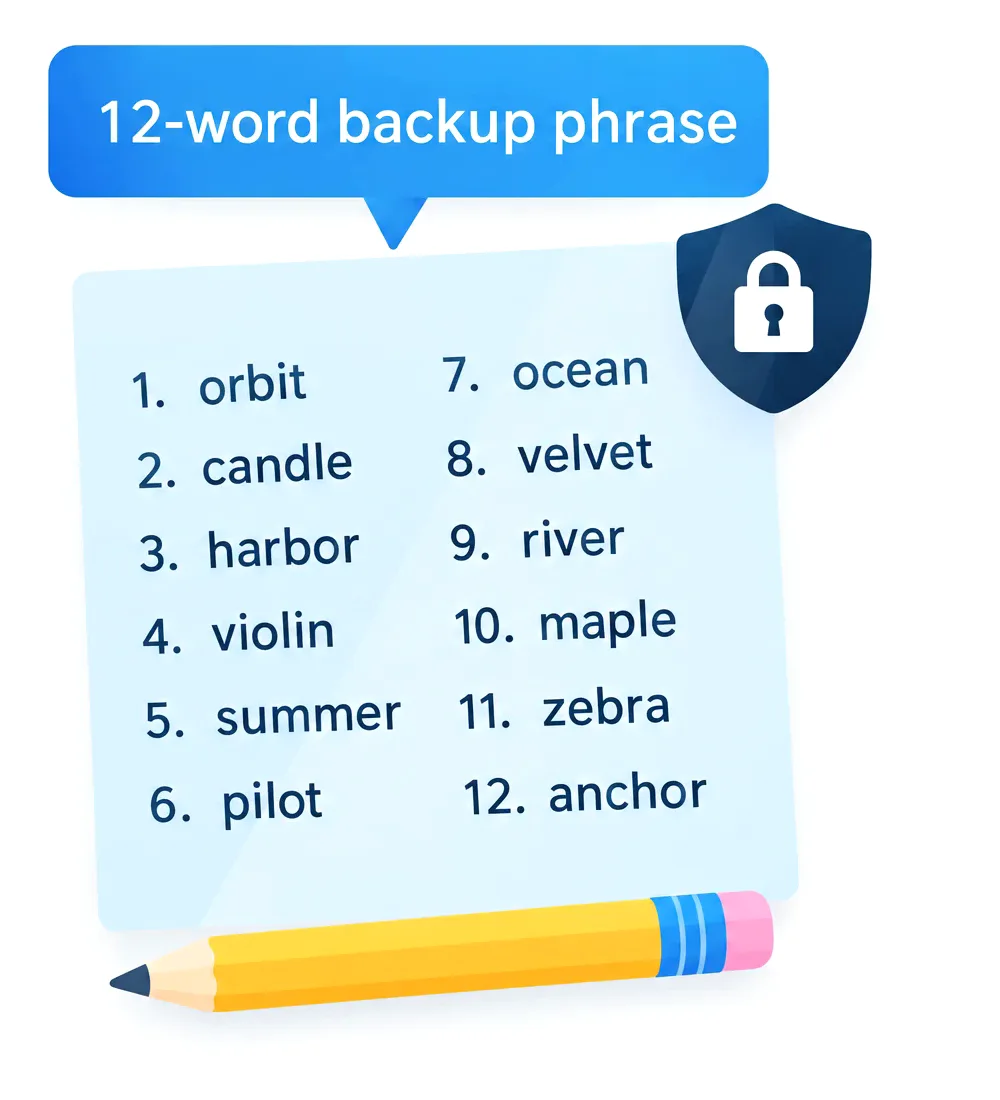
Download Atomic Wallet, create a wallet with a password and back up the 12-word phrase. Then search for Chainbase in the asset list to get your C address.
Choose BNB Smart Chain (BEP20). C also exists on Base, but Atomic Wallet holds the BEP-20 version of the token.
The fee is paid in BNB, the native coin of BNB Smart Chain. Keep some BNB in your wallet before you send C.
C pays for Chainbase datasets and data jobs, is staked to validate data processing and is used for governance votes.
The total supply is 1 billion C. It was set at launch and can't be changed.
Yes. You can swap C for other coins in the app, or swap other coins to C.

60% OFF fees on your first crypto purchase
Join 1,000,000 subscribers for a weekly newsletter on the biggest crypto news and Atomic updates.
We also have a YouTube channel with crypto video guides and news
Follow Atomic Wallet on social media for future giveaways and updates
These links were created just for you
Be the first to receive the latest project updates and crypto guides


 Debian
 Fedora