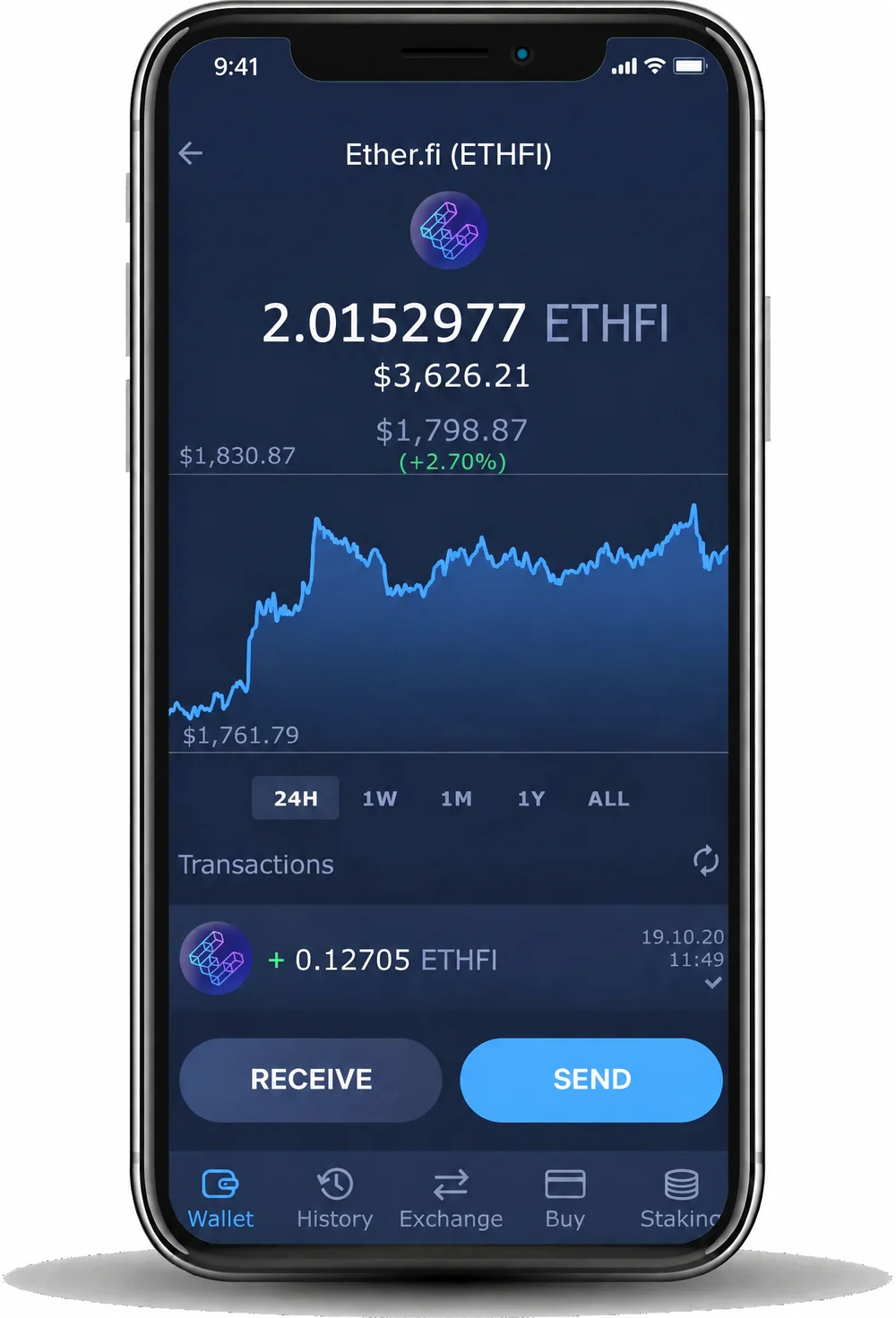
Swap ETHFI with cashback
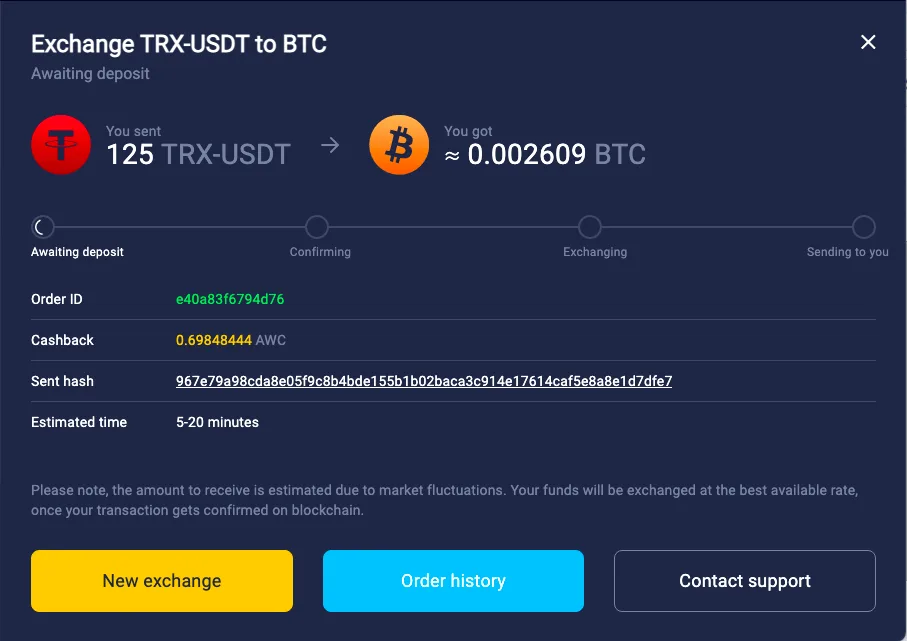
Exchange ETHFI for 1,000+ assets right in the wallet and get up to 1% cashback.
Exchange crypto


A self-custody Ether.fi (ETHFI) wallet lets you hold, receive, and send ETHFI while keeping control of your private keys. Choose a supported network, manage your token balance, and keep the network’s gas asset available for transfers.
Trusted by 15M+ users worldwide
 4.472.4K reviews

4.419K ratings
4.472.4K reviews
15M+users worldwide
1,000+coins and tokens
24/7live support




Exchange ETHFI for 1,000+ assets right in the wallet and get up to 1% cashback.
Exchange cryptoInstall the app on Windows, macOS, Linux, iPhone or Android, or add the Chrome extension.
Click Create Wallet and set a strong password. To use a wallet you already have, click Restore from Backup and enter its 12 words.
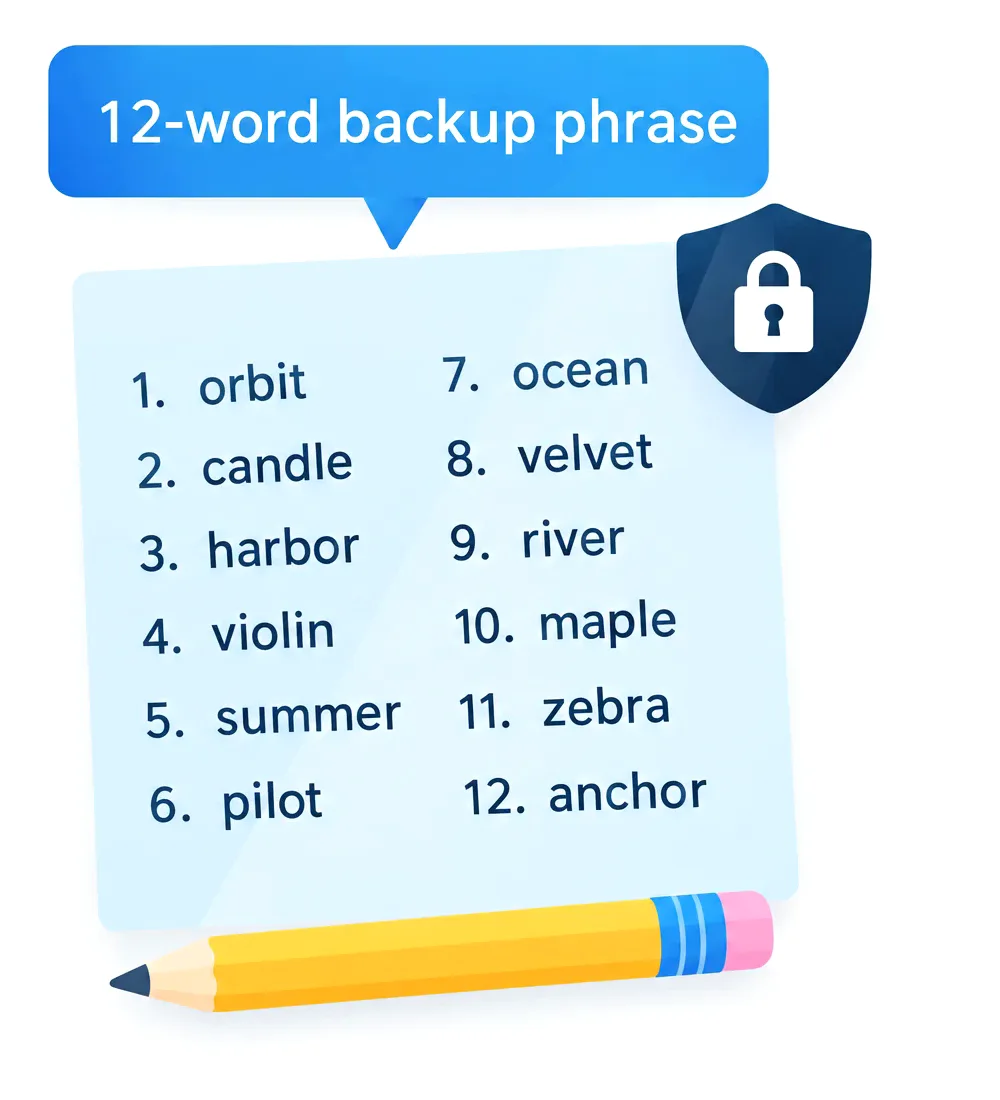
Write down the backup phrase and keep it offline. It is the only way to restore your wallet. Atomic Wallet does not store it.
Select Ether.fi from the list and click Receive to get your ETHFI address. You can also swap another coin to ETHFI.
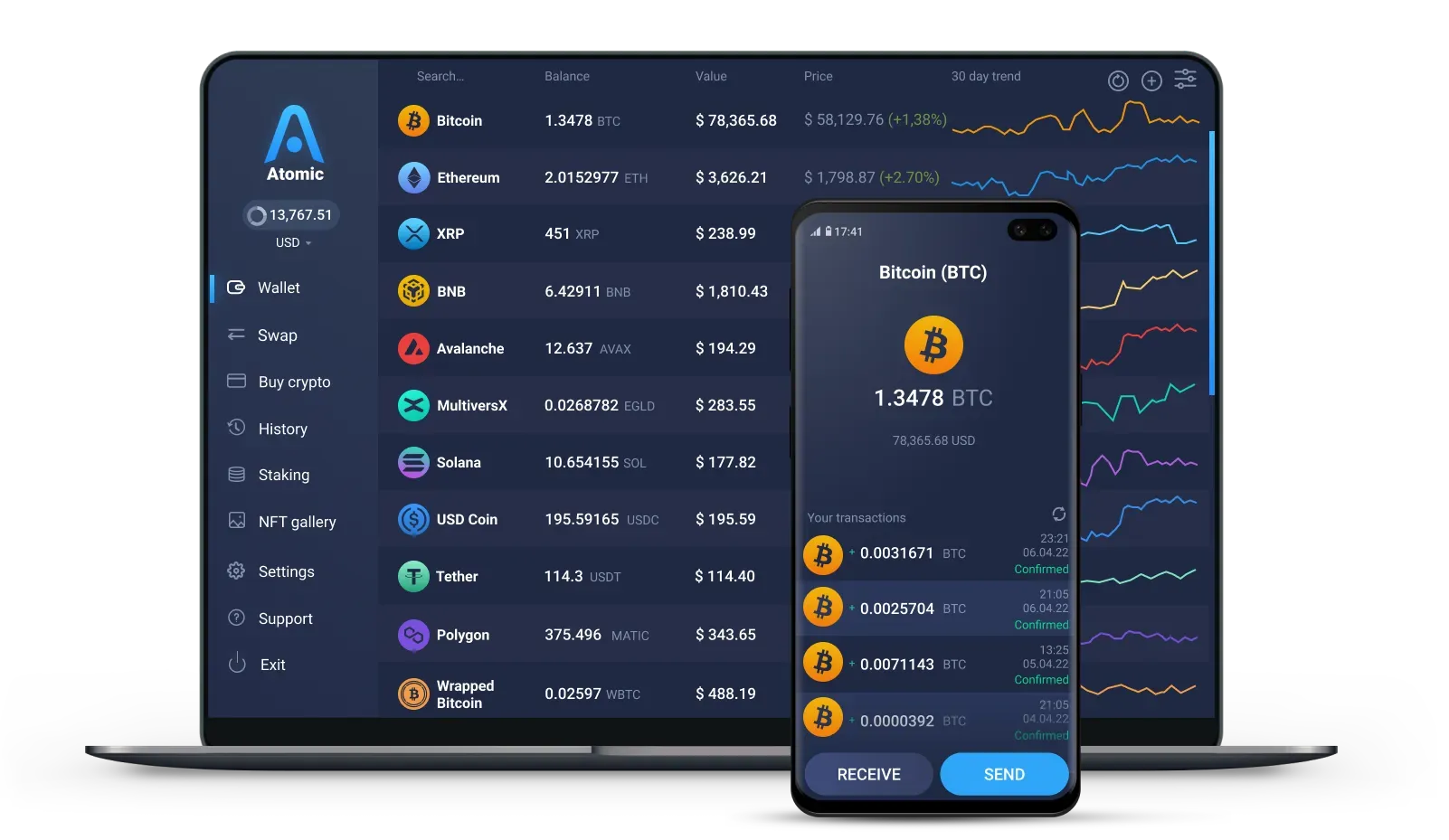
Windows 10 and 11, macOS, and Linux for Ubuntu, Debian and Fedora.

Download the app from the App Store or Google Play, or install the APK on Android.
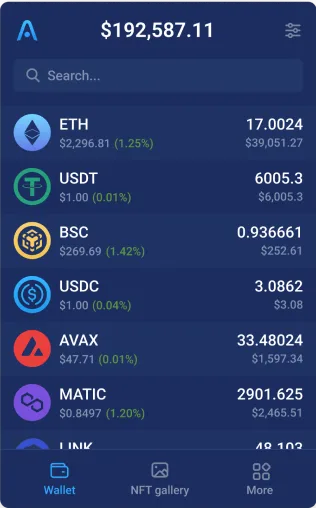
Use Atomic Wallet in your browser. Import your wallet with the same 12 words.

Keys are encrypted and stored on your phone or computer. Atomic Wallet never has access to them.

Write the 12 words down and keep them offline. They restore your wallet on any device. Never share them.

You create a wallet without an email, a phone number or an identity check.

Set a strong password when you create the wallet. You need it to open the wallet on your device.


ETHFI is the governance token of Ether.fi, an ecosystem that began with Ethereum liquid staking and expanded into yield products, borrowing, and payments.
The ETHFI token gives its community a way to participate in decisions about treasury management, protocol parameters, and ecosystem development. It has its own market price and serves a different role from the tokens users receive when staking ETH.
For holders, an ETHFI wallet provides a way to manage the token independently before trading it or participating in supported Ether.fi activities.
ETHFI is Ether.fi’s governance token, while eETH, weETH, and sETHFI represent different staking positions.
Check the token symbol before buying, receiving, or staking.
ETHFI has a fixed supply of 1 billion tokens, fully minted with no further issuance planned under its published tokenomics.
Allocations cover investors, core contributors, the treasury, user airdrops, partnerships, and liquidity.
Fully minted supply differs from circulating supply. Tokens held in vesting contracts or treasury reserves may already exist without being counted as available market supply.
The ETHFI token unlock schedule determines when vested allocations become transferable. Unlocks can increase available supply, although they do not automatically result in sales. Check the current schedule and circulating-supply data when evaluating the token.
ETHFI is an ERC-20 token on Ethereum, with additional deployments on Arbitrum, Base, Optimism, and Scroll.
Each network has its own token contract.
The ETHFI contract address on Ethereum is:
0xFe0c30065B384F05761f15d0CC899D4F9F9Cc0eB
Check other network addresses against Ether.fi’s official contract list. When withdrawing ETHFI, select a network supported by the receiving wallet.
If an Ethereum token is missing from your asset list, see Atomic’s custom ERC-20 token guide. Adding a token and moving it between blockchains are separate actions.
To buy Ether.fi’s token, choose a platform offering spot ETHFI trading and check its supported withdrawal networks.
You can purchase through a supported exchange or swap assets using a decentralized exchange with ETHFI liquidity.
Purchasing ETHFI gives you the governance token. Staking ETH through Ether.fi produces different assets, such as eETH or weETH.
Use a self-custody wallet that supports ETHFI on your chosen network to manage the token with your own private keys.
Confirm the asset and network before depositing.
After sending, use the transaction hash to check its status on the relevant blockchain explorer.
Yes. Ether.fi offers ETHFI staking, represented by sETHFI. Rewards are variable, and withdrawals follow the protocol’s processing rules. Accessing this product requires a separate staking action through a supported Ether.fi interface.
Simply holding ETHFI in a wallet does not automatically earn staking rewards. To receive sETHFI rewards, you must participate in the corresponding staking product. ETHFI holdings also remain separate from ETH staking positions represented by eETH or weETH.
On Ethereum, standard ETHFI transfers require ETH for network fees. Keep enough ETH available in the sending wallet and review the estimated fee before confirming. When using another network, check its gas requirements and the receiving platform’s support.

60% OFF fees on your first crypto purchase
Join 1,000,000 subscribers for a weekly newsletter on the biggest crypto news and Atomic updates.
We also have a YouTube channel with crypto video guides and news
Follow Atomic Wallet on social media for future giveaways and updates
These links were created just for you
Be the first to receive the latest project updates and crypto guides


 Debian
 Fedora