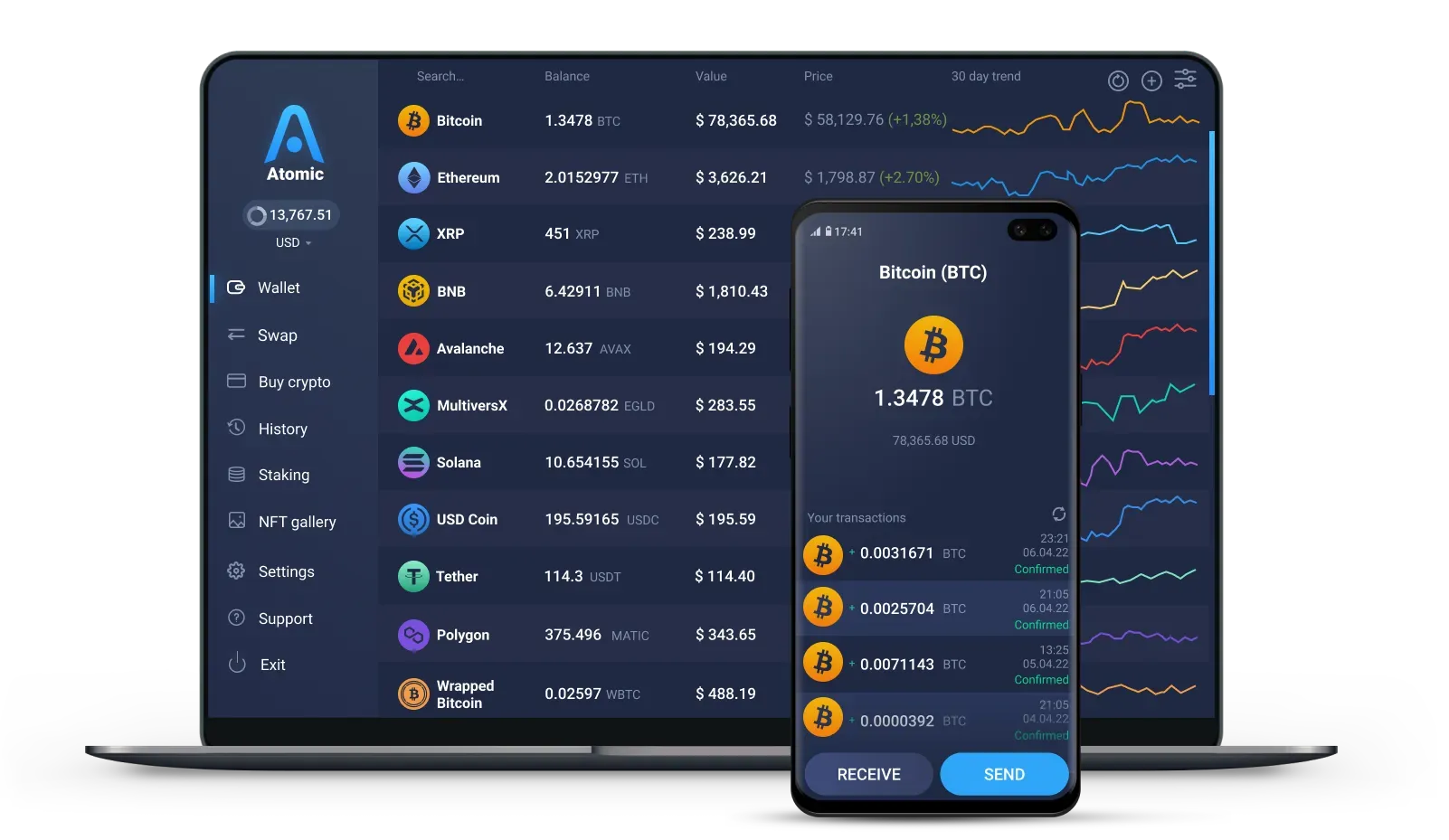
Swap USD1 with cashback
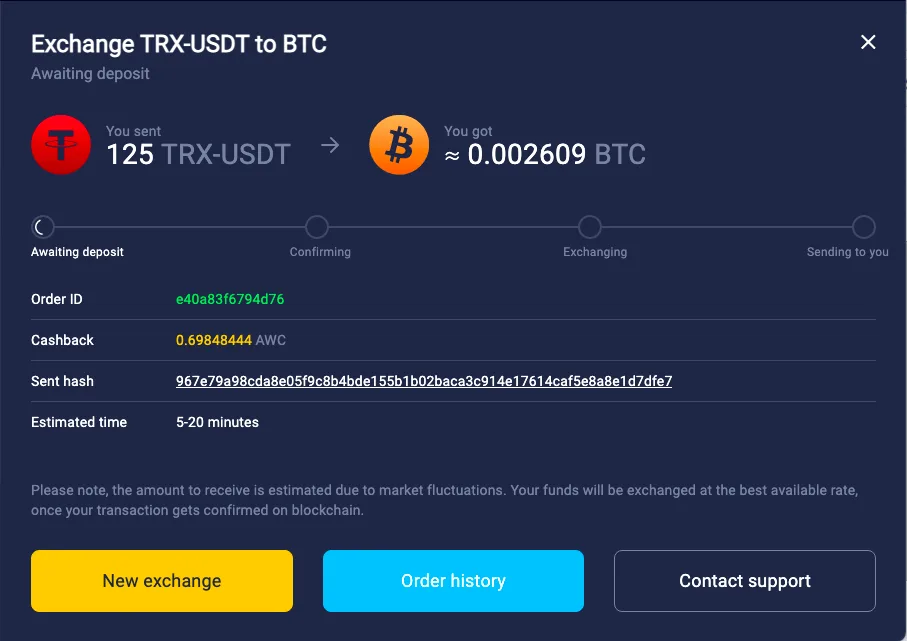
Exchange USD1 for 1,000+ assets right in the wallet and get up to 1% cashback.
Exchange crypto


Keep USD1, the dollar stablecoin of World Liberty Financial, on Ethereum in a non-custodial wallet where you can send, receive and swap it.
Trusted by 15M+ users worldwide
 4.472.4K reviews

4.419K ratings
4.472.4K reviews
15M+users worldwide
1,000+coins and tokens
24/7live support



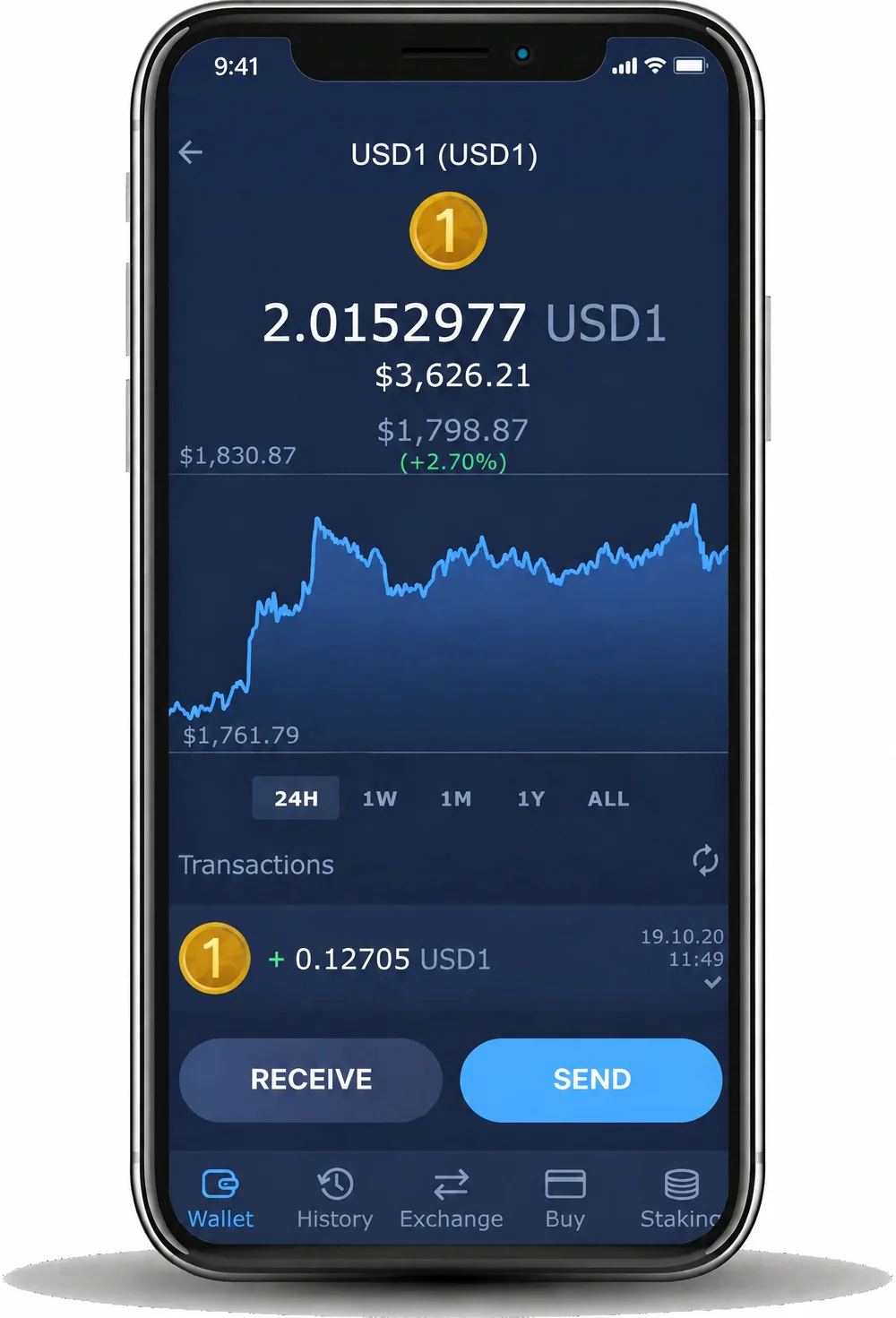
Exchange USD1 for 1,000+ assets right in the wallet and get up to 1% cashback.
Exchange cryptoInstall the app on Windows, macOS, Linux, iPhone or Android, or add the Chrome extension.
Click Create Wallet and set a strong password. To use a wallet you already have, click Restore from Backup and enter its 12 words.
Write down the backup phrase and keep it offline. It is the only way to restore your wallet. Atomic Wallet does not store it.
Select World Liberty Financial USD from the list and click Receive to get your USD1 address. You can also swap another coin to USD1.
Windows 10 and 11, macOS, and Linux for Ubuntu, Debian and Fedora.

Download the app from the App Store or Google Play, or install the APK on Android.
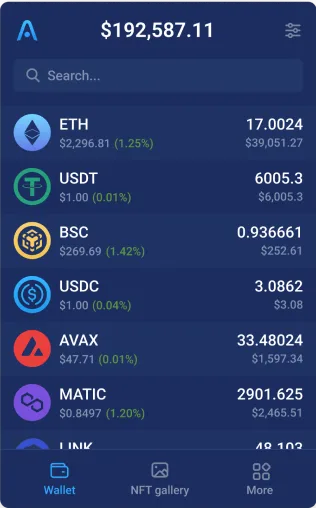
Use Atomic Wallet in your browser. Import your wallet with the same 12 words.

Keys are encrypted and stored on your phone or computer. Atomic Wallet never has access to them.

Write the 12 words down and keep them offline. They restore your wallet on any device. Never share them.

You create a wallet without an email, a phone number or an identity check.

Set a strong password when you create the wallet. You need it to open the wallet on your device.
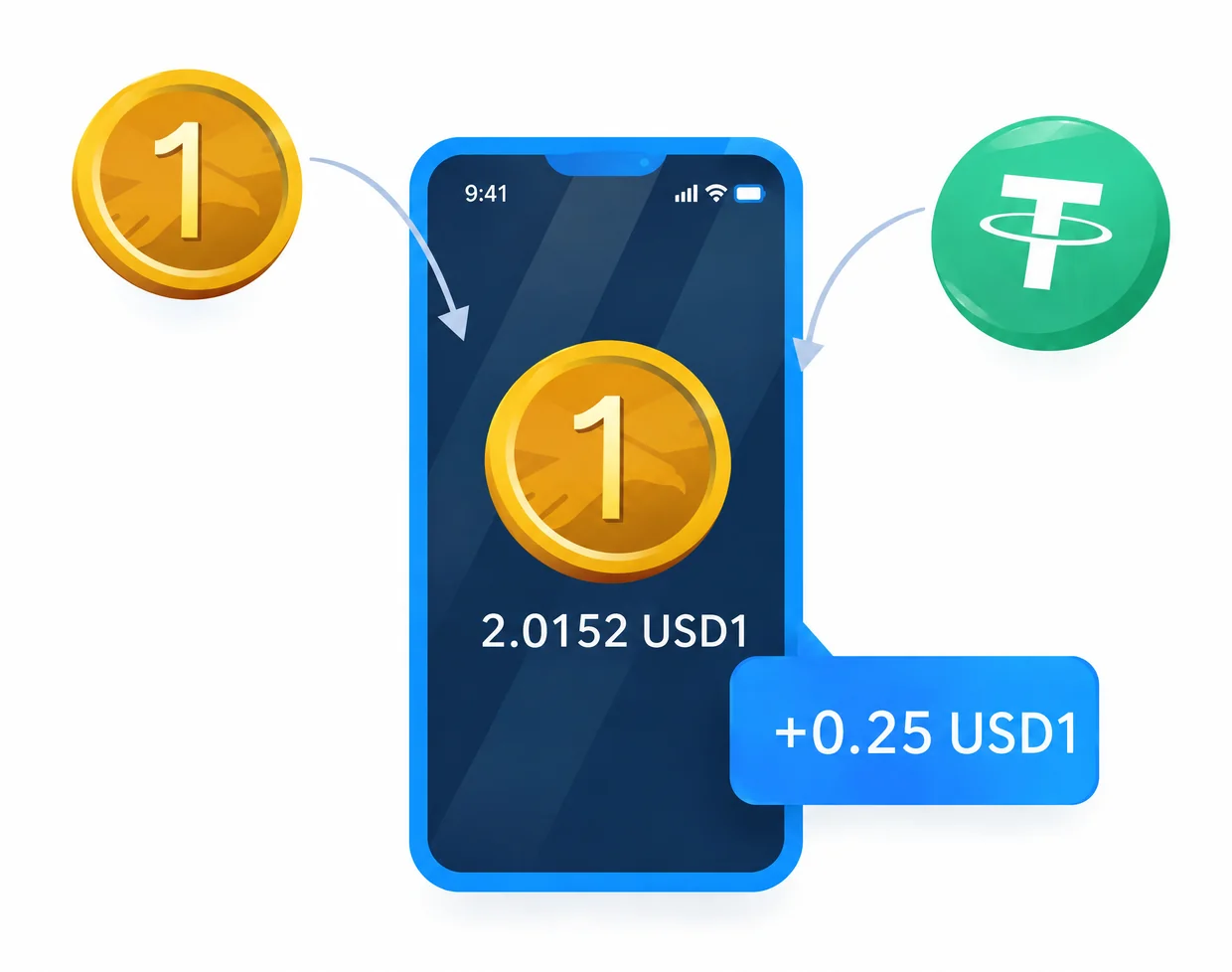


USD1 is the stablecoin of World Liberty Financial, redeemable 1:1 for the US dollar. It is backed by cash, US government money market funds and other cash equivalents, and all reserve assets are held or maintained by BitGo.
BitGo, a regulated custodian, issues and mints USD1 and handles redemptions. World Liberty Financial does not issue or custody USD1 directly. Reserve attestation reports are published regularly.
USD1 is meant for stable value transfer and settlement across on-chain and traditional finance. Eligible BitGo customers can redeem USD1 for US dollars directly with BitGo. Other holders can exchange it through exchanges, platforms and custodians that support USD1.
USD1 is not the WLFI token. WLFI is the governance token of World Liberty Financial.
World Liberty Financial announced USD1 on March 25, 2025, with a debut on Ethereum and BNB Smart Chain. USD1 has no fixed supply: BitGo issues it against reserves and redeems it for dollars.
On Ethereum, USD1 is an ERC-20 token with the contract address 0x8d0D000Ee44948FC98c9B98A4FA4921476f08B0d, listed in the World Liberty Financial documentation. USD1 is deployed on 11 networks, including BNB Smart Chain, Solana, TRON and Aptos. The USD1 contract has the same address on Ethereum and BNB Smart Chain, so the address alone does not show the network. Check the network before you send. Other networks use different contracts.
As an ERC-20 token, USD1 uses your Ethereum address and needs ETH for network fees.
Atomic Wallet keeps your private keys encrypted on your device, so your USD1 stays under your control and not on an exchange account. To restore the wallet on a new phone or computer, you need its 12-word backup phrase. Keep it offline and never share it.
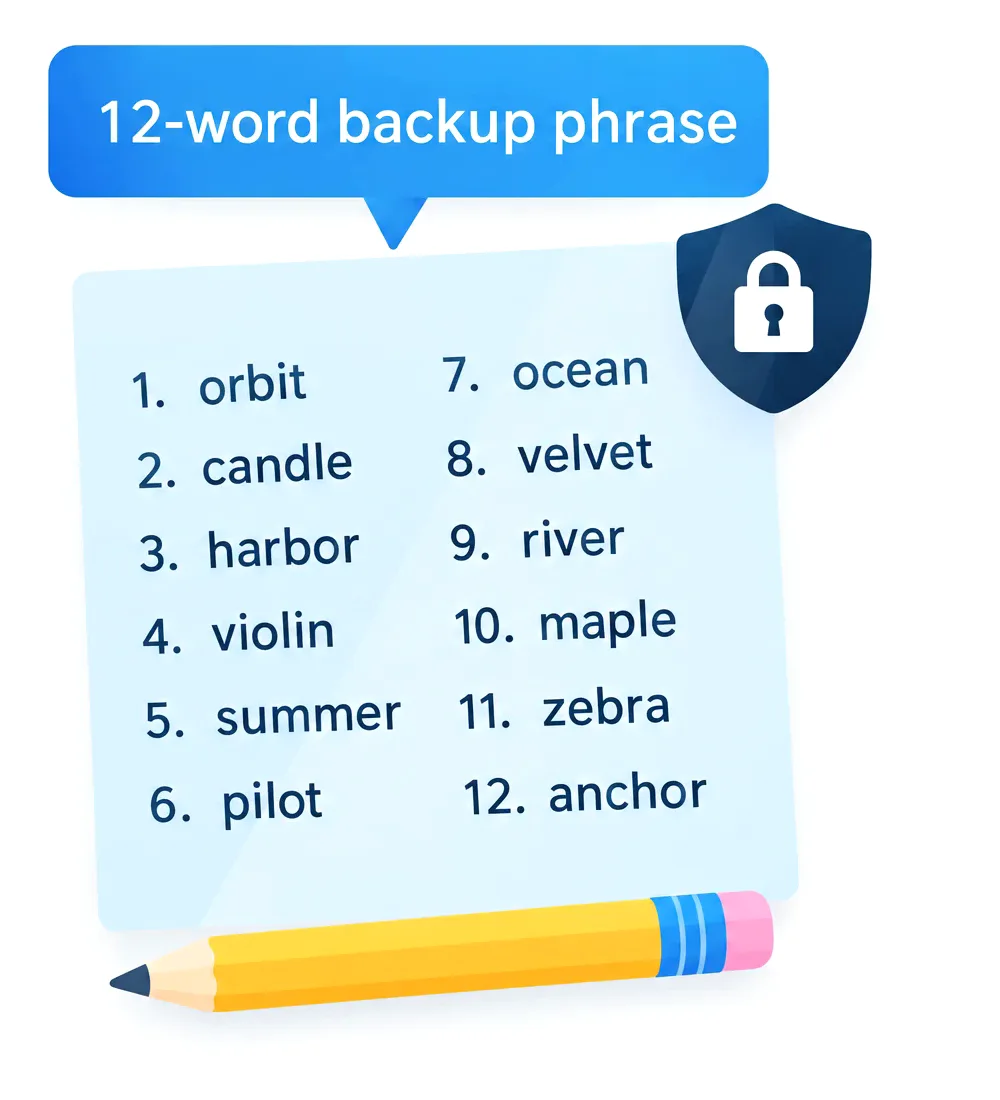
Install Atomic Wallet, create a new wallet and save the 12-word backup phrase. Find USD1 in the asset list and click Receive to see your address.
Atomic Wallet holds USD1 as an ERC-20 token on Ethereum. Choose Ethereum when you withdraw USD1 from an exchange to Atomic Wallet.
Every transaction on Ethereum pays its network fee in ETH. The fee can't be paid in USD1, so keep a small amount of ETH next to your tokens.
The official USD1 contract on Ethereum is 0x8d0D000Ee44948FC98c9B98A4FA4921476f08B0d.
BitGo issues and mints USD1 and holds its reserves. World Liberty Financial does not issue or custody USD1 directly.
Yes. USD1 can be swapped for other coins right in the app, and other coins can be swapped to USD1.

60% OFF fees on your first crypto purchase
Join 1,000,000 subscribers for a weekly newsletter on the biggest crypto news and Atomic updates.
We also have a YouTube channel with crypto video guides and news
Follow Atomic Wallet on social media for future giveaways and updates
These links were created just for you
Be the first to receive the latest project updates and crypto guides




 Debian
 Fedora