Best Binance Alternatives in 2026: Store, Swap and Trade Crypto
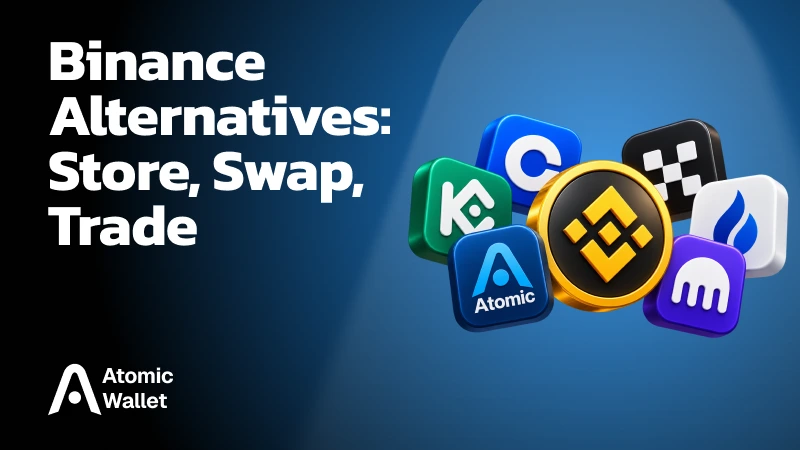
The October 29, 2026 Binance hack has put the security and accessibility of exchange-held crypto under scrutiny. If you are looking for Binance alternatives, start with the functions you need to replace: storing coins, swapping assets, trading perpetual futures, or using a spot order book.
A software wallet, hardware wallet, and trading platform each serve different purposes. This guide compares those options, explains where Atomic Wallet fits, and walks through moving supported crypto from Binance to your own wallet.
What Happened in the Binance Hack?
Binance reported a security breach affecting approximately $6.3 billion in crypto assets after unauthorized transfers from its wallets on October 29, 2026. The full attack path remains under investigation.
In its preliminary security update, Binance identified a potentially compromised DevOps engineer’s laptop as a suspected entry point. The attacker may have used that access to reach an internal service container and submit unauthorized withdrawal transactions. Binance said it had found no evidence of wallet private keys leaking.
A subsequent clarification described a more complex attack process. The transfers could not be explained simply by one engineer’s permissions or a single action. The investigation had not assigned responsibility to any individual.
On Ethereum, TRM identified the use of EIP-7702, a feature that lets an address execute delegated smart contract code after signing an authorization. The attacker used that mechanism to repeatedly sweep funds from a Binance hot wallet. Other networks showed ordinary signed transfers, leading TRM to assess that Binance’s signing infrastructure had been compromised.
TRM attributes the attack to North Korea’s TraderTraitor group. That attribution is the research firm’s assessment; Binance’s preliminary announcement did not identify the attacker.
As of October 30, Binance had pledged to cover losses through SAFU and company funds and promised a detailed technical report. That commitment, the recovery of stolen assets, and users’ ability to withdraw are separate parts of the response.
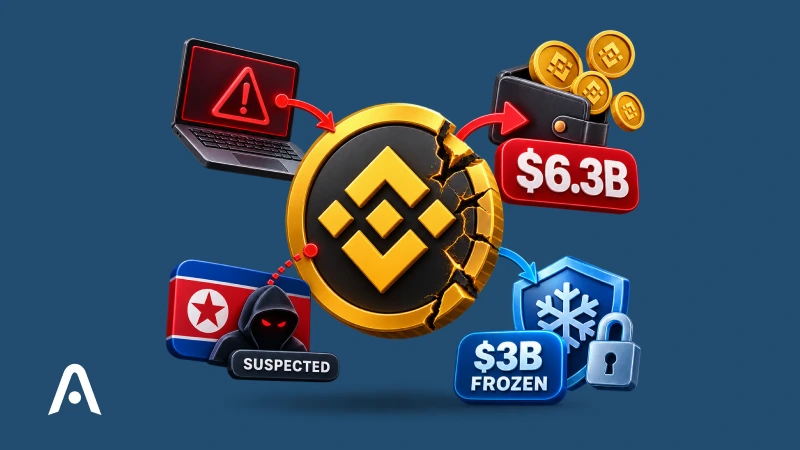
At approximately $6.36 billion, TRM Labs’ estimate puts the theft at about 4.2 times the size of the $1.5 billion Bybit hack in February 2025. The firm describes it as the largest crypto theft on record.
What Does the Binance Hack Mean for Your Funds?
Binance says it will cover losses from the incident through SAFU and company funds. Access to withdrawals depends on the exchange completing its security checks and reopening the service.
In its security announcement, Binance pledged to absorb the losses and publish an updated Proof of Reserves after remediation. SAFU is the exchange’s emergency reserve fund; the commitment also includes Binance’s own funds.
Binance reported that approximately $3 billion in affected assets had been frozen with help from industry partners. Freezing restricts the attacker’s ability to move those assets. Recovering them and restoring usable reserves involves further steps, so the frozen amount should be tracked separately from funds actually returned.
The latest October 30 service update said deposits were operating normally while withdrawals remained paused. Binance expected withdrawals to resume within 48 hours, subject to its security work and subsequent updates.
For anyone considering a move, withdrawal availability is the immediate practical issue. You can prepare a receiving wallet, secure its backup, and check supported assets and networks while waiting. A transfer can proceed once Binance enables withdrawals for the relevant asset and network.
An unchanged balance displayed in your Binance account does not establish that a withdrawal can currently be processed. Check the withdrawal service itself before planning a transfer.
The attacker also raced to convert assets before issuers could block them. Bitquery’s October 30 investigation identified approximately $729 million in stolen USDT exchanged for ETH and TRX before the freezes took effect, illustrating why the timing of intervention matters.
Best Binance Alternatives at a Glance
Atomic Wallet is our first choice for managing supported crypto in a software wallet, accessing in-app swaps, and trading perpetuals through Atomic Perps. Hardware wallets and spot exchanges cover other needs.
Use the table below to find the category that matches how you used Binance.
Our Atomic Perps integration uses Hyperliquid’s markets. Choosing Atomic or Hyperliquid’s direct interface therefore changes how you access that infrastructure.
You can also combine tools: keep longer-term holdings in your own wallet and allocate a separate balance to active trading. The following sections explain which options fit each task.
Where Should You Store Crypto After Binance?
For crypto you want to control directly, choose a self-custody wallet that supports your assets and networks. Software and hardware wallets offer different ways to manage and protect your keys.
On an exchange, the platform manages the wallets holding your assets and processes withdrawal requests. In a self-custody wallet, your signing credentials give you control over outgoing transactions. Our guide to private keys explains how those credentials relate to your address and recovery phrase.
The main storage options are:
- Software wallets: Apps that manage keys on your phone or computer, with convenient access to transfers and supported features such as swaps
- Hardware wallets: Dedicated devices designed to isolate keys and confirm transactions separately from your everyday computer or phone
Choose software when convenient access is a priority. Consider hardware when you want a dedicated signing device for longer-term holdings. In either case, protect your recovery backup and review transactions before authorizing them.
Asset compatibility comes first. A wallet may support a coin on one network while offering different functionality on another. Check the exact asset and network you intend to withdraw before choosing where to receive it.
Self-custody gives you control over your wallet’s keys, while individual tokens can retain issuer-level restrictions. Circle, for example, can block USDC transfers to and from specific addresses onchain. Holding USDC in your own wallet does not remove that capability.
Best Software Wallets as Binance Alternatives
Atomic Wallet is our first pick for managing a portfolio of supported assets with transfers, swaps, and additional features in one app. Exodus and Trust Wallet offer other approaches to self-custody.
Atomic Wallet
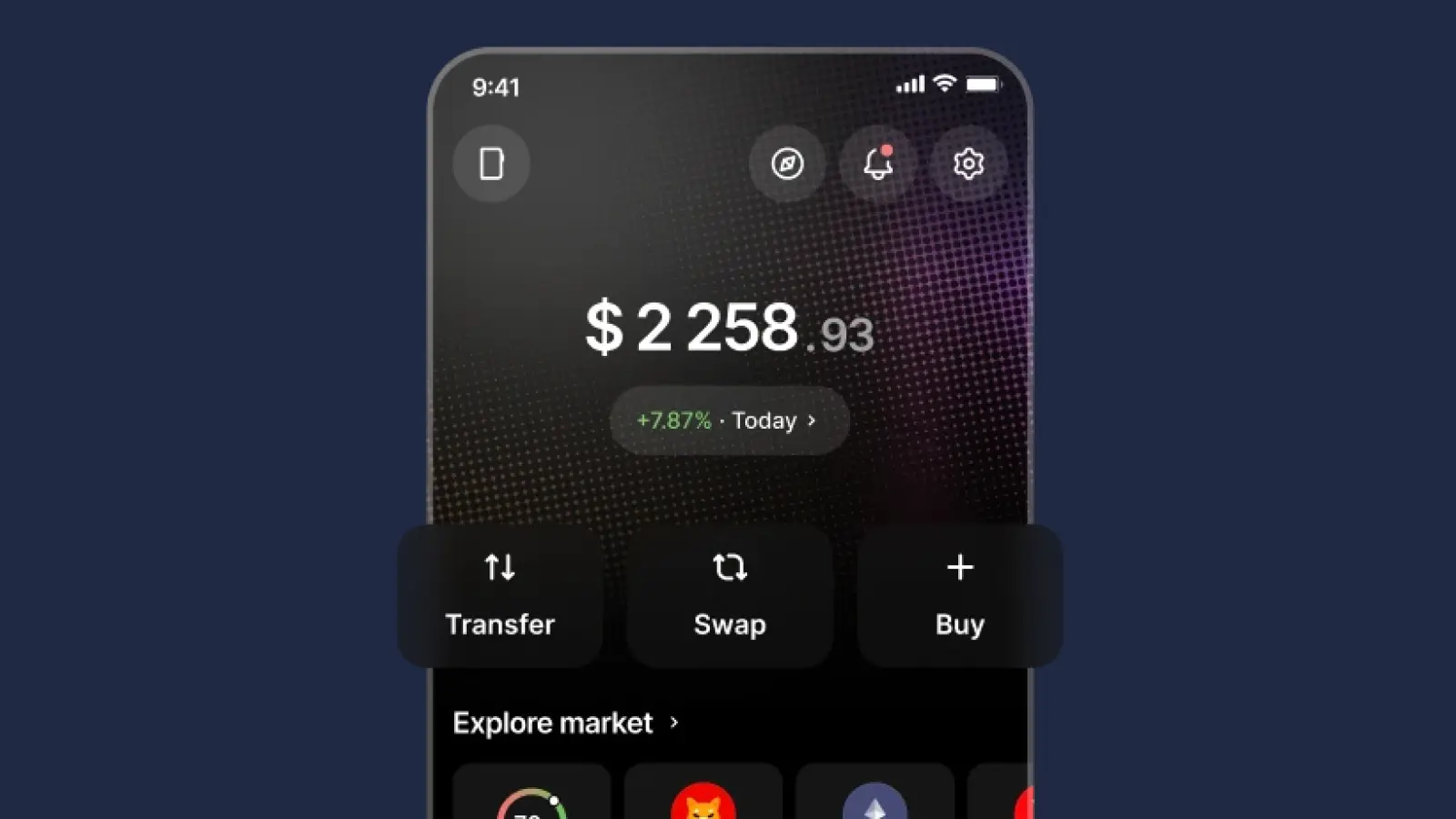
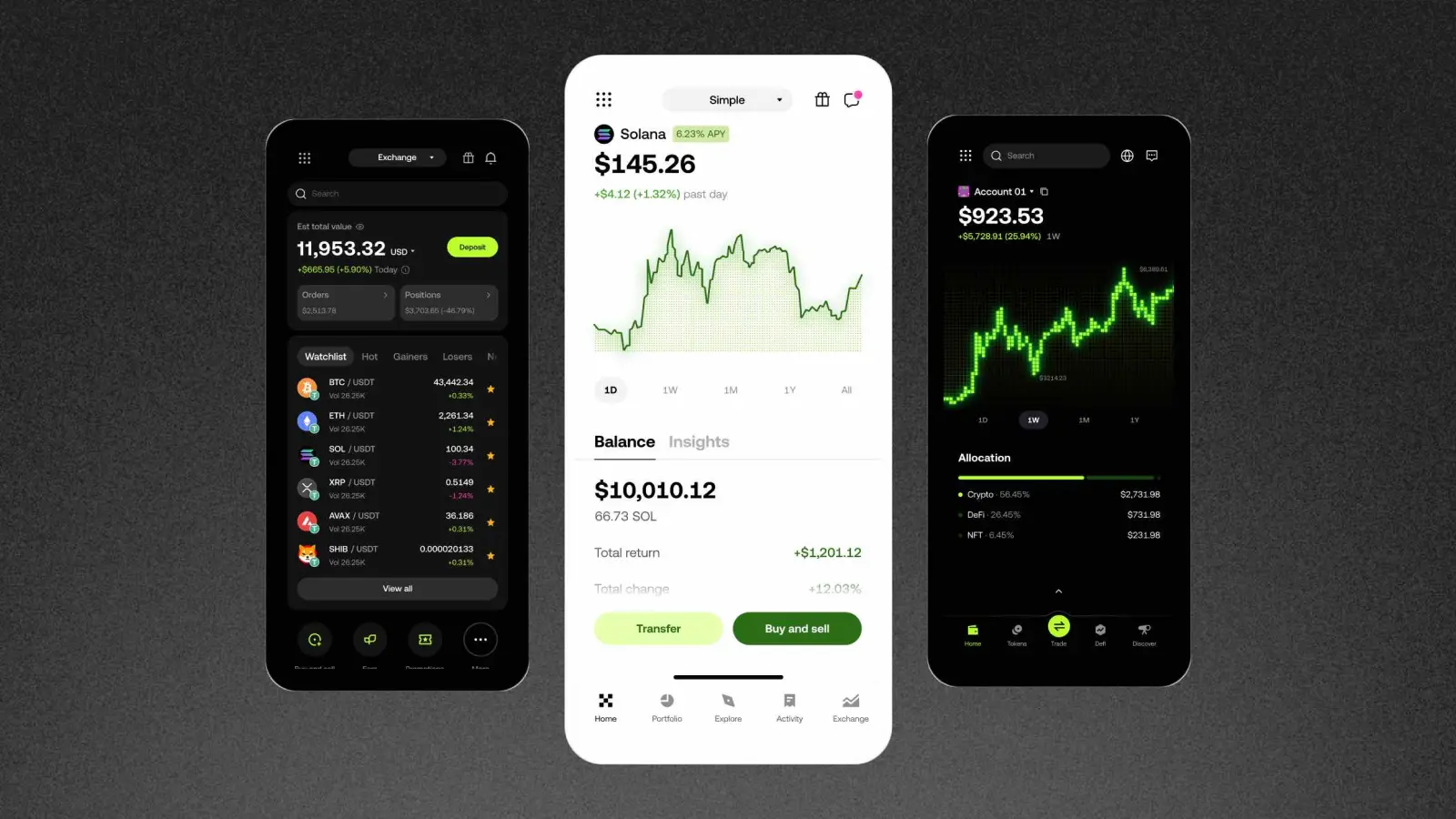
Atomic Wallet brings supported crypto assets together in our desktop and mobile apps. You can receive coins from Binance, manage your balances, send payments, and exchange supported pairs without maintaining a Binance trading account.
Our wallet generates and stores key material locally on your device, with a 12-word backup phrase for recovery. Basic wallet functions do not require an exchange-style account or identity verification.
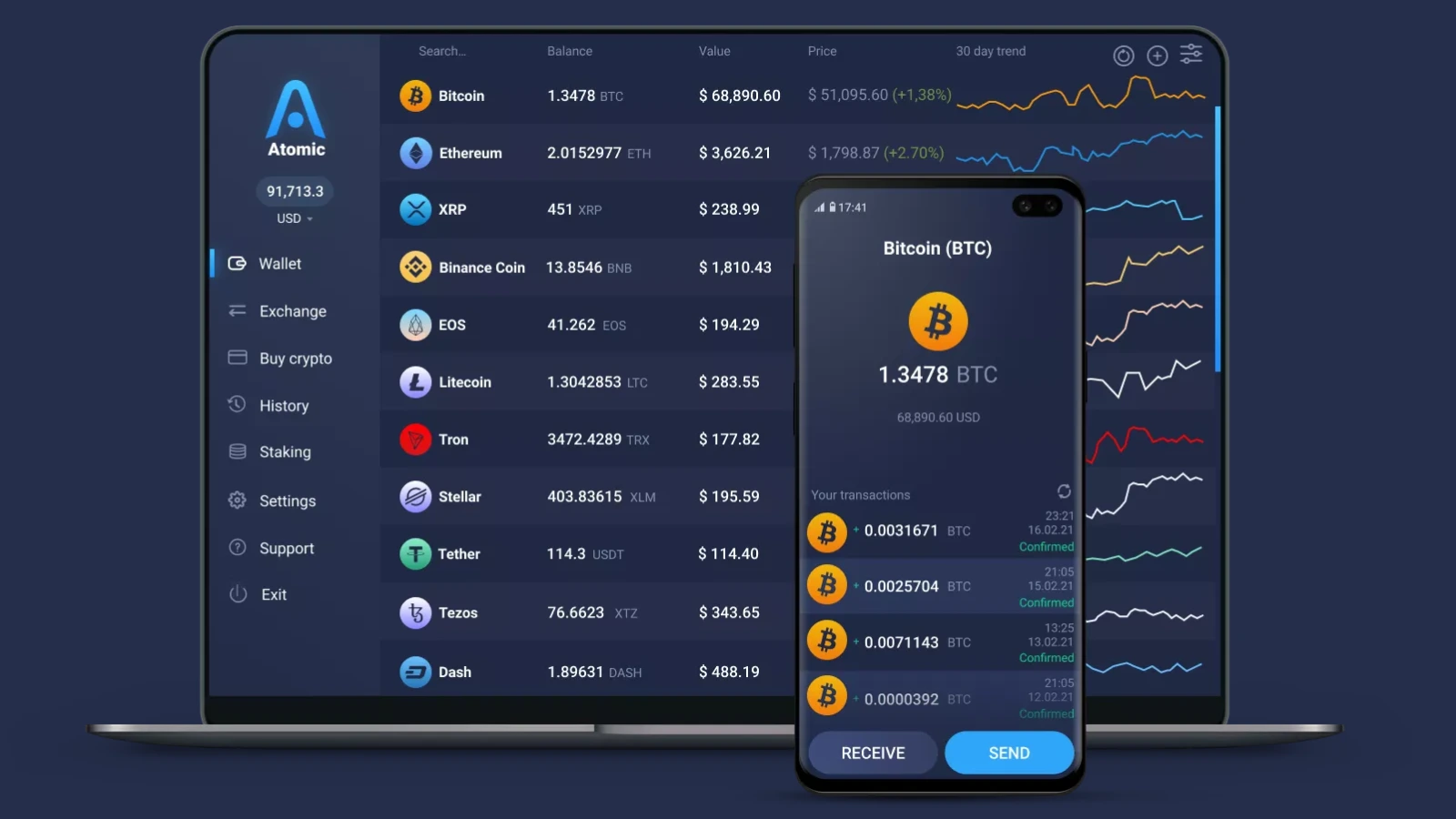
For someone replacing several everyday Binance functions, the main attractions are:
- Manage supported assets such as BTC, ETH, SOL, XRP, and USDT
- Exchange supported pairs through integrated swap providers
- Stake eligible assets and access perpetual markets through Atomic Perps
Start by checking the assets and networks you hold, then download Atomic Wallet and secure your backup before transferring funds.
You manage the wallet’s recovery credentials yourself. Swaps, purchases, and trading integrations also have their own costs, availability, and provider conditions.
Exodus
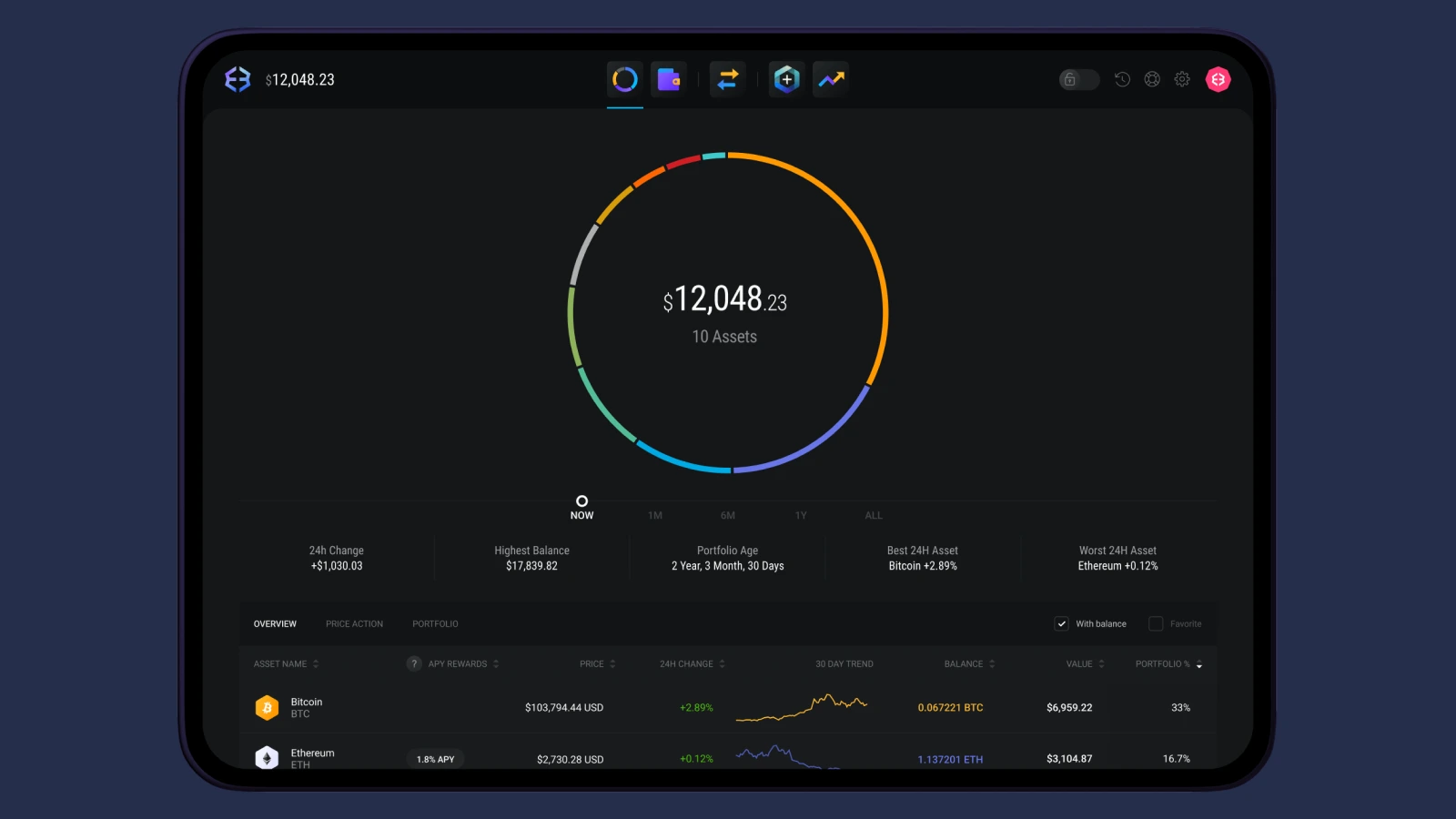
Exodus is an option for users who want a desktop or mobile wallet with portfolio management and integrated crypto services.
Recovery options include a 12-word secret key, with a passkey backup option available in Exodus Mobile. That gives users different backup arrangements to evaluate when setting up the wallet.
For a Binance transfer, check the specific network Exodus supports and review any swap quote separately. Holding an asset and exchanging it are different functions, with different availability and costs.
Trust Wallet
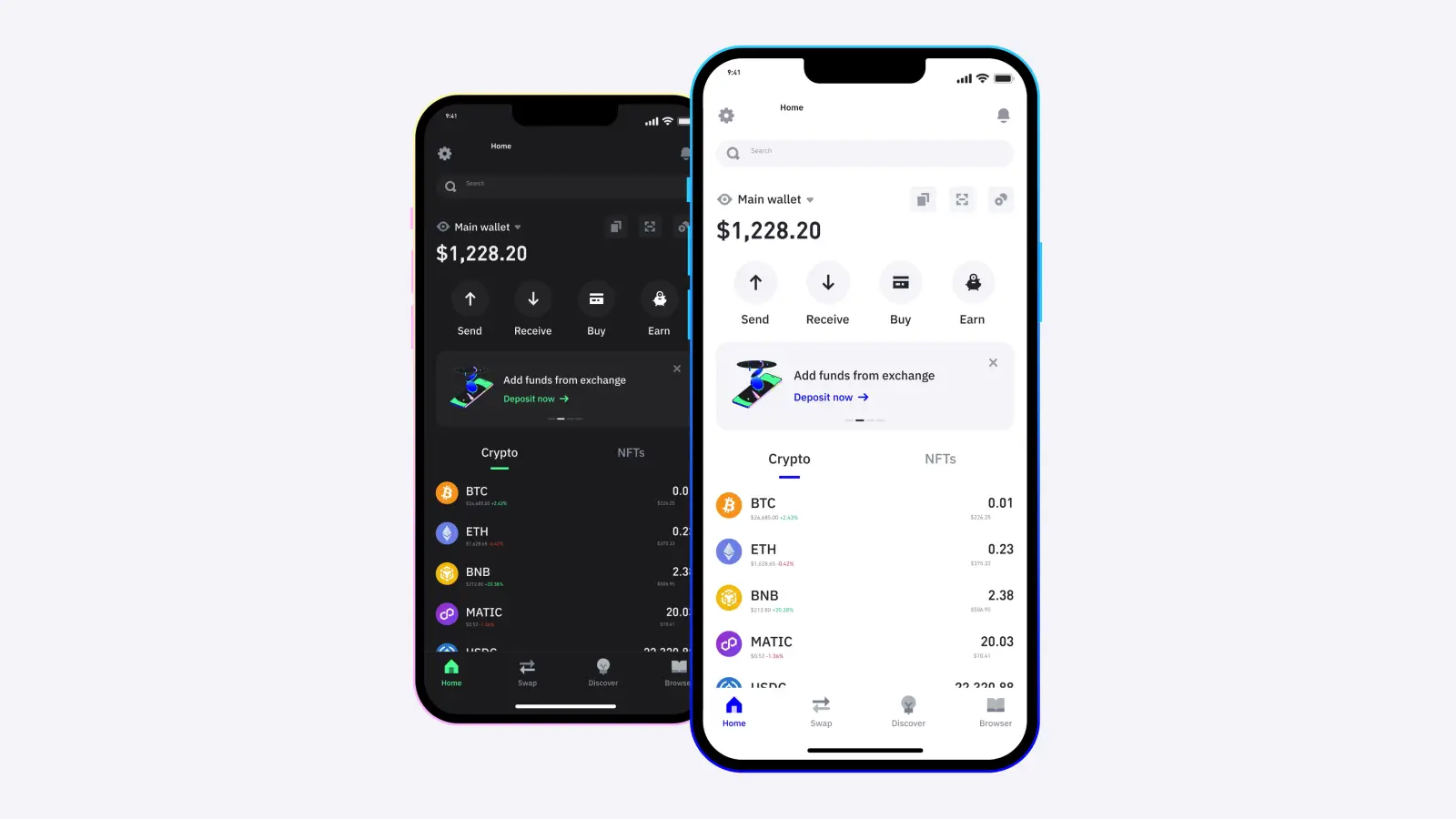
Trust Wallet suits users who prefer a mobile app or browser extension for managing crypto and accessing Web3 services. Its current product documentation lists support for more than 100 blockchains, including Bitcoin, Ethereum, BNB Smart Chain, and Solana.
It provides self-custody without requiring an account to create a wallet. Transfers, swaps, and purchases can still involve network or third-party fees.
Its historical connection to Binance deserves clarification here: Binance acquired Trust Wallet in 2018, but Binance states that it has not owned or controlled Trust Wallet through the Binance Exchange Group since May 15, 2025. Trust Wallet’s self-custody model also differs from keeping a balance on the Binance exchange.
Best Hardware Wallets for Crypto Storage
Ledger and Trezor are options for users who want a dedicated device to protect keys and approve transactions. Choose a model based on asset support, connectivity, and how easily you can review operations on its screen.
A hardware wallet separates signing from your everyday phone or computer. You still use software to prepare transactions and view balances, while the device handles the keys and confirmation process.
Ledger
Ledger suits users who want hardware storage with a choice of device formats. Its current range includes Nano devices alongside touchscreen models such as Ledger Flex and Ledger Stax. Ledger uses a Secure Element to protect key material and requires physical approval for transactions.
For someone moving a portfolio from Binance, the useful comparison is practical: does the chosen model support the assets you hold, work with your preferred phone or computer, and display transaction details clearly?
The trade-off is the purchase cost and the additional signing step. A larger screen may make reviewing transactions easier, but asset compatibility and backup management remain essential regardless of the model.
Trezor
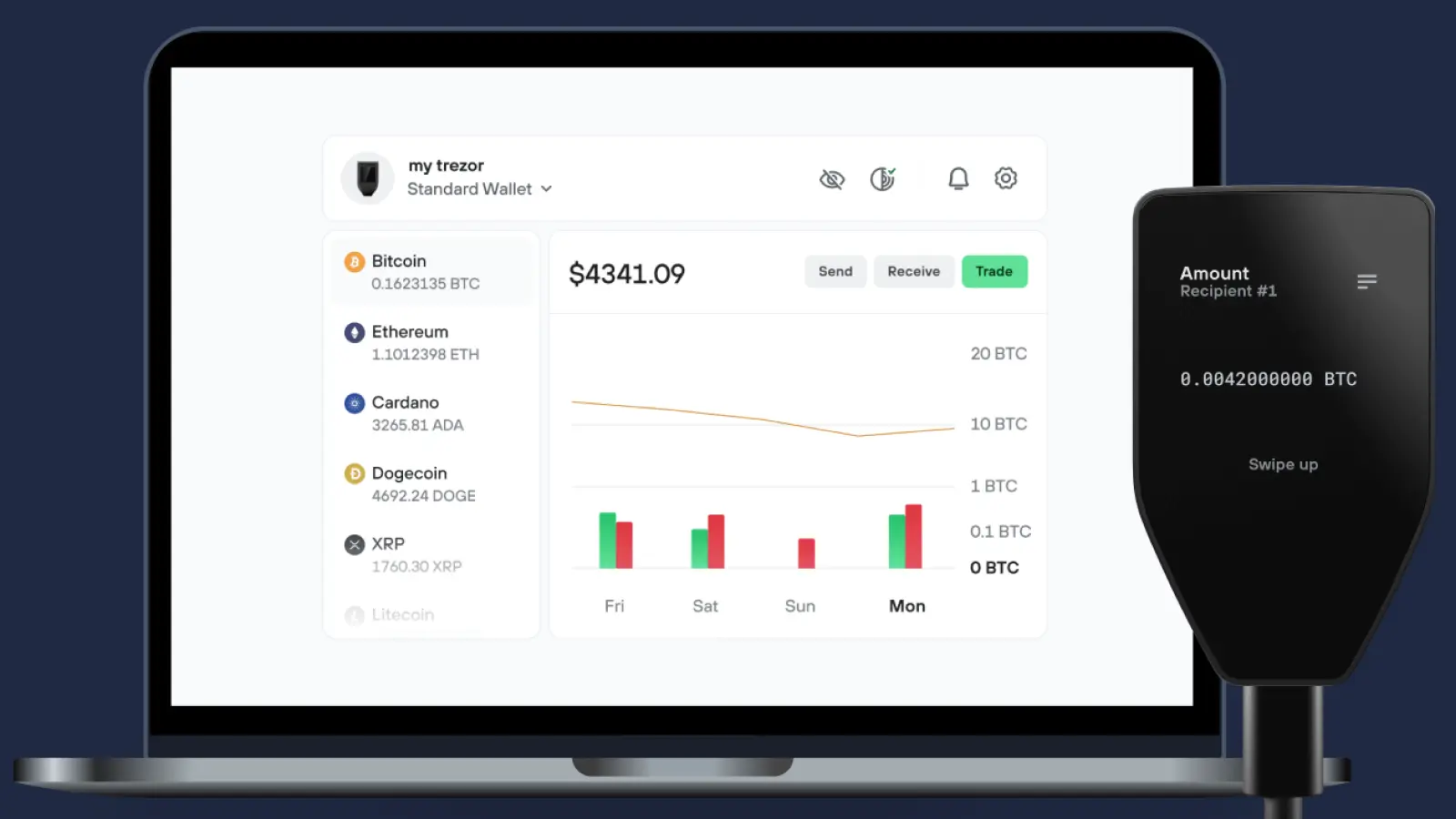
Trezor is an option for users who value open-source code and design. Its current lineup includes Trezor Safe 3, Safe 5, and Safe 7, with Trezor Suite providing the interface for managing supported assets.
Keys are generated and held on the device, and transactions require confirmation. Trezor Suite also provides access to supported purchases, swaps, and staking, with availability depending on the asset and service.
Before choosing a model, check its supported coins, connection options, and compatibility with the devices you use. Protect the recovery backup separately: replacing a lost hardware wallet depends on having the correct recovery information.
Best Binance Futures Alternatives
Atomic Perps is our first pick for accessing perpetual futures inside a wallet. Hyperliquid and dYdX offer direct trading interfaces for users who prefer to manage positions through those platforms.
Perpetual futures let you trade price movements without an expiration date. Compare the contracts you need, trading fees, funding payments, margin requirements, and regional availability before choosing where to trade.
Atomic Perps
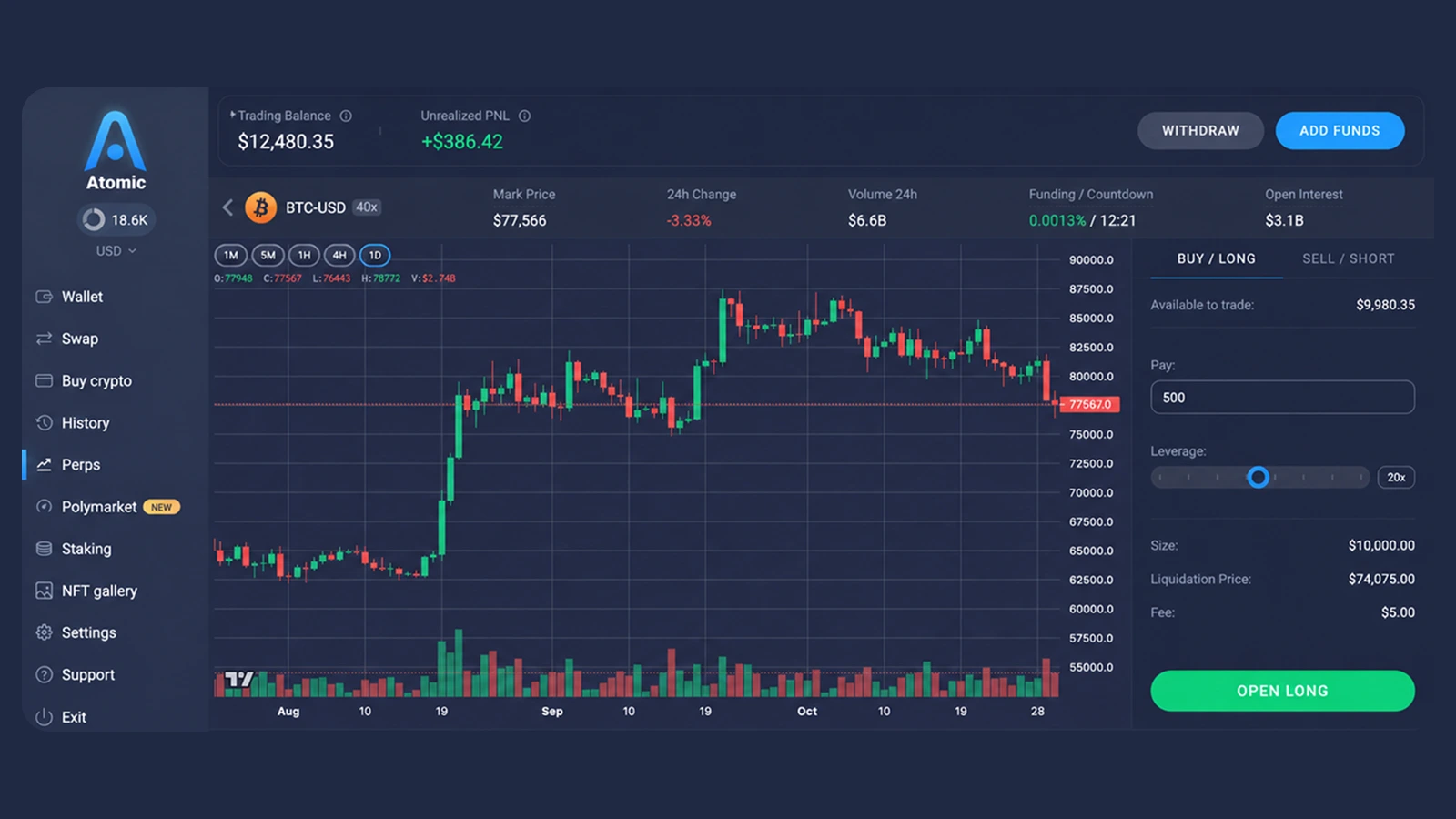
Atomic Perps brings leveraged long and short positions into our wallet interface. You can access supported markets such as BTC, ETH, and SOL alongside your other wallet functions, with execution powered by Hyperliquid.
For users replacing Binance Futures, the main benefits are:
- Access perpetual markets from the Perps section in Atomic Wallet
- Fund the trading balance through supported routes from multiple networks
- Open, monitor, and close supported positions from the same app
Our Atomic Perps guide explains the workflow. Available leverage and margin requirements depend on the market.
Trading collateral is committed to Hyperliquid’s margin system, so it should be distinguished from assets simply held at your wallet address. The integration follows the underlying protocol’s rules and eligibility requirements, as explained in our terms.
Hyperliquid
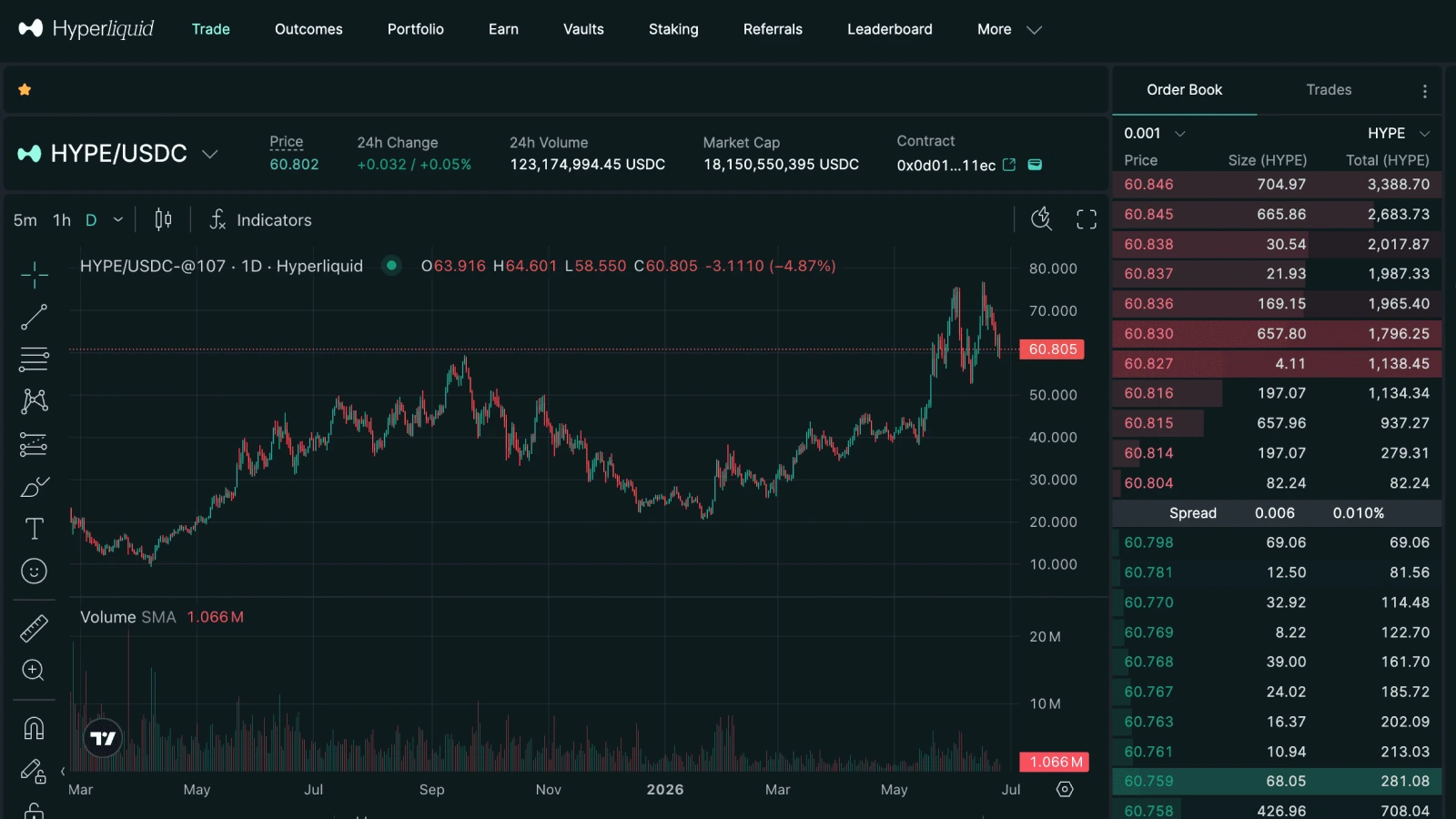
Hyperliquid’s direct interface suits users who want to work with its order book and trading controls. Its documented order types include market, limit, stop, and take-profit orders, alongside tools such as TWAP.
For its standard crypto perpetuals, funding is paid hourly. That makes the funding rate relevant when comparing the cost of holding a position.
Atomic Perps uses the same underlying venue. The choice between the interfaces therefore depends on the workflow and features you prefer.
dYdX
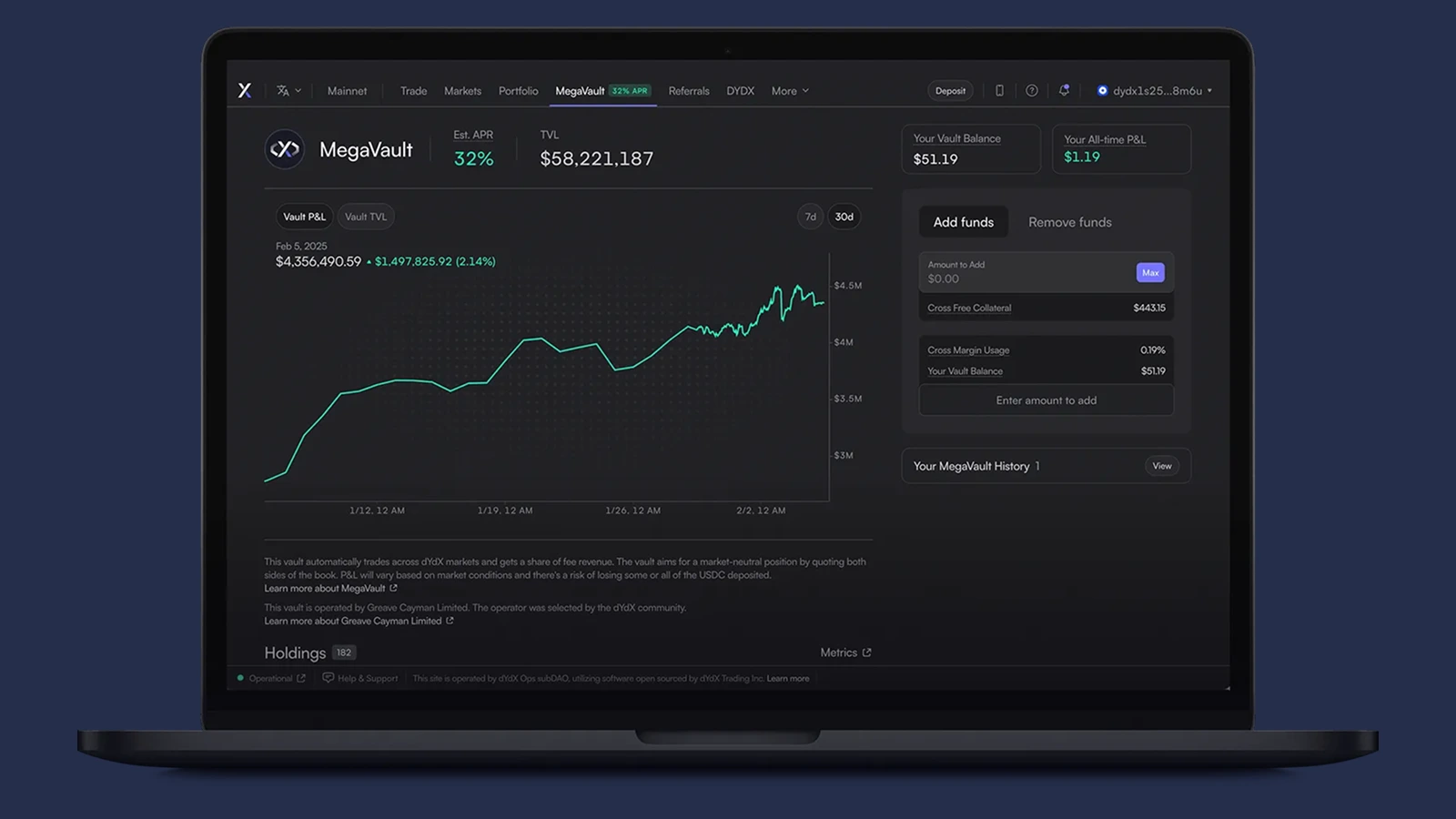
dYdX provides another perpetual trading platform, with order controls and API access for active traders. It is worth comparing if you want to evaluate a venue separate from Hyperliquid.
Check liquidity for your intended market and order size, then review the collateral, margin, funding, and withdrawal requirements. A platform’s total market count matters less than whether it supports the contract you actually trade.
Across all three options, leverage increases exposure and liquidation risk. Moving away from a centralized exchange changes custody and execution arrangements; trading risk still depends on the positions you open.
Best Binance Alternatives for Crypto Swaps
Atomic Wallet is our first pick for exchanging supported crypto pairs inside a wallet. Uniswap and Jupiter offer alternatives for users who want to connect a wallet and swap tokens on supported networks.
For any swap, compare the final amount you receive after fees, the networks involved, and the estimated execution time. A headline exchange rate alone does not show the full cost.
Atomic Wallet
Our built-in exchange lets you select a supported pair, enter an amount, review the quote, and initiate a swap from the same app you use to manage your portfolio. This makes Atomic a convenient Binance alternative when you want to exchange assets without using an exchange order book.
Swaps are handled by integrated third-party providers. Once you confirm the outgoing transaction, the assets move to the provider’s deposit address for processing, as explained in our swap documentation.
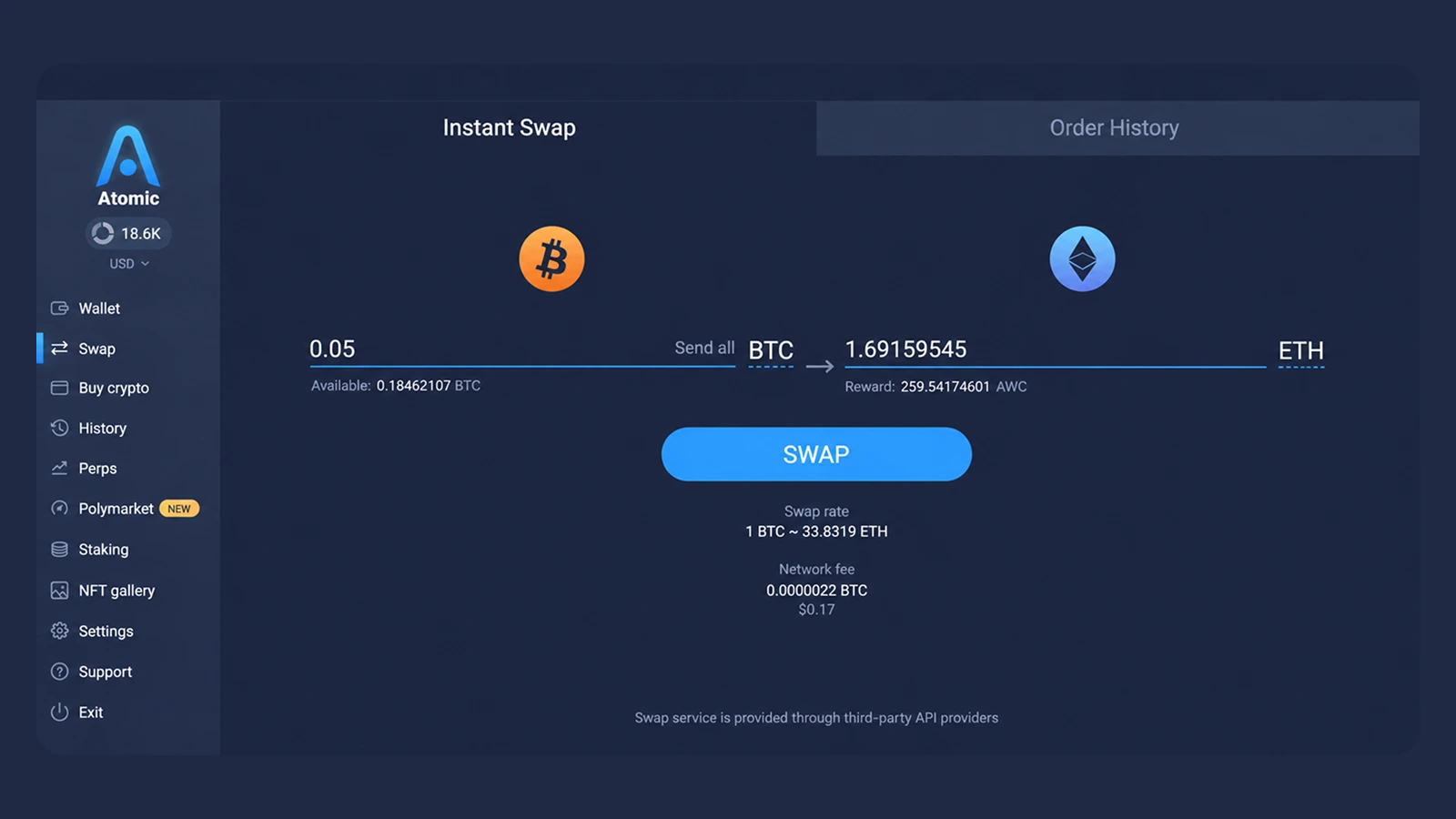
Before confirming, check:
- The exact assets and networks being exchanged
- The expected amount you will receive
- Network fees, minimum amounts, and provider conditions
Keep the order ID and outgoing transaction ID until the swap is complete. These help our support team investigate if processing takes longer than expected.
Uniswap
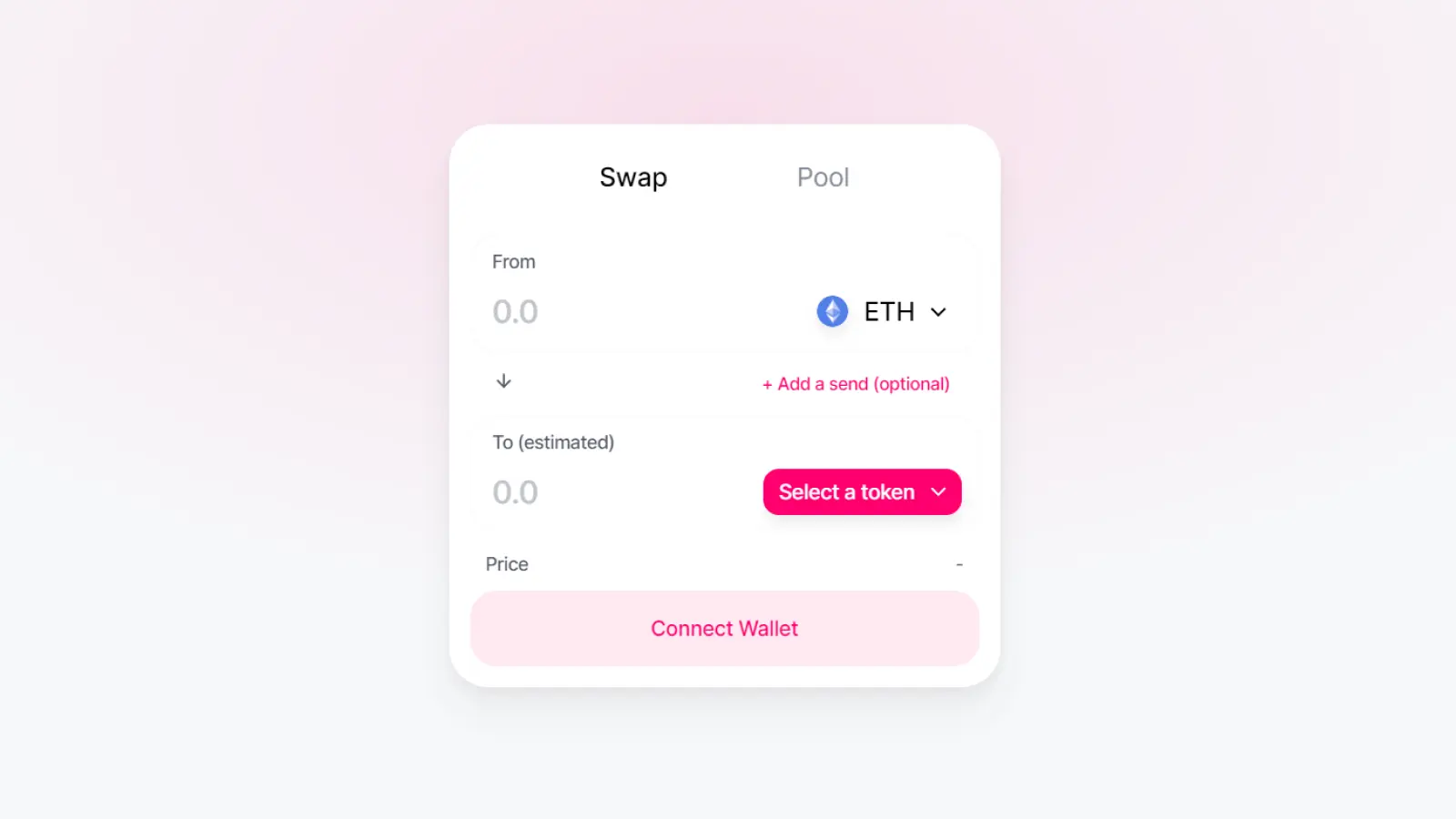
Uniswap is an option for swapping tokens through a connected wallet. Its web app workflow lets you choose tokens, review the exchange details, and approve the transaction from your wallet.
It suits users who already hold assets on supported networks and are comfortable checking token contracts and spending approvals. Keep enough of the network’s native coin for transaction fees, and review the quoted output before signing.
Jupiter
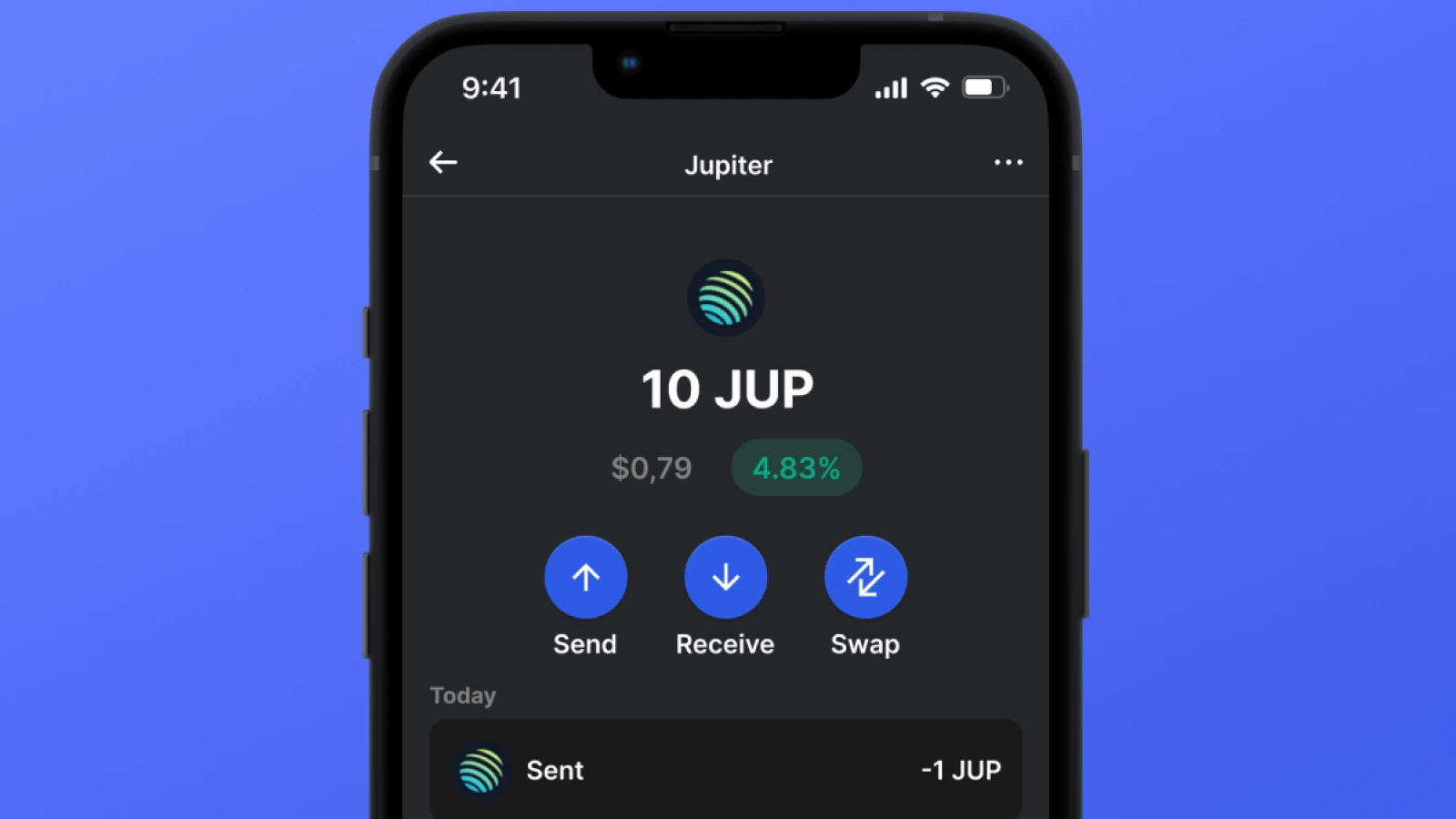
Jupiter is a relevant option for users trading within the Solana ecosystem. Its swap interface lets you connect a compatible wallet and exchange assets such as SOL and USDC.
Check the token’s mint address when several assets share a name or ticker. Review the route, expected output, and transaction costs before approving. If your funds are on another network, establish how they will reach Solana before planning the swap.
Best Binance Alternatives for Spot Trading
Kraken Pro, Coinbase Advanced, and OKX are options for users who want exchange order books, trading pairs, and control over order execution. Compare the services available in your country before opening or funding an account.
These platforms hold deposited trading balances. You can use an exchange for active orders while keeping a separate portion of your portfolio in your own wallet.
Kraken Pro
Kraken Pro is worth comparing if you want a dedicated trading interface with market and limit orders. Its spot platform also provides advanced order controls and API access.
Maker and taker charges differ, and the pricing for order-book trading differs from Kraken’s instant-buy service. Include deposit and withdrawal costs when comparing the total expense of moving from Binance.
Coinbase Advanced
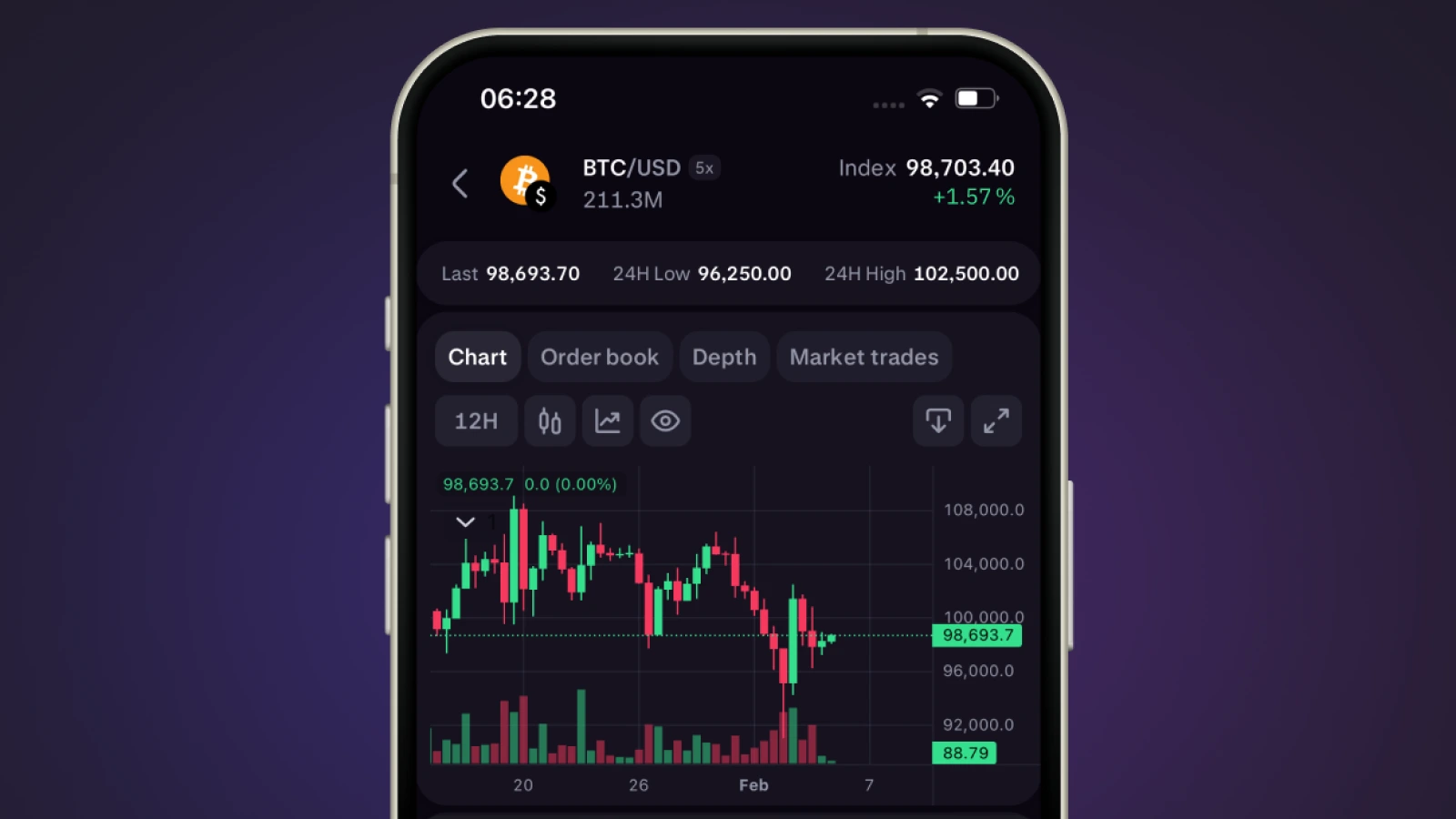
Coinbase Advanced combines order-book trading with TradingView charts, depth information, and order types including limit, stop, and bracket orders. You can access it through the Advanced toggle within Coinbase’s app or website, according to its product comparison.
It suits users who want those trading controls alongside Coinbase’s broader account interface. Review the pairs available to your account and the Advanced fee schedule; a quote from Coinbase’s basic buy screen uses a different pricing model.
OKX
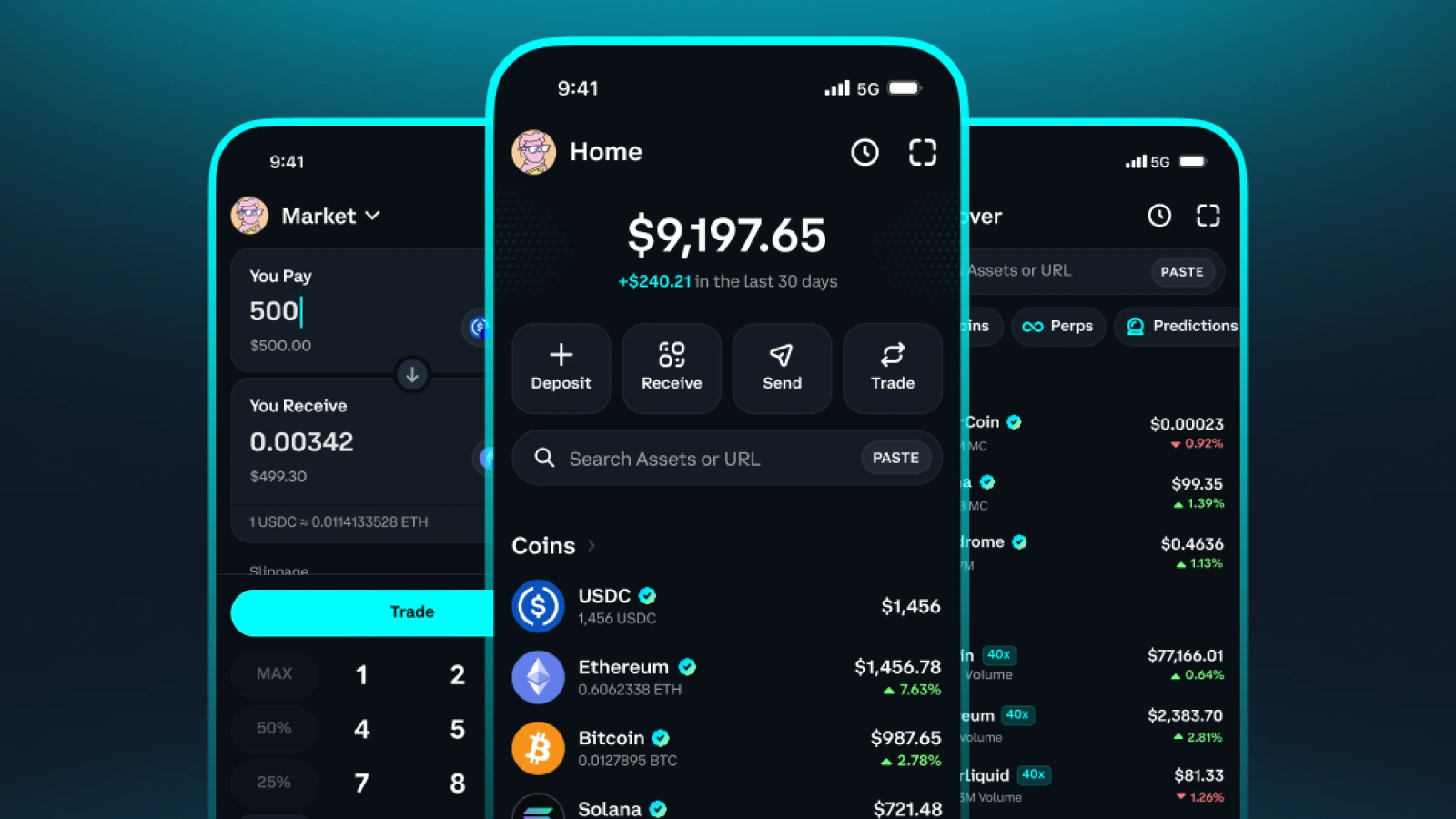
OKX is another option for spot traders who want market and limit orders with additional execution settings. Its order documentation explains controls such as post-only, which submits an order only if it can enter the book as a maker.
Available features depend on the product and account environment. Check your regional platform, supported pairs, funding methods, and withdrawal networks before transferring funds.
How to Withdraw Crypto From Binance to Atomic Wallet
To transfer crypto from Binance to Atomic Wallet, copy your receiving address, select the matching withdrawal network on Binance, and confirm the transfer. Withdrawals must be enabled for the asset and network you choose.
Binance’s October 30 update said withdrawals remained paused, with restoration expected within 48 hours. Check the latest announcement and your withdrawal screen before proceeding.
You can prepare your wallet while waiting:
- Set up Atomic Wallet — Download our app from the official download page, create a wallet, and securely record your recovery phrase offline
- Find your receiving address — Select the asset you want to receive, open its receiving details, and copy the address for the supported network
- Open Binance withdrawals — In the Binance app, go to Assets, Overview, Send, and Withdraw Asset, then select the sending account and cryptocurrency
- Enter the destination — Paste your Atomic Wallet address and select the exact network supported by that receiving asset
- Review the transfer — Check the address, network, amount, withdrawal fee, and any memo or destination tag required by the receiving address
- Send a small test amount — Complete Binance’s security verification and wait for the transfer to arrive before sending a larger balance
- Track confirmation — Check your Binance withdrawal history and use the transaction ID to follow the transfer on the relevant blockchain explorer
The Binance steps follow its official withdrawal guide. Available controls may differ between the app and website.
For tokens such as USDT, the ticker alone is insufficient: the receiving wallet must support the same network and token version. Two networks can use addresses with the same format, so an address that looks valid does not establish compatibility.
Your recovery phrase is never needed to receive a transfer. Keep it private; Binance only needs your public receiving details.
Withdrawing tokens also does not transfer open futures positions. Check which funds are available to withdraw separately from collateral supporting active trades.