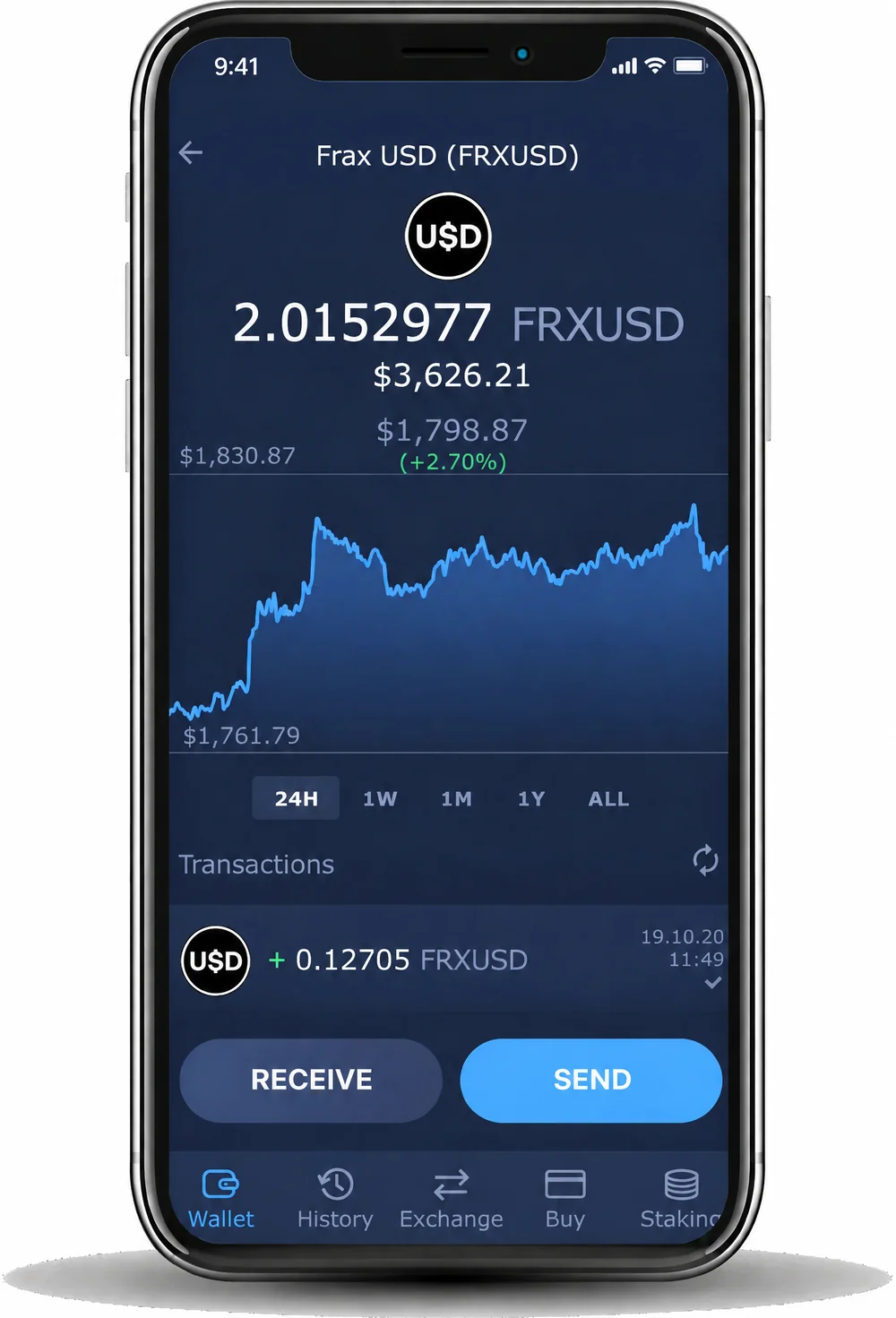
Swap FRXUSD with cashback
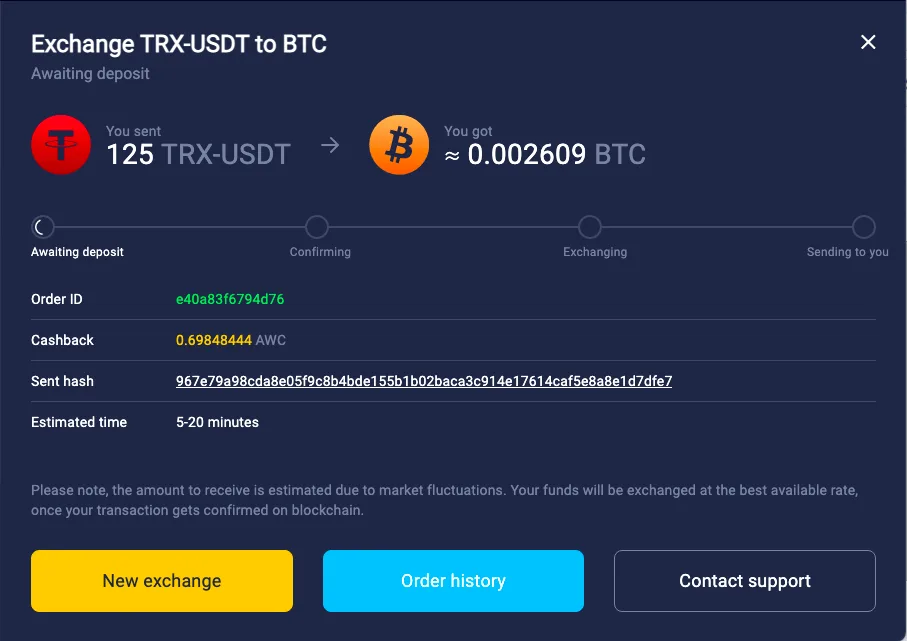
Exchange FRXUSD for 1,000+ assets right in the wallet and get up to 1% cashback.
Exchange crypto


A self-custody Frax USD (FRXUSD) wallet puts you in control of your private keys. Hold, receive, and send dollar-pegged tokens in Atomic Wallet.
Trusted by 15M+ users worldwide
 4.472.4K reviews

4.419K ratings
4.472.4K reviews
15M+users worldwide
1,000+coins and tokens
24/7live support




Exchange FRXUSD for 1,000+ assets right in the wallet and get up to 1% cashback.
Exchange cryptoInstall the app on Windows, macOS, Linux, iPhone or Android, or add the Chrome extension.
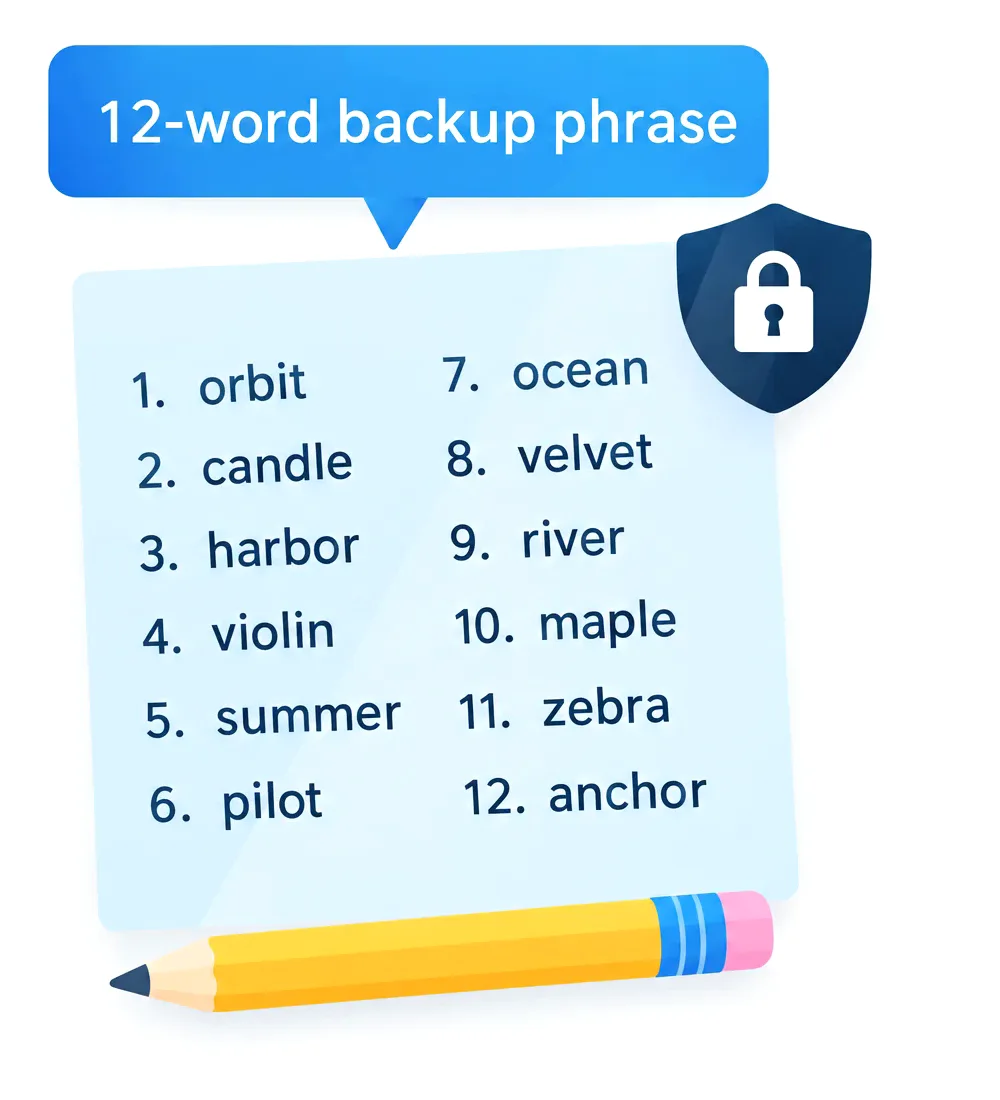
Click Create Wallet and set a strong password. To use a wallet you already have, click Restore from Backup and enter its 12 words.
Write down the backup phrase and keep it offline. It is the only way to restore your wallet. Atomic Wallet does not store it.
Select Frax USD from the list and click Receive to get your FRXUSD address. You can also swap another coin to FRXUSD.
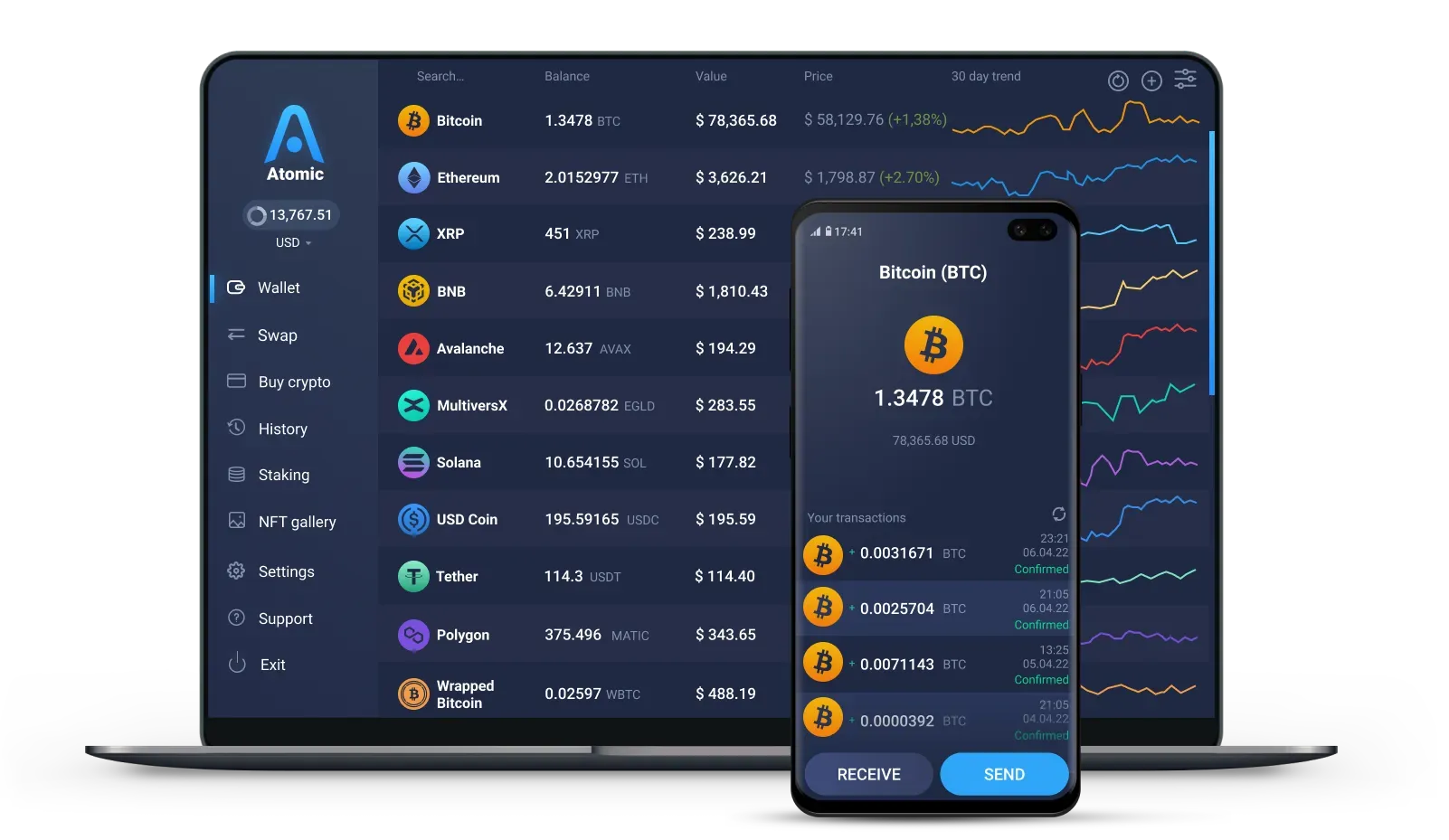
Windows 10 and 11, macOS, and Linux for Ubuntu, Debian and Fedora.

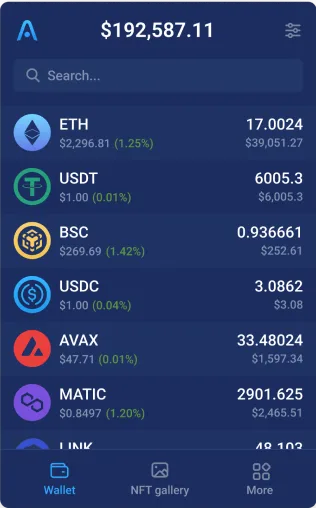
Download the app from the App Store or Google Play, or install the APK on Android.
Use Atomic Wallet in your browser. Import your wallet with the same 12 words.

Keys are encrypted and stored on your phone or computer. Atomic Wallet never has access to them.

Write the 12 words down and keep them offline. They restore your wallet on any device. Never share them.

You create a wallet without an email, a phone number or an identity check.

Set a strong password when you create the wallet. You need it to open the wallet on your device.
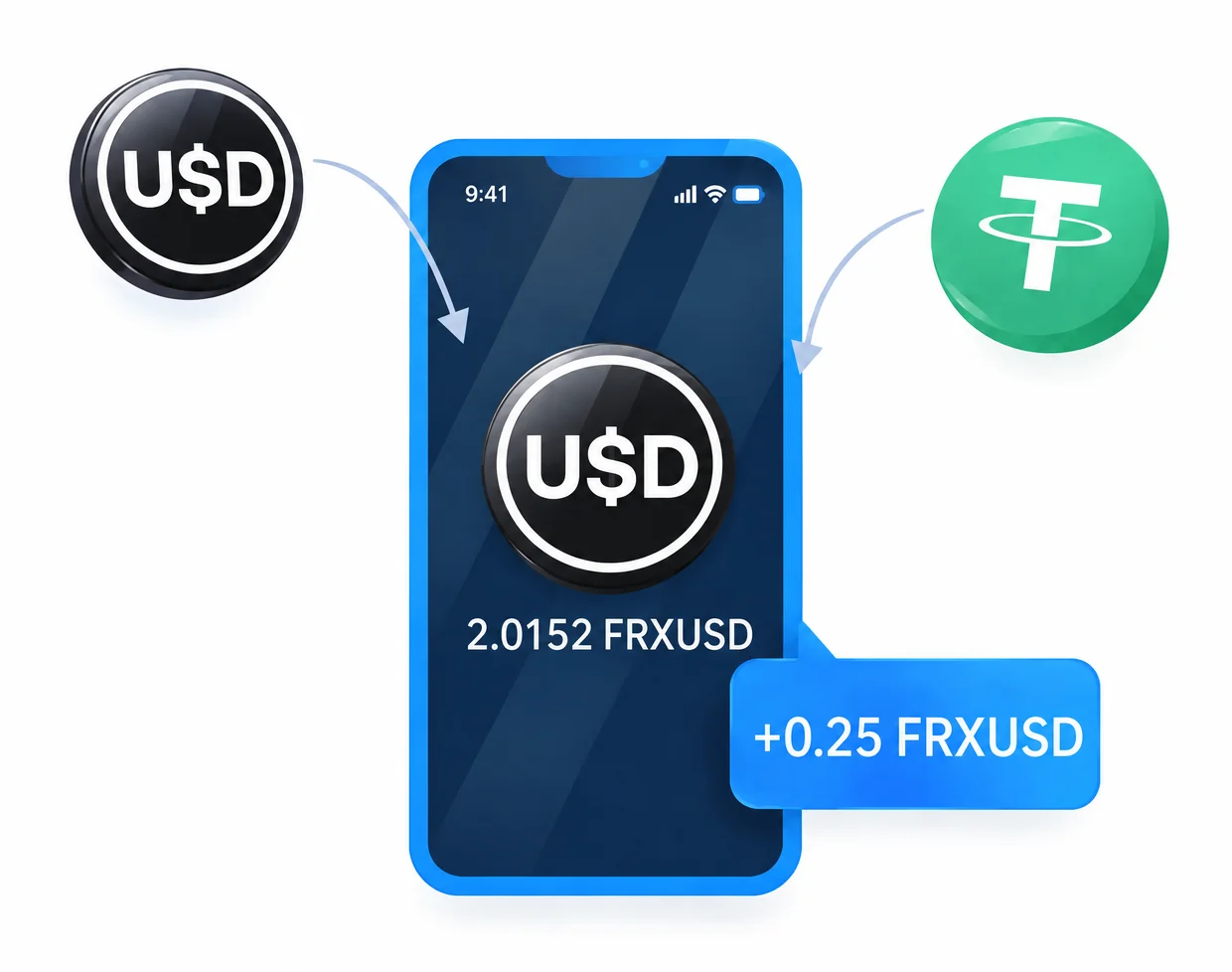


Frax USD (FRXUSD) is a fully collateralized stablecoin issued by the Frax Protocol, designed to maintain a value of one US dollar.
Its reserves include tokenized US Treasury funds and other permitted cash-equivalent assets.
The FRXUSD stablecoin supports payments, transfers, and DeFi activity across multiple blockchains, including Ethereum and Fraxtal. When choosing a Frax USD wallet, check that it supports the specific network you plan to use.
FRXUSD is backed 1:1 by permitted cash-equivalent reserves, including tokenized US Treasury funds held with regulated custodians.
These assets include BlackRock’s BUIDL and Superstate’s USTB. Frax Inc manages collateral and custodian relationships under authority delegated by the Frax DAO.
These real-world assets (RWAs) connect the stablecoin’s reserves to traditional financial instruments. Minting and redemption against reserves help support FRXUSD’s dollar peg, although its market price can fluctuate.
FRXUSD gives you a dollar-pegged asset for holding, transferring, and using funds across crypto markets.
Common uses include:
Available trading pairs and DeFi opportunities depend on the network and platform.
Frax USD is available on Ethereum, Fraxtal, Arbitrum, Base, Optimism, BNB Smart Chain, Polygon, Avalanche, Solana, and other blockchains.
Frax maintains an official list of FRXUSD networks and token contracts.
Choose a network supported by both your wallet and the receiving platform. FRXUSD support on Ethereum does not automatically include its versions on other chains.
For a standard transfer, select the same network at both ends. Moving FRXUSD between different blockchains requires a supported cross-chain route. Fees depend on the network, so keep enough of its gas asset to complete your transaction.
To store and transfer FRXUSD, use a wallet that supports the token on your chosen blockchain.
The sending and receiving networks must match.
Atomic Wallet keeps your private keys encrypted on your device, so your FRXUSD stays under your control and not on an exchange account. To restore the wallet on a new phone or computer, you need its 12-word backup phrase. Keep it offline and never share it.
FRAX token, previously FXS, is the native gas asset of Fraxtal. Older references may also use FRAX for the original stablecoin, now called Legacy Frax Dollar. Check the token name, network, and contract before transferring.
FRXUSD is the base stablecoin; SFRXUSD represents a deposit in Frax’s yield vault. Vault earnings increase the amount of FRXUSD redeemable per SFRXUSD over time. Holding FRXUSD in a wallet does not automatically give you an SFRXUSD position.
You can swap supported assets for FRXUSD on decentralized exchanges such as Uniswap. Frax also offers minting routes through FraxNet. Check the token contract, network, liquidity, and fees before confirming, then send FRXUSD to a wallet that supports the same network.

60% OFF fees on your first crypto purchase
Join 1,000,000 subscribers for a weekly newsletter on the biggest crypto news and Atomic updates.
We also have a YouTube channel with crypto video guides and news
Follow Atomic Wallet on social media for future giveaways and updates
These links were created just for you
Be the first to receive the latest project updates and crypto guides



 Debian
 Fedora