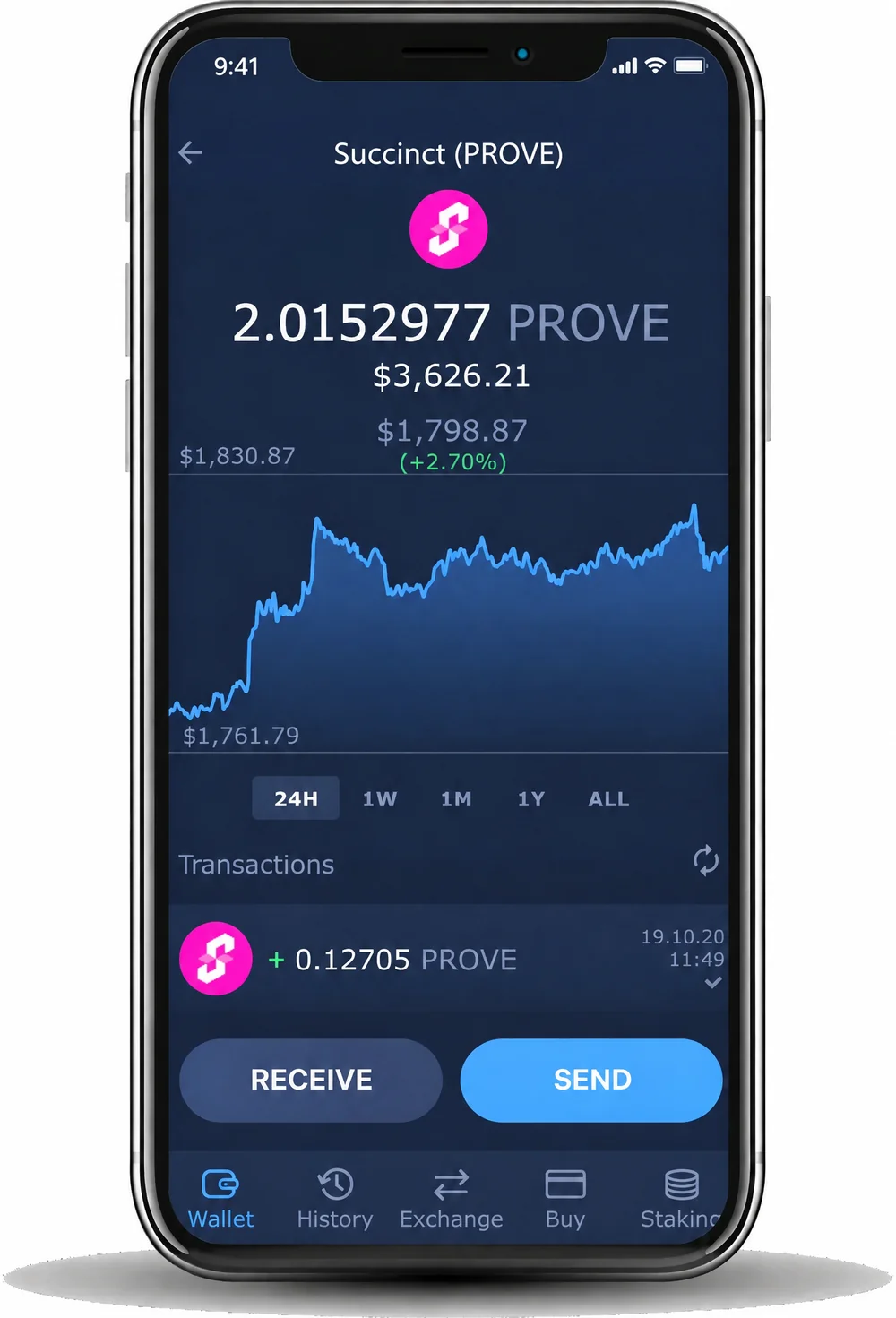
Swap PROVE with cashback
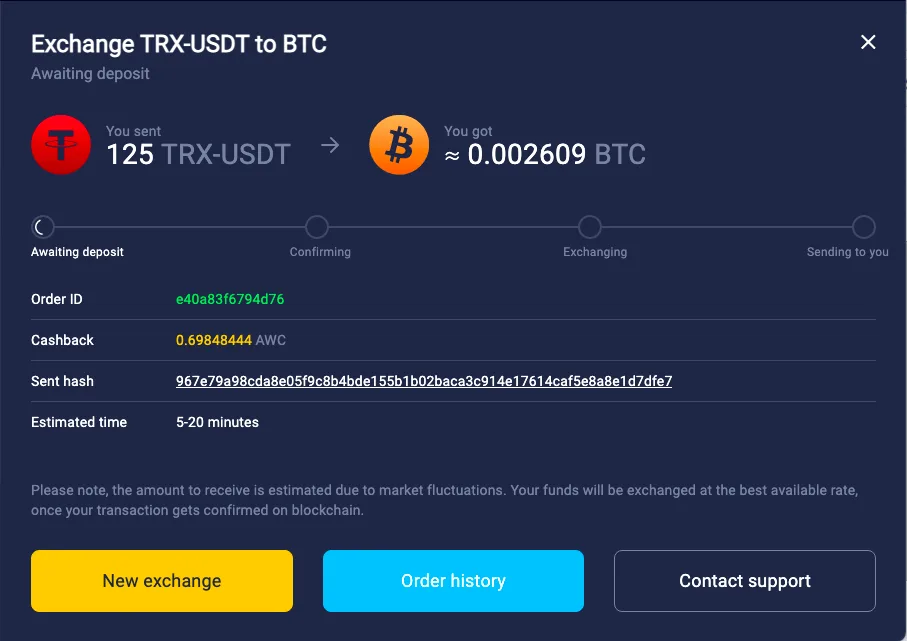
Exchange PROVE for 1,000+ assets right in the wallet and get up to 1% cashback.
Exchange crypto


Hold PROVE, the ERC-20 token of the Succinct Prover Network, in a wallet that keeps your keys on your device and lets you send, receive and swap it.
Trusted by 15M+ users worldwide
 4.472.4K reviews

4.419K ratings
4.472.4K reviews
15M+users worldwide
1,000+coins and tokens
24/7live support




Exchange PROVE for 1,000+ assets right in the wallet and get up to 1% cashback.
Exchange cryptoInstall the app on Windows, macOS, Linux, iPhone or Android, or add the Chrome extension.
Click Create Wallet and set a strong password. To use a wallet you already have, click Restore from Backup and enter its 12 words.
Write down the backup phrase and keep it offline. It is the only way to restore your wallet. Atomic Wallet does not store it.
Select Succinct from the list and click Receive to get your PROVE address. You can also swap another coin to PROVE.
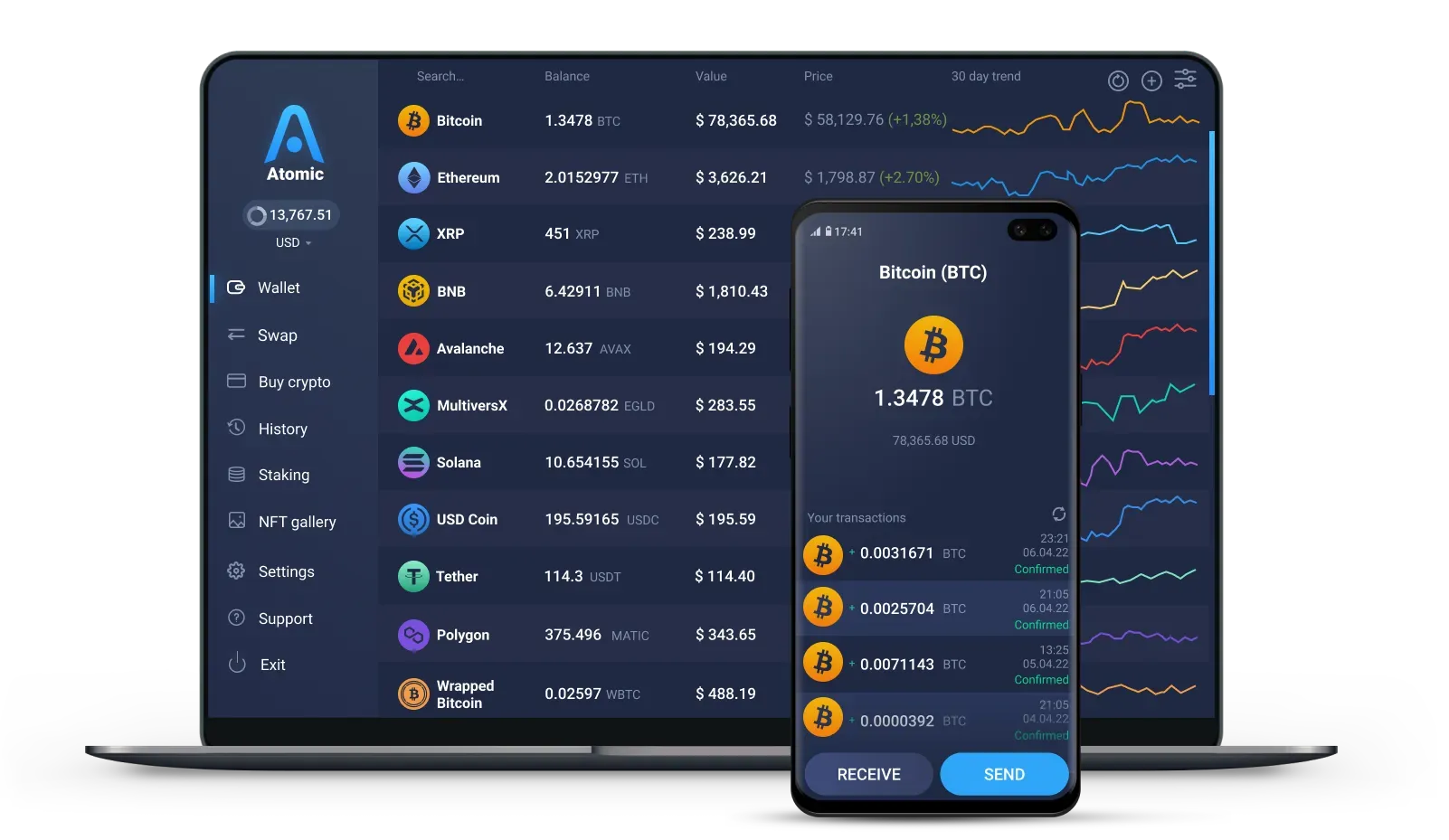
Windows 10 and 11, macOS, and Linux for Ubuntu, Debian and Fedora.

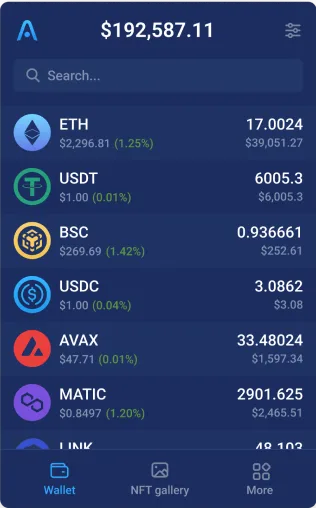
Download the app from the App Store or Google Play, or install the APK on Android.
Use Atomic Wallet in your browser. Import your wallet with the same 12 words.

Keys are encrypted and stored on your phone or computer. Atomic Wallet never has access to them.

Write the 12 words down and keep them offline. They restore your wallet on any device. Never share them.

You create a wallet without an email, a phone number or an identity check.

Set a strong password when you create the wallet. You need it to open the wallet on your device.
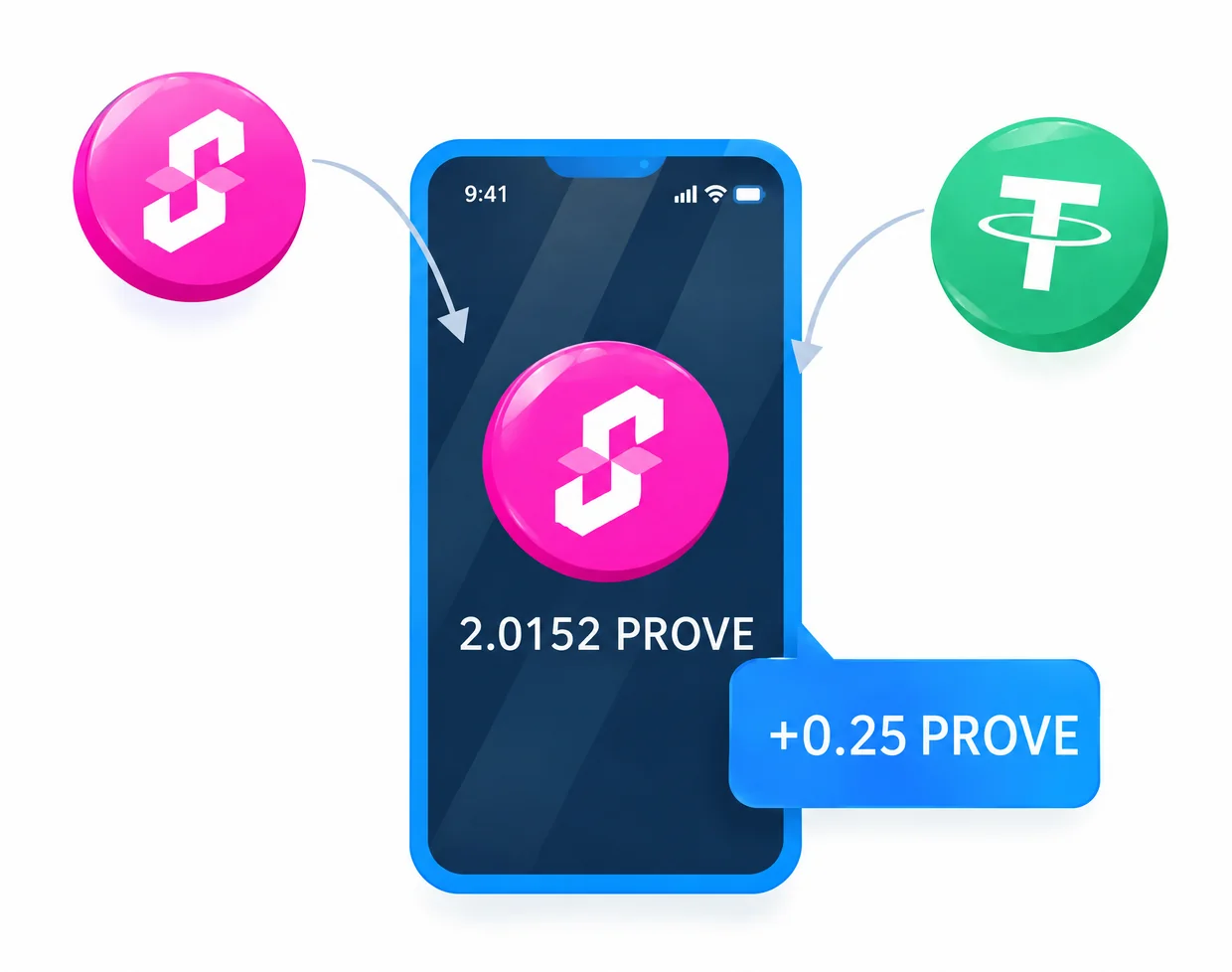


Succinct is an applied cryptography company that builds infrastructure for zero-knowledge proofs. Its SP1 zkVM lets developers write programs in languages such as Rust and generate proofs for them.
The Succinct Prover Network is a marketplace on Ethereum where applications post proof requests and independent provers compete to fulfill them.
Applications pay for proofs with PROVE. Provers stake PROVE to take part in proof auctions, and anyone can delegate stake to a prover and earn a share of the fees.
At first a security council sets the network parameters. Over time, provers are expected to vote on changes with their stake.
The Succinct Prover Network launched on mainnet on August 5, 2025, and the PROVE token was activated at the same time. The total supply is 1 billion PROVE.
PROVE is an ERC-20 token on Ethereum with the contract address 0x6BEF15D938d4E72056AC92Ea4bDD0D76B1C4ad29. The token also has a separate contract on BNB Smart Chain, so check the network and the contract before you buy or deposit PROVE.
As an ERC-20 token, PROVE uses your Ethereum address and needs ETH for gas.
Atomic Wallet keeps your private keys encrypted on your device, so your PROVE stays under your control and not on an exchange account. To restore the wallet on a new phone or computer, you need its 12-word backup phrase. Keep it offline and never share it.
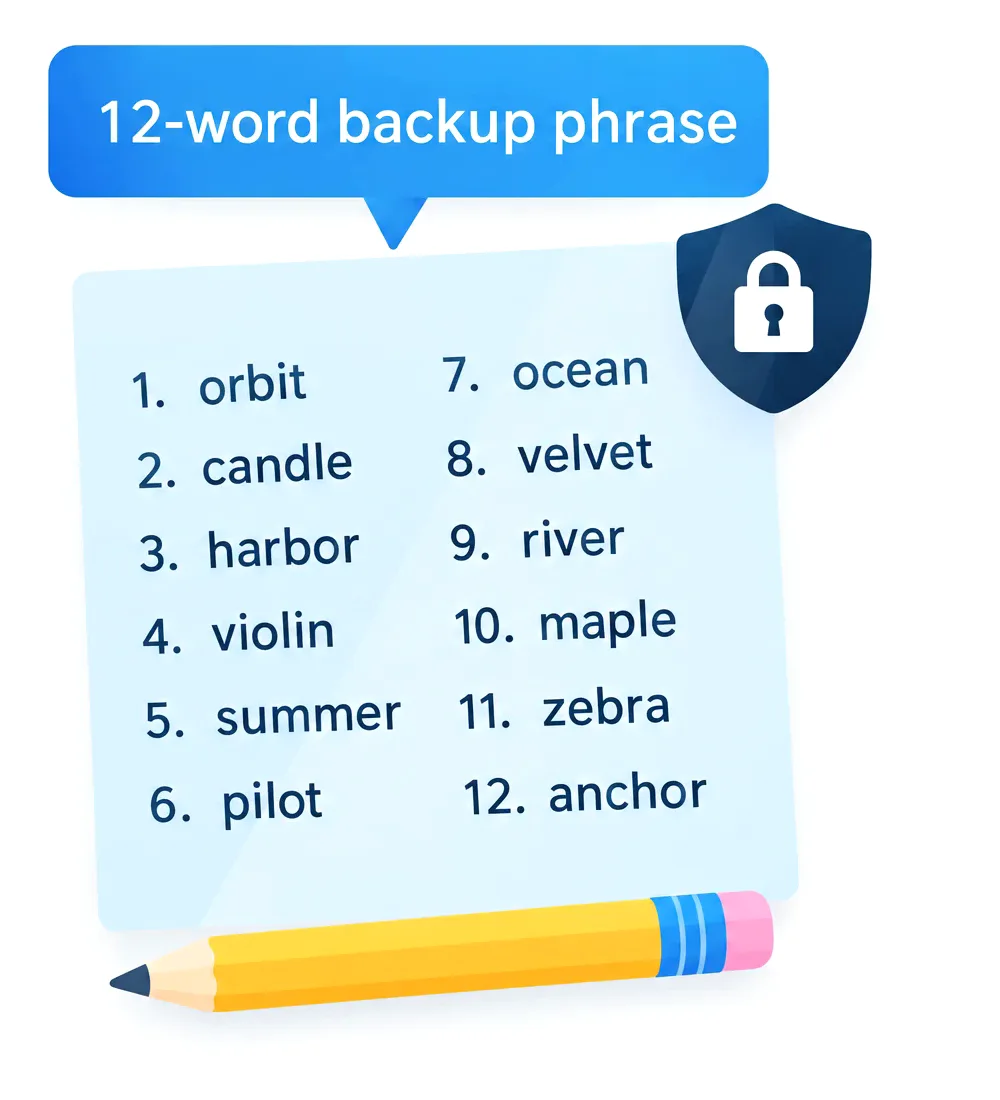
Install Atomic Wallet, create a new wallet and save the 12-word backup phrase. Find PROVE in the asset list and click Receive to see your address. It is the same address as your ETH.
PROVE is an ERC-20 token on Ethereum. Choose Ethereum (ERC-20) when you withdraw PROVE from an exchange to Atomic Wallet.
Every transaction on Ethereum pays its network fee in ETH. The fee can't be paid in PROVE, so keep a small amount of ETH next to your tokens.
The official PROVE contract on Ethereum is 0x6BEF15D938d4E72056AC92Ea4bDD0D76B1C4ad29.
Applications pay provers with PROVE, and provers stake it to join proof auctions. Holders can delegate stake to a prover and share its fees.
Yes. PROVE can be swapped for other coins right in the app, and other coins can be swapped to PROVE.

60% OFF fees on your first crypto purchase
Join 1,000,000 subscribers for a weekly newsletter on the biggest crypto news and Atomic updates.
We also have a YouTube channel with crypto video guides and news
Follow Atomic Wallet on social media for future giveaways and updates
These links were created just for you
Be the first to receive the latest project updates and crypto guides




 Debian
 Fedora