How to Send Bitcoin to Another Wallet: Step-by-Step Guide
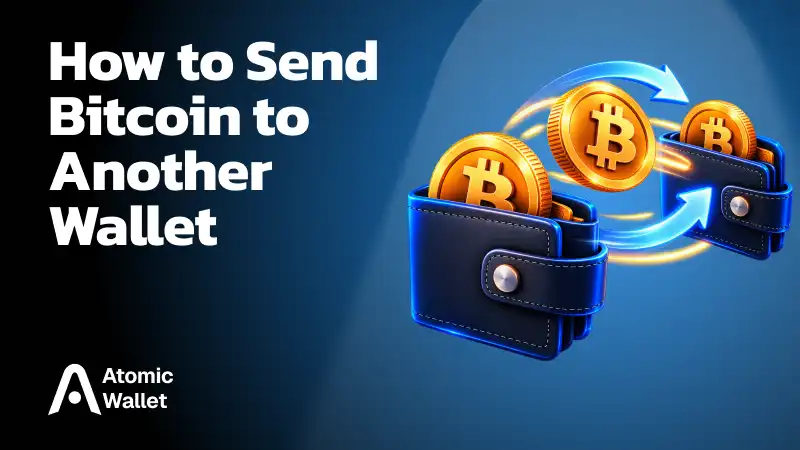
To send Bitcoin to another wallet, you need the recipient’s BTC address, enough Bitcoin to cover the transfer and network fee, and a wallet or exchange that supports BTC withdrawals.
The process only takes a few steps, but the details matter. Bitcoin transactions are generally irreversible once confirmed, so check the address, network, amount, and fee before sending.
How to Send Bitcoin to Another Wallet: Step by Step
To send Bitcoin to another wallet, enter the recipient’s BTC address, choose the amount, review the network fee, and confirm the transaction.
- Get the BTC address — Copy the recipient’s Bitcoin address or scan their QR code
- Open Bitcoin Wallet and tap Send — On an exchange, this option is usually called Withdraw
- Paste the address — Check the first and last characters before continuing
- Enter the amount — Make sure enough BTC remains available to cover the network fee
- Review the fee — A higher fee can help the transaction confirm faster when the network is busy
- Check and confirm — Verify the address, amount, network, and fee before sending
For a large transfer or a new address, consider sending a small test amount first. Once the transaction is broadcast, you can track it using its transaction ID (TXID).
Sending Bitcoin From a Wallet vs. an Exchange
Sending Bitcoin from a wallet and withdrawing BTC from an exchange follow the same basic flow, but exchanges usually add more checks, limits, and network options.
If you are withdrawing to a standard Bitcoin wallet, select the native Bitcoin network unless the receiving platform explicitly instructs you otherwise.
How Much Does It Cost to Send Bitcoin?
The cost of sending Bitcoin depends mainly on transaction size and current network demand, not on how much BTC you are sending.
Bitcoin fees are paid to miners for including transactions in a block. When the network is busy, users compete for limited block space, which can push fee rates higher.
- Higher fee — Usually gives the transaction a better chance of confirming sooner
- Lower fee — Can save money, but may leave the transaction pending longer
- More inputs — Can make a transaction larger and more expensive, even if the BTC amount is small
Some wallets let you adjust the fee before sending. Exchanges may instead charge a fixed or dynamically calculated withdrawal fee.
Worth knowing: Sending more Bitcoin does not automatically mean paying a higher fee. Bitcoin fees depend on how much blockchain data the transaction uses, not its dollar value.
How Long Does a Bitcoin Transfer Take?
A Bitcoin transaction can be broadcast within seconds, but confirmation time depends on the fee paid and current network congestion.
A new Bitcoin block is produced roughly every 10 minutes on average, but that does not mean every transfer confirms within 10 minutes. Transactions with competitive fees may be included quickly, while lower-fee transactions can remain pending for longer during busy periods.
A transaction showing as confirmed on-chain may still take longer to appear as spendable on an exchange if that platform requires multiple confirmations.
How to Track a Bitcoin Transaction
You can track a Bitcoin transfer using its transaction ID (TXID) in a Bitcoin block explorer.
- Find the TXID — Open the transaction details in your wallet or exchange
- Copy the transaction ID — It is a unique identifier for that transfer
- Open a Bitcoin block explorer — Paste the TXID into the search field
- Check the status — You will see whether the transaction is pending, confirmed, or has multiple confirmations
A block explorer can also show the fee, sending and receiving addresses, transaction size, and confirmation history. If you sent BTC to an exchange, the transfer may already be confirmed on-chain while the exchange is still waiting for additional confirmations before crediting the balance.
Why Is My Bitcoin Transaction Pending?
A Bitcoin transaction usually stays pending because it has not yet been included in a block, often due to a low fee or heavy network traffic.
- Low transaction fee — Miners may prioritize transactions paying higher fee rates
- Network congestion — A busy mempool can increase competition for block space
- Recent broadcast — The transaction may simply be waiting for the next available block
- Exchange processing — A withdrawal may take time to be broadcast before it appears on-chain
- More confirmations required — The receiving service may show the deposit as pending even after the first confirmation
Start by checking the TXID in a block explorer. If the transaction is visible but unconfirmed, it has reached the Bitcoin network and is waiting for inclusion in a block.
Common Mistakes When Sending Bitcoin
Most Bitcoin transfer mistakes come from using the wrong address, network, amount, or fee, so the safest approach is to check every field before confirming.
- Sending to the wrong address — Bitcoin transactions are generally irreversible once confirmed
- Choosing the wrong network — Use the native Bitcoin network when sending BTC to a standard Bitcoin wallet
- Skipping the address check — Compare the first and last characters after pasting the address
- Sending the full balance — Leave enough BTC available to cover the network fee
- Using a very low fee — The transaction may remain pending longer when the network is busy
- Ignoring clipboard malware — Malware can replace a copied crypto address with another one
- Skipping a test transfer — For large amounts or a new destination, a small test transaction can reduce risk
The final review screen is the last point where you can safely catch most errors. Once the transaction is confirmed, there is usually no way to reverse it.
How to Send Bitcoin With Atomic Wallet
Atomic Wallet lets you send BTC directly from your Bitcoin wallet and review the network fee before confirming the transfer.
- Open your Bitcoin wallet — Go to BTC in Atomic Wallet
- Tap Send — Open the Bitcoin transfer screen
- Enter the recipient’s address — Paste the BTC address into the receiving field
- Enter the amount — Choose how much Bitcoin you want to send
- Review the network fee — Check the fee before sending
- Send and confirm — Tap Send, enter your password, and confirm the transaction
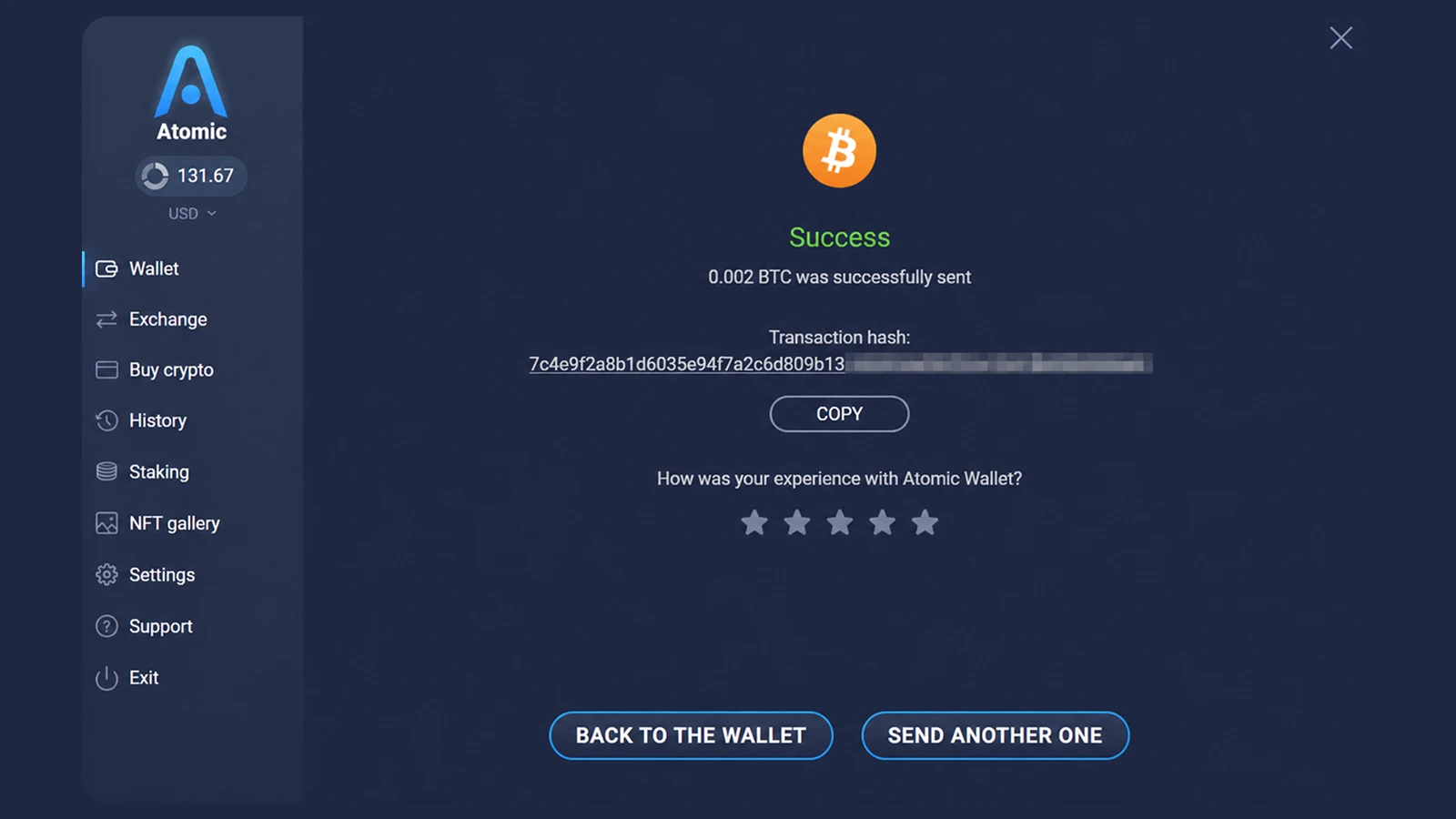
After sending, you can use the transaction hash to track the transfer on the Bitcoin network.
Ready to send BTC? Get Atomic Wallet to store, send, receive, and manage Bitcoin from one self-custody wallet.