How to Store Bitcoin?
To store Bitcoin safely, you need a wallet that protects access to your BTC and gives you the right balance of security and convenience.
You can keep Bitcoin in a mobile or desktop wallet, move it to cold storage, or leave it on an exchange. Each option works differently and comes with its own trade-offs.
In this guide, we’ll break down the main ways to store Bitcoin and when each one makes sense.
How Does Bitcoin Storage Work?
Bitcoin stays on the blockchain. A wallet stores the keys you use to access and manage it.
The basic setup is simple:
- Bitcoin address — the address you share to receive BTC
- Private key — the secret key that gives control over your Bitcoin
- Recovery phrase — a backup that can restore access to your wallet
If someone gets your private key or recovery phrase, they may be able to access your BTC. That is why Bitcoin storage is mainly about keeping these credentials secure.
Different storage methods handle this in different ways: some keep your keys on an online device, some keep them offline, and exchanges usually hold them for you.
Ways to Store Bitcoin: Quick Comparison
The main ways to store Bitcoin are software wallets, cold wallets, and crypto exchanges. The biggest differences are who controls the keys, how easy the BTC is to access, and how exposed the wallet is to online risks.
The right option depends mostly on how you use your Bitcoin. Funds you access often usually need more convenience, while long-term holdings can prioritize stronger isolation from online threats.
Why storage choice matters: Crypto theft does not target only exchanges. Chainalysis identified around 158,000 personal-wallet compromise incidents affecting at least 80,000 victims in 2025. At the same time, the $1.5 billion Bybit breach showed that large custodial platforms can also suffer catastrophic losses. The storage question is therefore less about eliminating risk and more about deciding who controls — and protects — the keys.
How to Store Bitcoin in a Mobile Wallet
To store Bitcoin in a mobile wallet, install a Bitcoin-compatible wallet, back up the recovery phrase, and send BTC to the address generated by the app.
Mobile wallets are designed for easy access from a smartphone. With a self-custody wallet, you control the wallet credentials instead of relying on an exchange to hold them for you.
This makes mobile wallets practical for receiving BTC, sending payments, and managing Bitcoin you use regularly. The trade-off is that the wallet runs on an internet-connected device, so the security of your phone and recovery phrase matters.
For larger amounts you plan to hold for a long time, cold storage may be a better fit.
How to Store Bitcoin in a Desktop Wallet
To store Bitcoin in a desktop wallet, install a wallet on your computer, back up the recovery phrase, and send BTC to the address generated by the app.
Desktop wallets work much like mobile wallets, but they are designed for use on a computer. They can be more convenient if you manage crypto mainly from a desktop and want direct control of your wallet credentials.
The main trade-off is device security. Because the wallet runs on a connected computer, malware, compromised software, or unauthorized access can put the wallet at risk.
Atomic Wallet is also available on desktop, including Windows, macOS, and several Linux distributions.
How to Store Bitcoin in a Cold Wallet
To store Bitcoin in a cold wallet, keep your private keys offline and use the wallet only when you need to sign a transaction.
The most common option is a hardware wallet — a physical device built to keep private keys isolated from your phone or computer.
Cold storage is usually better suited to Bitcoin you plan to hold for a long time. It reduces exposure to malware and other online threats, but it is less convenient for frequent transactions.
The main responsibility stays with you: the recovery phrase must be backed up securely, because losing both the wallet and its backup can mean losing access to your BTC.
How to Store Bitcoin on an Exchange
To store Bitcoin on an exchange, buy or deposit BTC into your exchange account and leave it there under the platform’s custody.
This is the easiest option for active trading because you can buy, sell, and swap Bitcoin without moving funds between wallets.
The trade-off is control. With most centralized exchanges, the platform holds the private keys, so access to your BTC depends on its security, withdrawal policies, and continued operation.
For that reason, exchanges are generally more practical for funds you plan to trade than for Bitcoin you want to keep in self-custody for the long term.
How to Store Bitcoin in Atomic Wallet
Atomic Wallet gives users a self-custody way to store and manage BTC while keeping control of their wallet credentials.
The setup is straightforward:
- Download Atomic Wallet
- Create a new wallet and set a strong password
- Write down the 12-word backup phrase and store it offline
- Open Bitcoin and copy your BTC receiving address
- Send a small test transaction first
- Confirm that the BTC arrived, then transfer the remaining amount
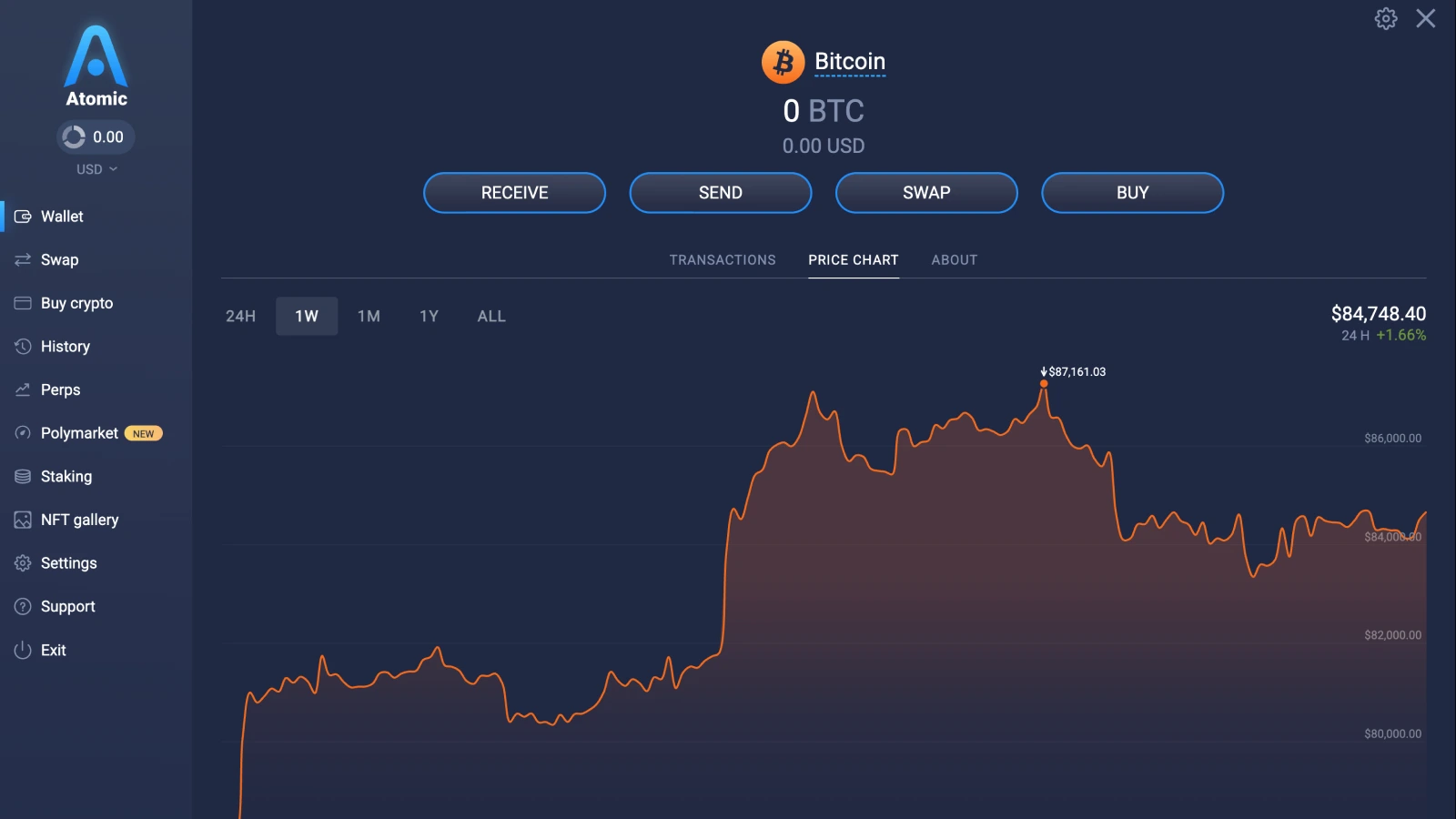
Always verify the receiving address before sending. If you are withdrawing BTC from an exchange, make sure you select the native Bitcoin network rather than a different blockchain carrying a tokenized version of BTC.
Hot vs. Cold Bitcoin Storage
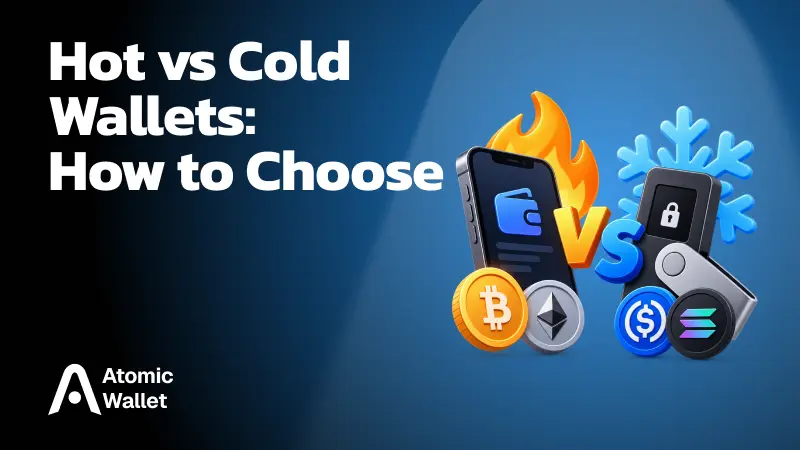
Hot storage keeps your wallet connected to the internet, while cold storage keeps private keys offline.
Hot wallets include most mobile and desktop wallets. They are easier to access and better suited to regular transactions, but their online connection creates more exposure to malware, phishing, and device attacks.
Cold wallets, usually hardware wallets or other offline setups, reduce that exposure by keeping private keys away from internet-connected devices. The trade-off is convenience: accessing and moving BTC usually takes more steps.
Custodial vs. Self-Custody Bitcoin Storage
The difference between custodial and self-custody storage is simple: either you control the keys, or a third party controls them for you.
With a self-custody wallet, you hold the recovery phrase and control access to your BTC. Mobile, desktop, and hardware wallets can all be self-custodial.
With custodial storage, such as a centralized exchange, the platform manages the private keys. This can make account recovery and trading easier, but you depend on the provider to secure and provide access to your funds.
Self-custody gives you more control, but it also means recovery and backup security are your responsibility.
How to Protect Your Bitcoin Backup
Your recovery phrase is the key backup for your wallet, so it should be protected more carefully than an ordinary password.
Follow a few basic rules:
- Keep it offline: write the phrase down instead of storing it in cloud notes, email, or screenshots
- Use more than one secure location: a second physical backup can protect against loss, fire, or device failure
- Never share it: legitimate wallet support should not need your recovery phrase
- Avoid entering it on websites: phishing pages often imitate wallet recovery screens
- Protect it physically: anyone who gets the phrase may be able to restore the wallet and access the funds
Losing a phone or computer does not necessarily mean losing your Bitcoin if the recovery phrase is safe. Losing or exposing the recovery phrase, however, can put the entire wallet at risk.
Bitcoin Storage Mistakes to Avoid
Most Bitcoin storage failures come from poor key management, unsafe transfers, or relying on the wrong storage method.
Common mistakes include:
- Keeping BTC only on an exchange: convenient, but the platform controls the keys
- Saving the recovery phrase digitally: screenshots, cloud notes, and email can expose it to malware or account compromise
- Downloading fake wallet software: always verify the official source before installing
- Sending without a test transaction: for larger transfers, confirm a small amount first
- Using the wrong network or address: Bitcoin transactions are generally irreversible once confirmed
- Making storage too complicated: an advanced setup is not safer if you cannot reliably recover it later
The goal is not maximum complexity. It is a setup you can protect, understand, and recover when needed.
What Is the Safest Way to Store Bitcoin?
For larger amounts held long term, keeping private keys offline in a hardware wallet generally provides stronger protection against remote attacks.
For BTC you access regularly, a reputable self-custody software wallet offers a better balance between control and convenience. Active traders may also keep a limited amount on an exchange, accepting the added counterparty risk.
For many users, the practical approach is to split storage by purpose: keep frequently used BTC accessible and move long-term savings into more isolated storage.